Guide · Browser audio
Five Browser Extensions That Bring an Equalizer to Chrome
Watching videos and streaming music in the browser is convenient, but built-in players rarely offer serious sound shaping. Tuning your system-wide audio driver fixes volume for every app - not just Chrome. Browser equalizer extensions let you boost bass, cut harsh highs, or load a preset only where you need it. Below we compare five popular Chrome equalizers, what each does well, and where to install them safely from the Chrome Web Store.
1. Ears: Bass Boost, EQ Any Audio!
Ears: Bass Boost, EQ Any Audio! is a straightforward extension that stays idle until you click its toolbar icon - handy if you do not want EQ processing on every tab by default. The interface leans toward bass enhancement, but you can drag frequency sliders anywhere on the panel for a custom curve.
You get a built-in visualization, movable band controls, and a per-tab enable menu so you can turn the equalizer on or off for specific sites. There is only one default profile out of the box, which may feel limited if you have never used an EQ before; a Pro upgrade unlocks a larger preset library. We recommend Ears if you mainly want stronger lows or are comfortable dialing in your own bands.
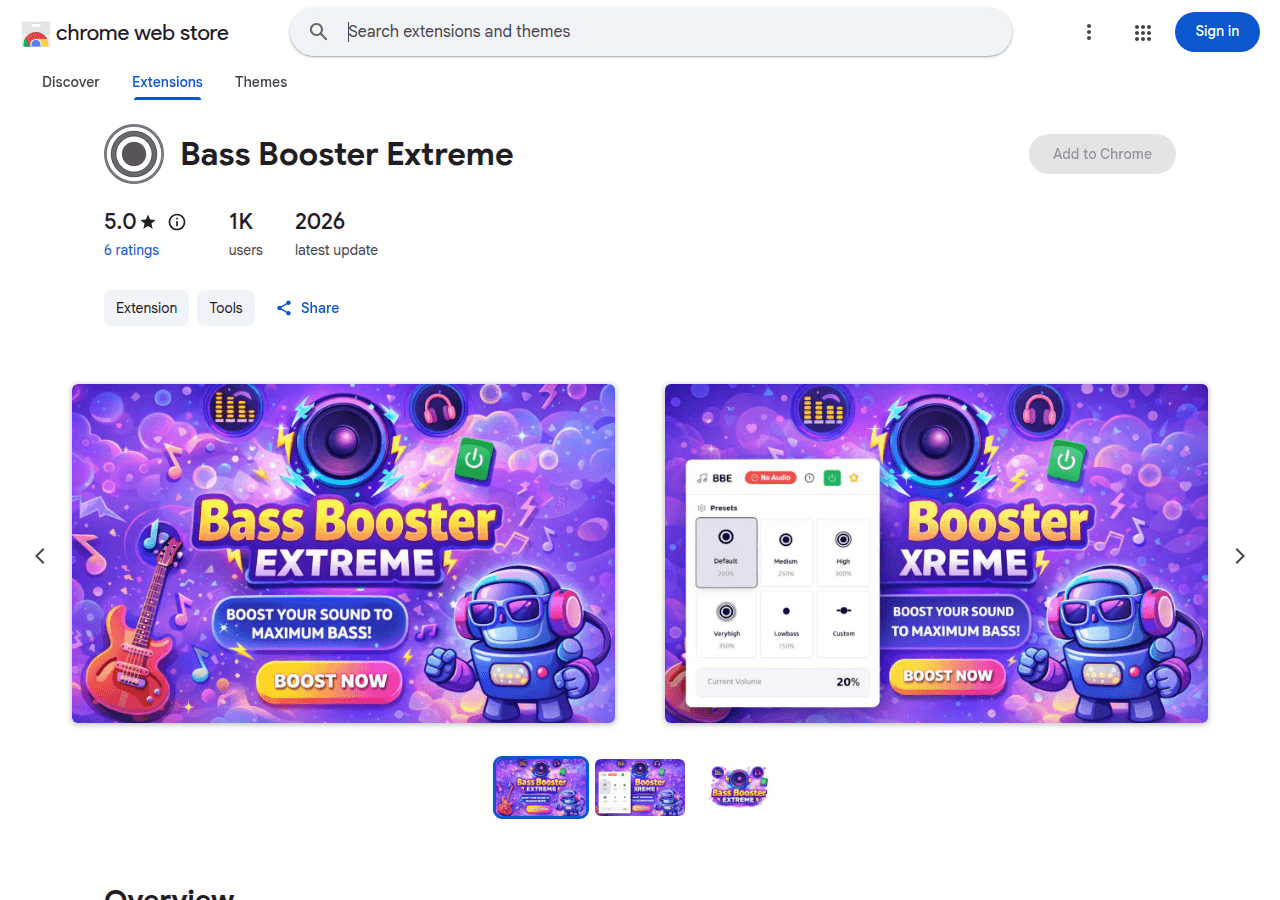
2. Equalizer for Chrome
Equalizer for Chrome (listed as Equalizer for Browser in the store) targets Google Chrome with a familiar multi-slider layout for frequency and volume. Beyond the standard bands, it adds a limiter, pitch shifter, chorus effect, and convolver - useful when you want to tame peaks or experiment with spatial color without leaving the browser.
A solid set of genre presets is included, and you can tweak sliders and save your own profiles. Note that you must activate the extension separately on each tab, which can be tedious when hopping between playlists. Installation is free from the Chrome Web Store.
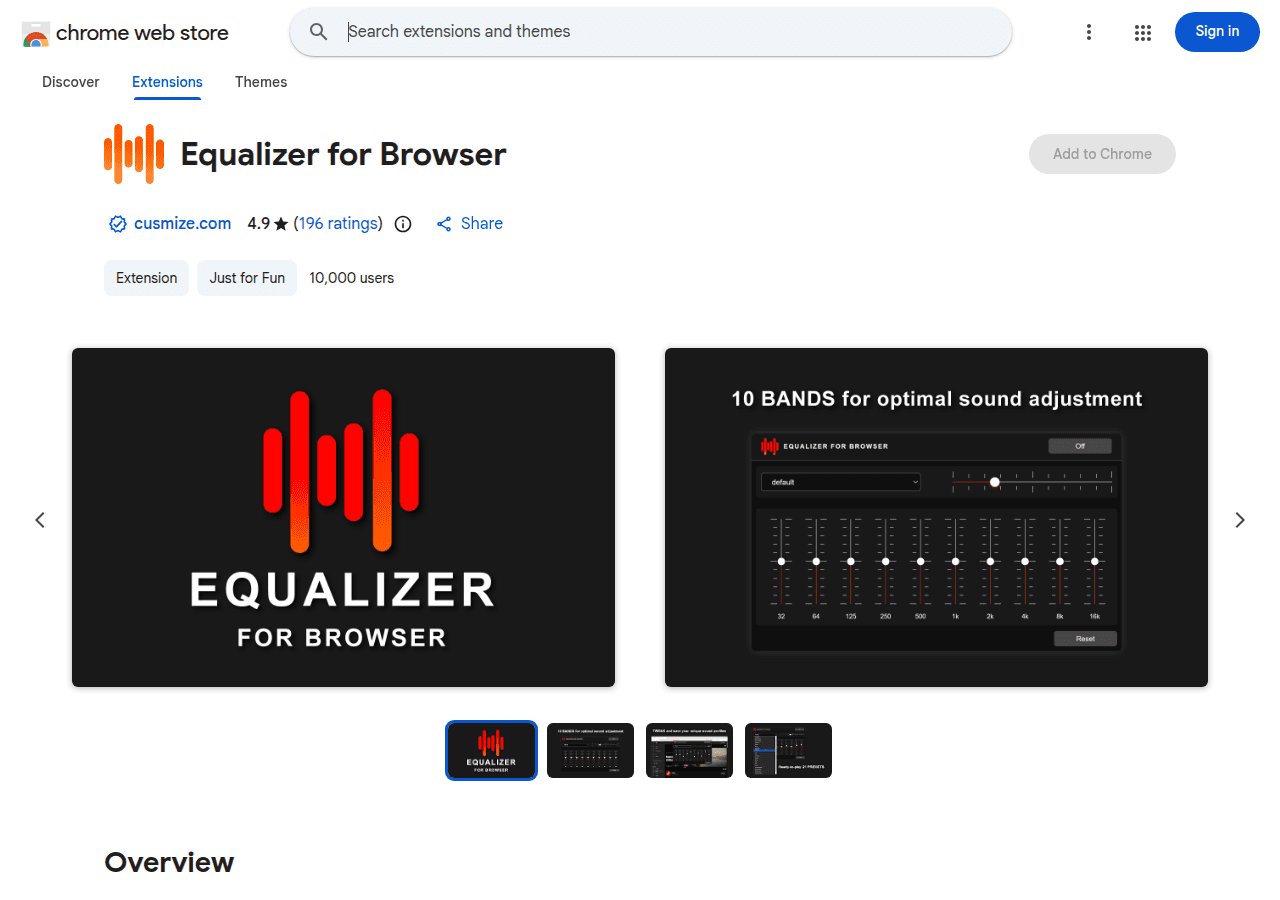
3. EQ - Audio Equalizer
EQ - Audio Equalizer covers the basics: multi-band sliders, volume boost, and a small collection of built-in profiles. It does not let you save custom presets, so when you switch tabs you may need to reset every band manually - a time sink if you rely on personalized curves.
If you only need occasional tweaks and can live with stock profiles, it still gets the job done. Power users who build and reuse their own sound profiles should look at alternatives that support saving presets.
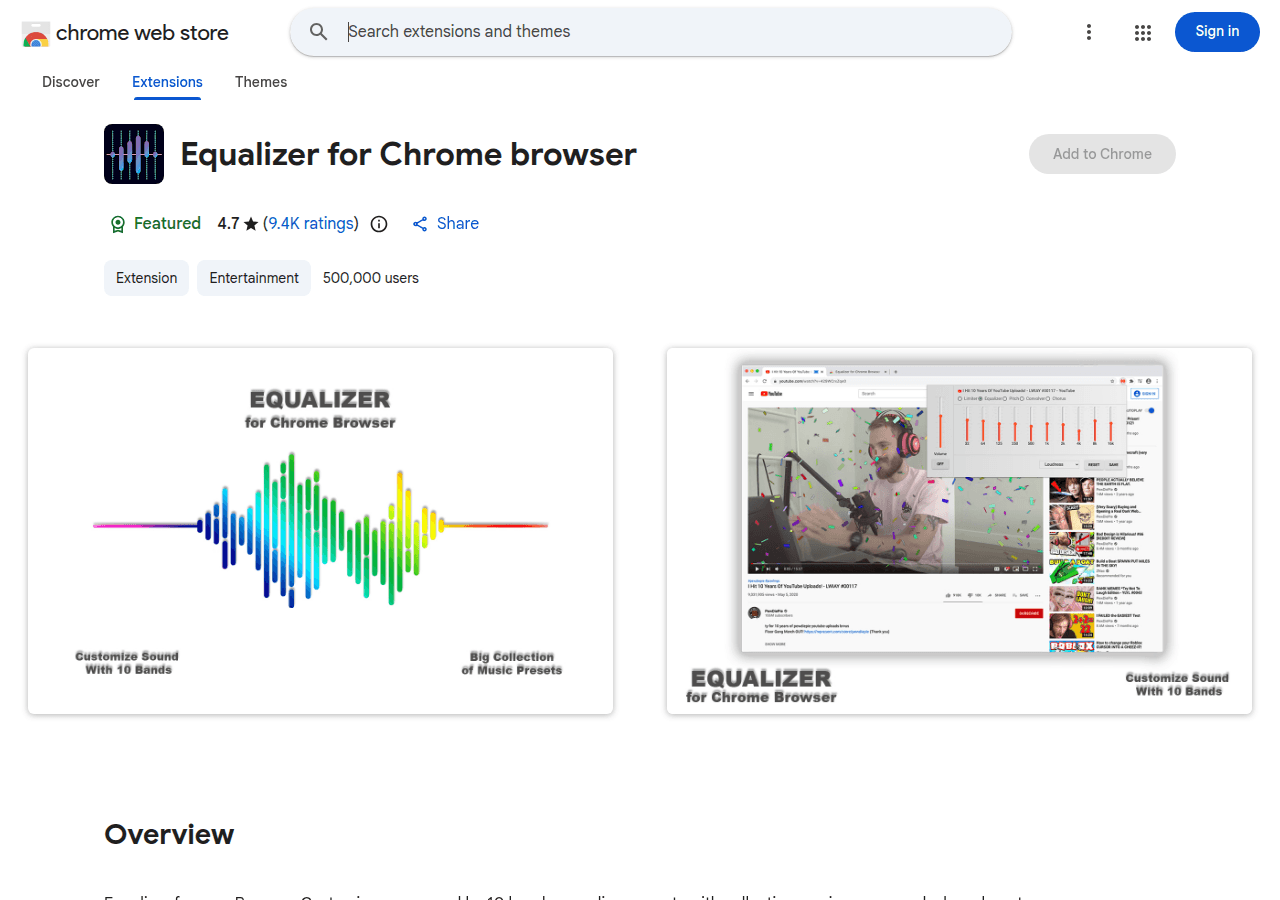
4. Audio Equalizer
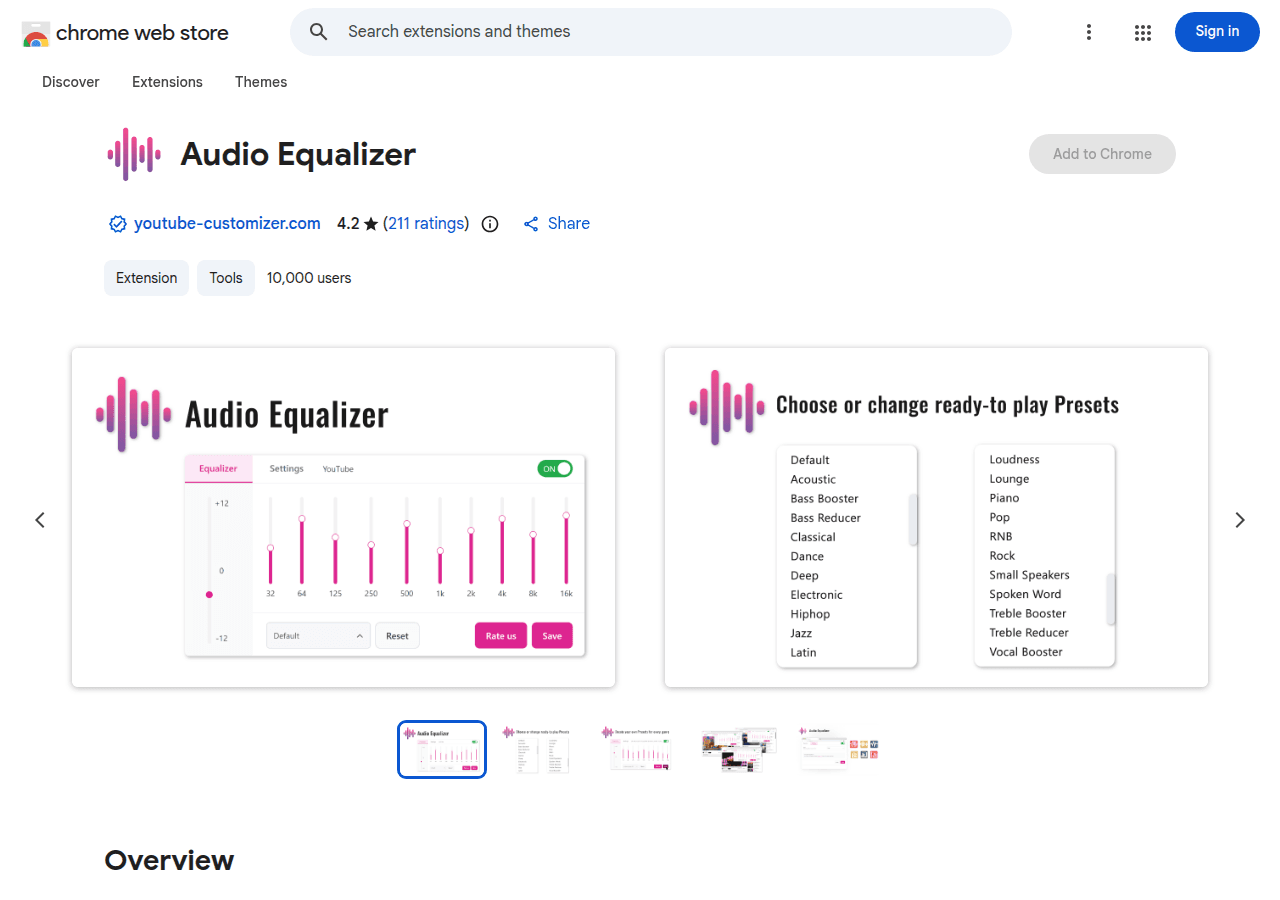
This Audio Equalizer packs more than sliders: pitch control, a limiter, and reverb sit alongside the EQ for shaping how each tab sounds. Presets cover common listening scenarios so you are not forced to tune every band from scratch, and you can store unlimited custom templates for later.
Volume boost is a strong point here when streams feel quiet. One drawback reported by users is that jumping into settings for the active tab does not always work reliably. Overall it is a capable choice if you want effects and saved profiles in one package.
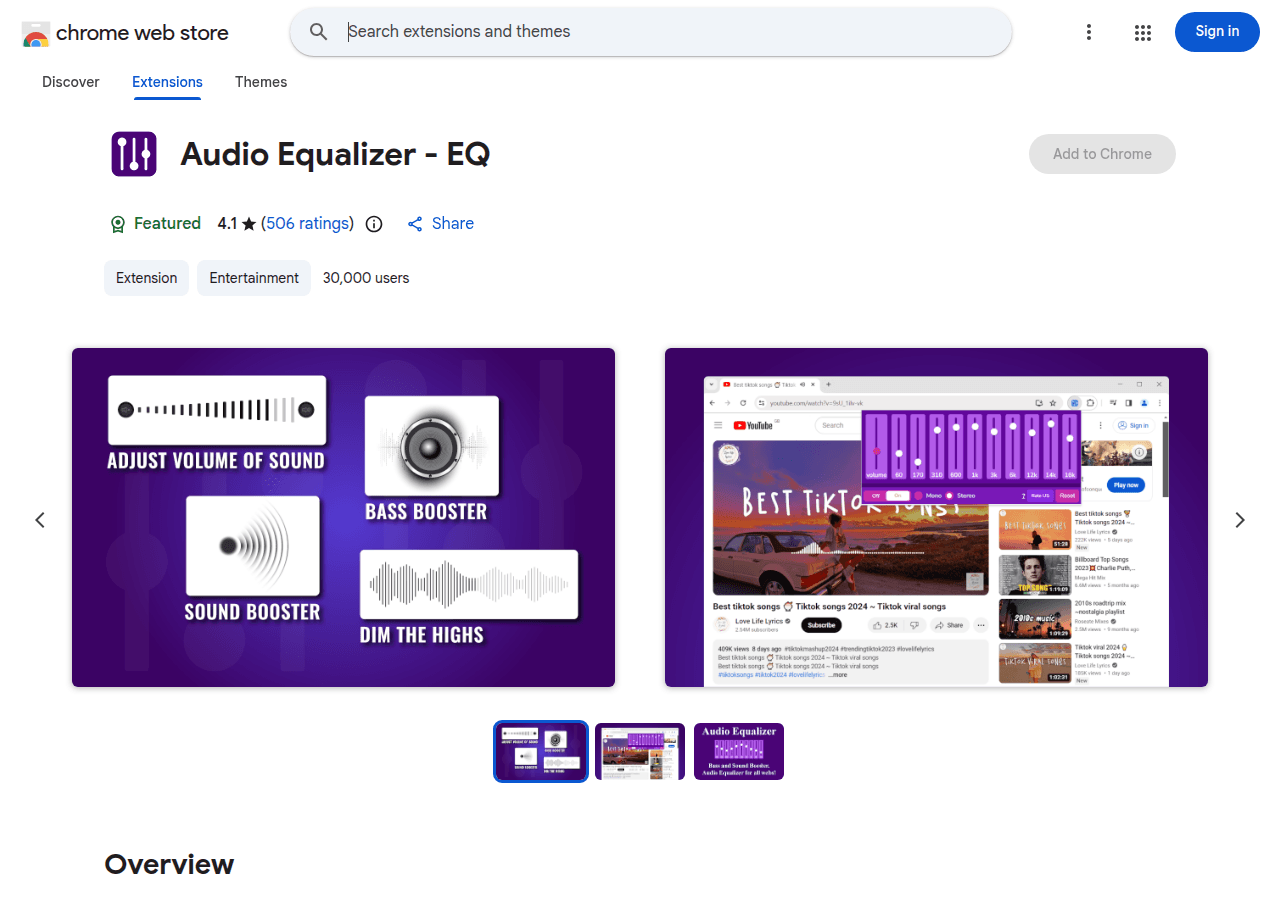
5. Audio Equalizer (Sound Equalizer)
Sound Equalizer (Audio Equalizer in the store) keeps things lightweight: more than twenty ready-made presets, but no option to save your own. After each tab change you select the active page again and reapply settings, which makes it best for quick, preset-based listening rather than fine-tuned workflows.
If you want fast genre switches without diving into advanced controls, it is worth a look. Anyone who needs persistent custom profiles will likely prefer one of the extensions above.
Which extension should you pick?
All five tools solve the same core problem - better sound inside the browser - but they diverge on presets, effects, and per-tab workflow. Ears is ideal for bass lovers and manual tuning; Equalizer for Chrome adds creative effects and savable profiles; Audio Equalizer (EQ) balances effects with unlimited custom presets; EQ - Audio Equalizer and Sound Equalizer are lighter options when you only need quick, preset-based adjustments.
Try one extension at a time, pin it to the toolbar, and test on the sites you use most (YouTube, Spotify Web, podcasts). When you are done comparing, continue browsing our blog for more browser customization tips.