Best Custom Progress Bars for YouTube and Extensions for YouTube Customization
Luckily, YouTube customization is possible with special extensions for Google Chrome. They let you change how the progress bar looks, experiment with color themes, and make the YouTube page more individual.
In this article we will look at three extensions: Progress Bar - Sweet Progress Bar for YouTube, Custom YouTube Styler, and Theme & Color Changer for YouTube. Each of them has its own purpose: one focuses on styling the progress bar, while the other two help change colors and the overall look of YouTube.
- 1What is a custom YouTube progress bar?
- 21. Progress Bar - Sweet Progress Bar for YouTube
- 32. Custom YouTube Styler
- 43. Theme & Color Changer for YouTube
- 5Comparing the three extensions
- 6How to install a YouTube customization extension
- 7Can you use several extensions at once?
- 8Why YouTube customization may not work
- 9Conclusion: how to make YouTube unique
What is a custom YouTube progress bar?
The YouTube progress bar is the strip under the video that shows how much time has already passed and how much of the clip remains. By default YouTube uses a standard look, but you can make it more original.
A custom progress bar is a modified version of the standard playback strip. Instead of the usual color you can use other shades, bright palettes, or animated effects if a particular extension supports those features.
Why do users change the progress bar?
- Personalization. You can pick a look that matches your own style.
- Bright design. Unusual colors make the video player more interesting.
- Visual harmony. The progress bar can be matched with your browser color theme or the overall YouTube look.
- Originality. Instead of the default look, you get a more individual player.
1. Progress Bar - Sweet Progress Bar for YouTube
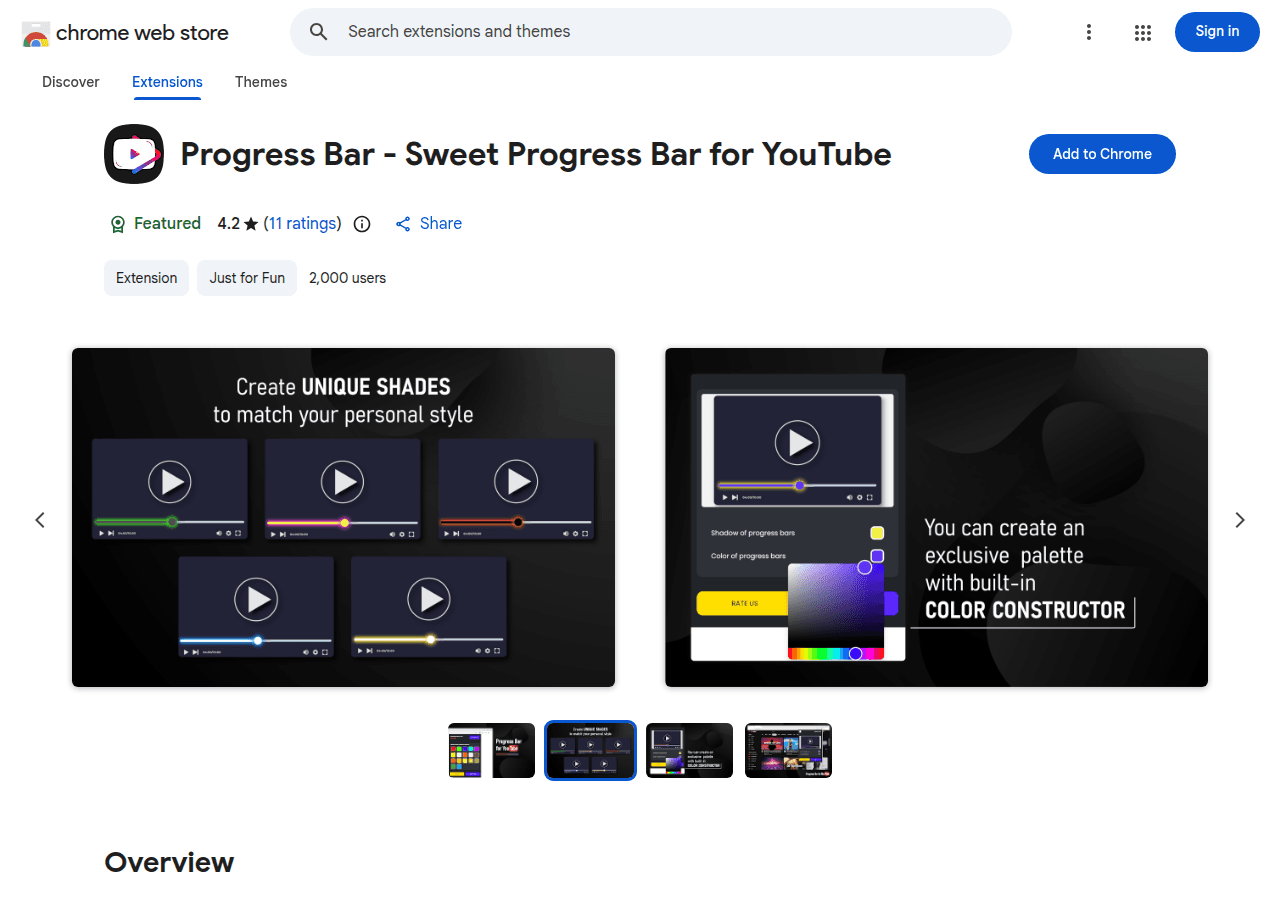
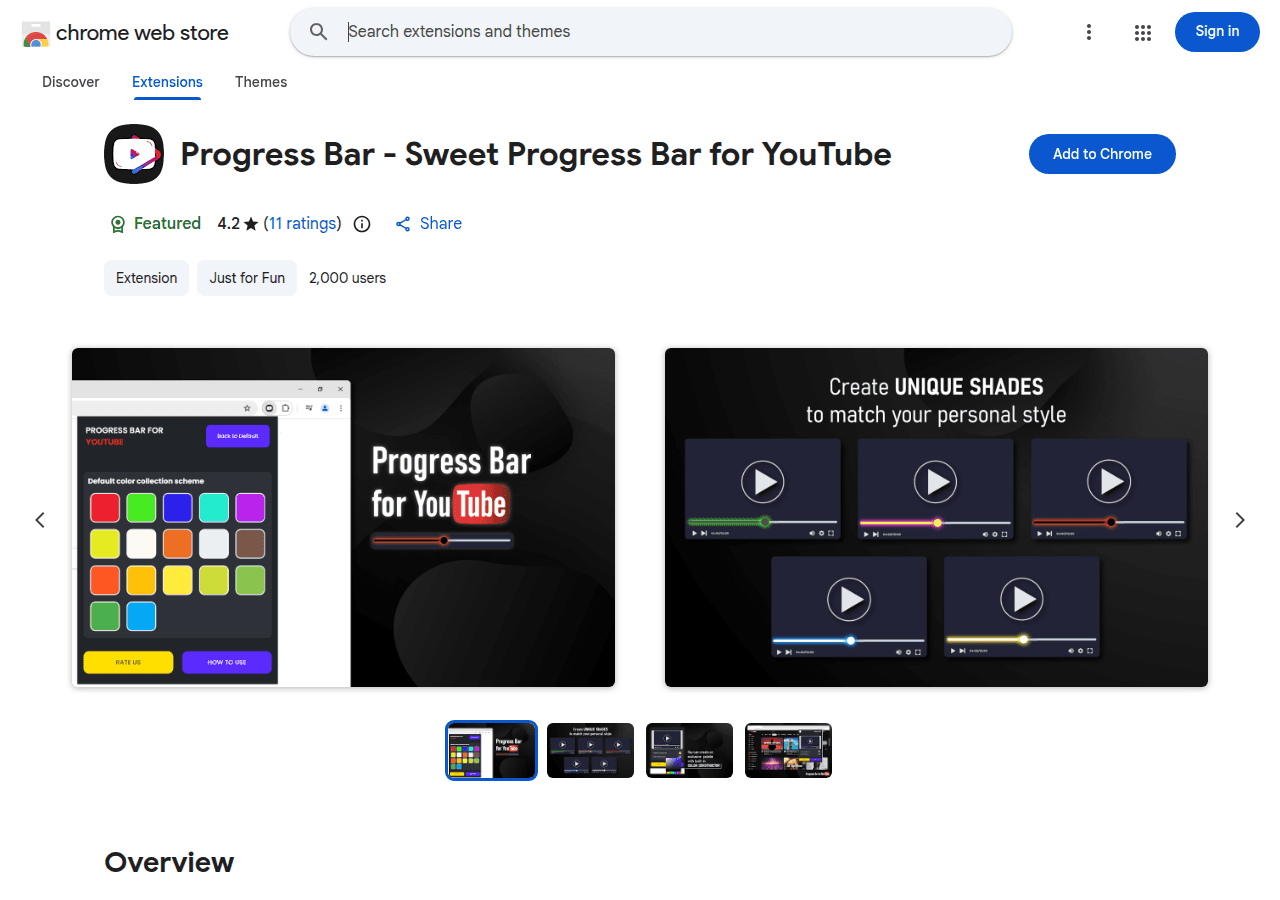
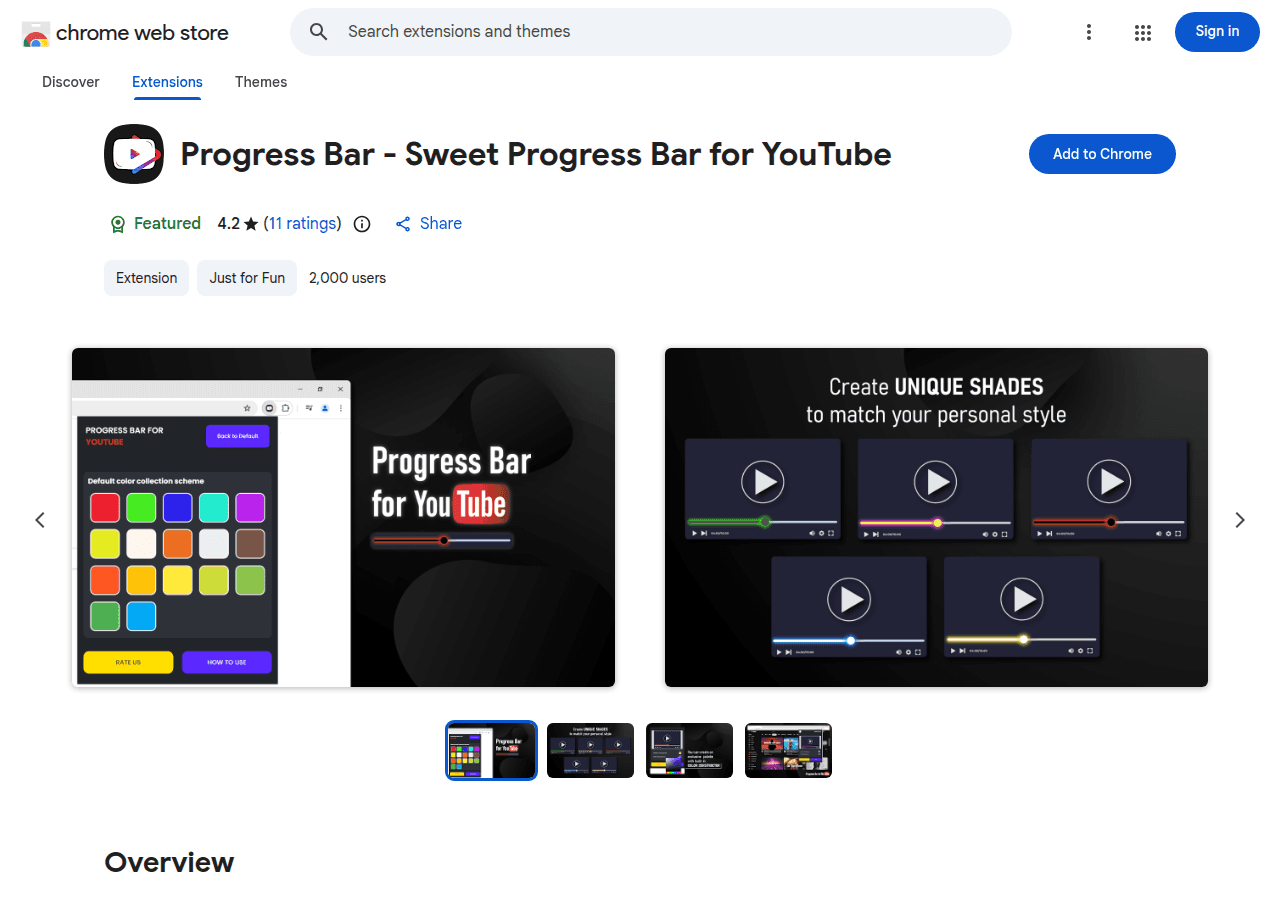
Progress Bar - Sweet Progress Bar for YouTube is an extension for people who primarily want to change how the video playback strip looks. It focuses specifically on customizing the progress bar, not on fully redesigning YouTube.
The extension offers color themes, among which classic white and calm blue options are mentioned. The description also notes the ability to create your own palette, adjust shades, and use animations.
Key features:
- changing the YouTube progress bar color;
- choosing from available color themes;
- creating your own palette;
- adjusting shades;
- using animation effects according to the extension's capabilities.
This is a good option for users who like the standard YouTube interface but want to make the video player a little more interesting.
Who is Progress Bar for?
This extension is worth trying if you:
- want to change only the progress bar;
- like colorful and unusual interface elements;
- do not plan to fully change YouTube's look;
- want to match the progress bar color to your own style.
Link: Progress Bar - Sweet Progress Bar for YouTube in the Chrome Web Store
2. Custom YouTube Styler - personalizing the look of YouTube
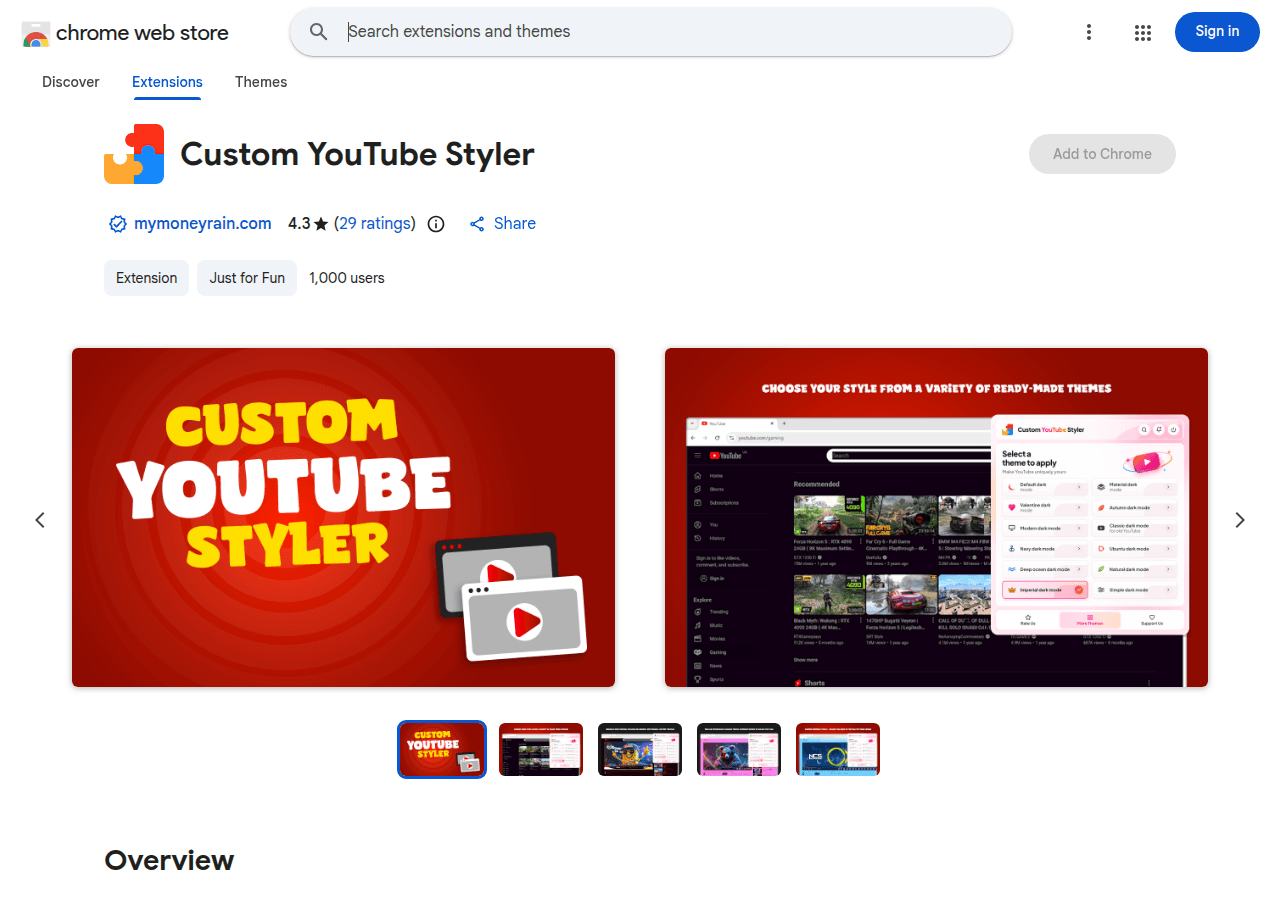
If changing only the progress bar is not enough, take a look at Custom YouTube Styler. This extension is meant for general YouTube customization: it lets you change styles, color schemes, and the overall appearance of the page.
Unlike Progress Bar, which focuses on the playback strip, Custom YouTube Styler is aimed at broader styling of the platform.
The extension description mentions different styles, color themes, and night mode. Thanks to that you can try making YouTube darker, brighter, or simply visually different from the default design.
Key features of Custom YouTube Styler:
- personalizing the look of YouTube;
- using your own styling;
- changing color schemes;
- configuring dark mode;
- choosing a brighter or more restrained visual style.
The extension may interest people who spend a lot of time on YouTube and want a more individual interface while watching videos, studying, or listening to music.
What makes Custom YouTube Styler interesting?
The main advantage of this extension is the ability to work with more than just one player element. If you want to change the overall atmosphere of YouTube, try another color scheme, or use a dark look, it can be a convenient solution.
At the same time, keep in mind that the specific result depends on the available styles and how compatible the extension is with the current version of YouTube.
3. Theme & Color Changer for YouTube - more than 50 color themes
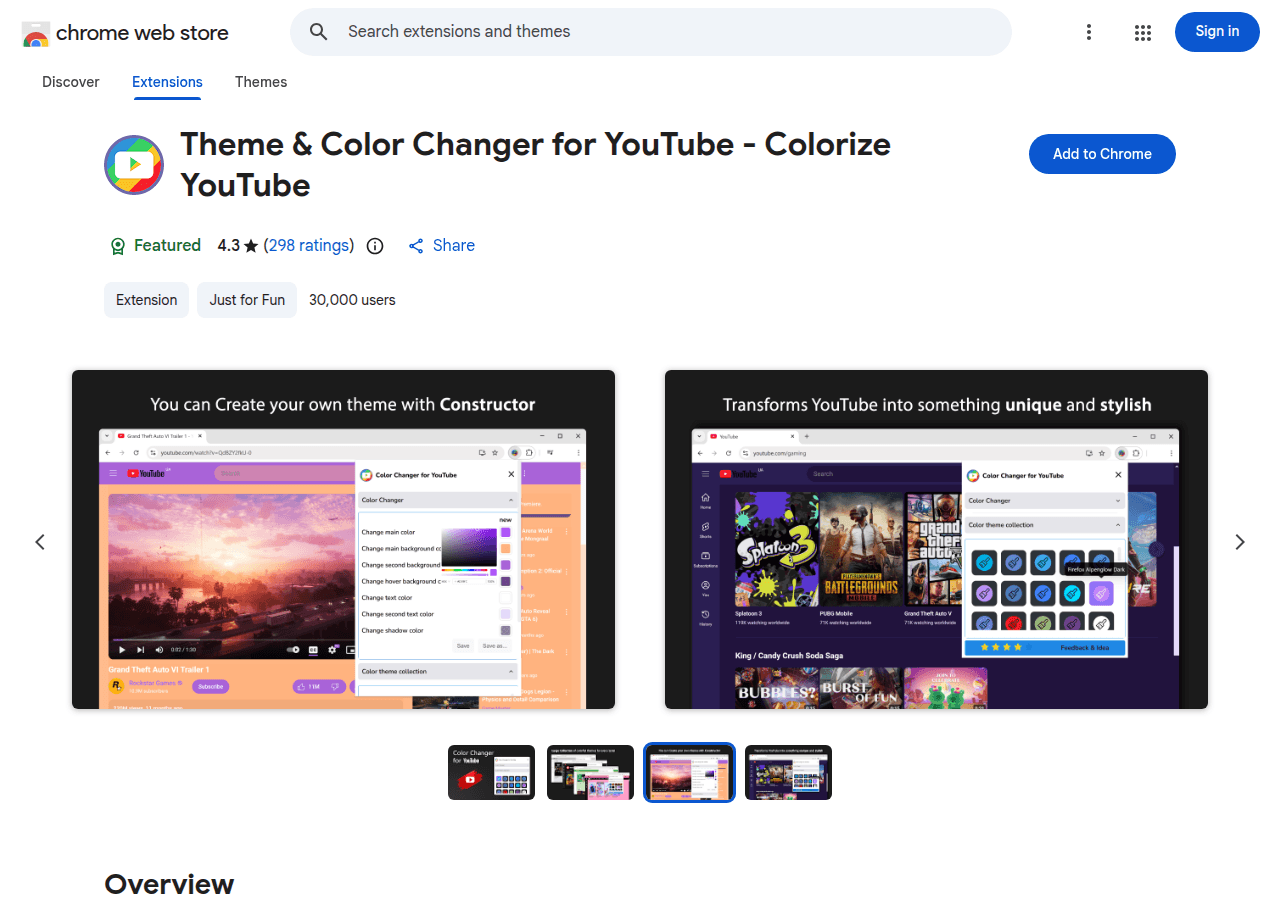
Another interesting customization tool is Theme & Color Changer for YouTube. This extension will especially appeal to people who like experimenting with colors and want to make YouTube as bright or unusual as possible.
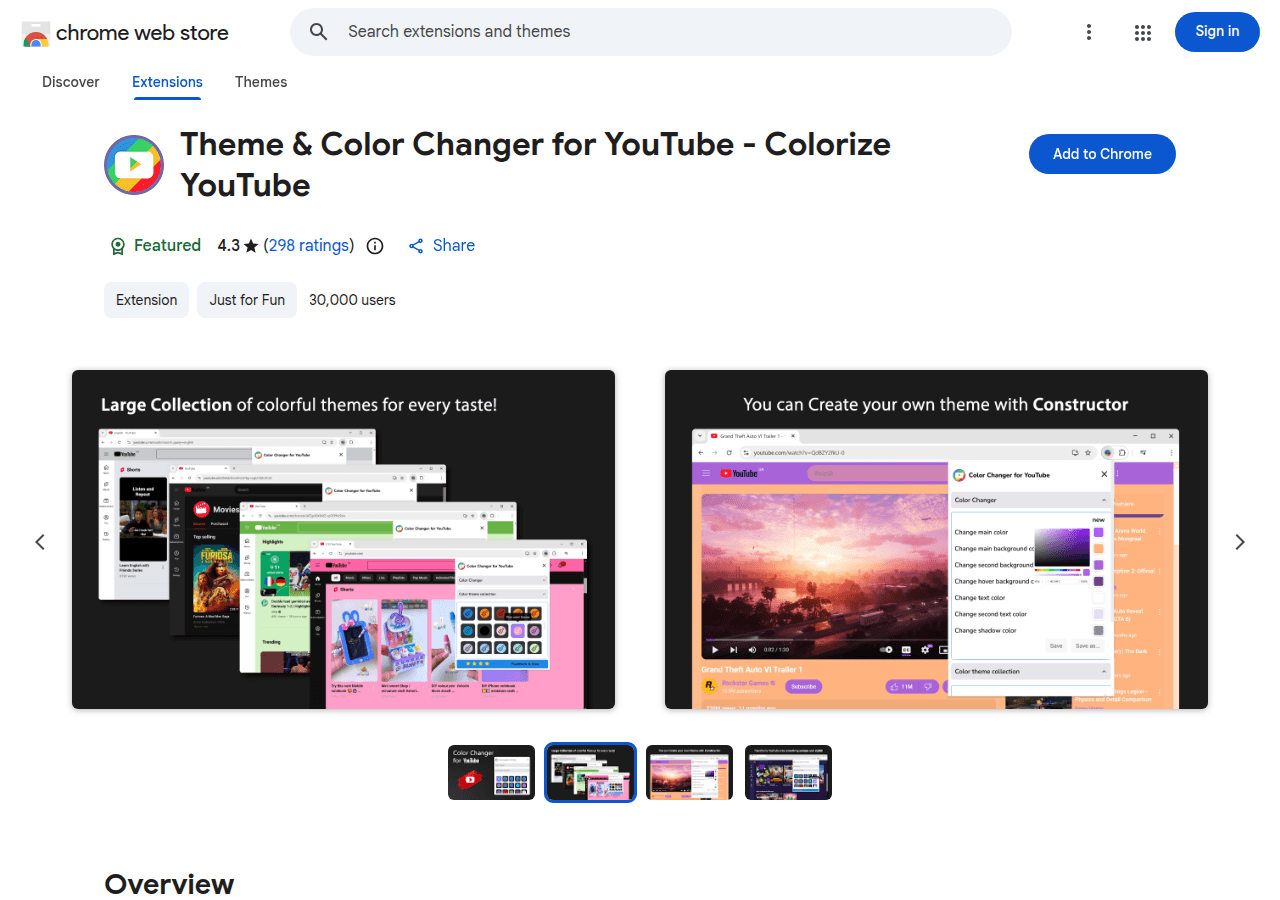
According to the Chrome Web Store description, the extension offers more than 50 ready-made color themes. Examples of looks mentioned include pastel colors, a gothic style, retro-neon, a galactic theme, and bright rainbow shades.
But the most interesting feature is the builder for your own color themes. It lets you choose colors yourself, combine shades, and create gradients.
Key features:
- more than 50 ready-made color themes;
- a builder for your own look;
- choosing and combining colors;
- creating gradients;
- pastel, neon, dark, and other styles;
- quickly changing the look of YouTube.
Creating your own YouTube theme
If the ready-made options do not match your preferences, you can use the color builder. It will come in handy for people who want to create a unique palette instead of using the default look.
For example, you can try:
- a soft pink and lavender palette;
- a dark blue style with purple accents;
- a bright neon theme;
- a pastel look;
- a gradient of several favorite colors.
This is especially interesting for people who like to personalize their browser, desktop, and websites in one style.
Link: Theme & Color Changer for YouTube in the Chrome Web Store
Comparing the three extensions for YouTube customization
All three extensions help personalize YouTube, but they have different purposes. One specializes in the progress bar, and the other two focus on changing the overall look.
| Extension | Main purpose | Features |
|---|---|---|
| Progress Bar - Sweet Progress Bar | Changing the progress bar | Color themes, custom palette, animations |
| Custom YouTube Styler | General customization | Styles, color schemes, night mode |
| Theme & Color Changer | Changing YouTube colors | 50+ ready-made themes, custom colors and gradients |
Which extension should you choose?
For a custom progress bar: choose Progress Bar - Sweet Progress Bar for YouTube. It best matches the goal of changing how the playback strip looks.
For changing YouTube's style: try Custom YouTube Styler. It is aimed at personalizing the interface and color schemes.
For a large number of colors and custom themes: look at Theme & Color Changer for YouTube. Its main strength is a large library of ready-made looks and a palette builder.
How to install an extension for YouTube customization?
All three tools are available in the Chrome Web Store. To install them you do not need to download separate programs or change system files.
Follow these simple steps:
- Open the link to the extension you need in the Chrome Web Store.
- Check the name, developer, and description.
- Click the Add to Chrome button.
- Confirm the installation.
- Open YouTube and go to the extension settings.
- Choose the theme you want or change the available options.
- Refresh the YouTube page if the changes do not appear right away.
Can you use several extensions at once?
Technically you can install several YouTube extensions, but that does not mean they will always work without conflicts.
For example, Progress Bar changes the playback strip, while Custom YouTube Styler and Theme & Color Changer can affect page colors and styles. If several extensions change the same interface elements at the same time, the result may differ from what you expect.
To avoid problems, it is recommended to:
- install one extension first;
- check how it works on YouTube;
- add other tools gradually;
- disable extensions if styling errors appear;
- do not install several tools with overlapping features unless you need to.
If after installing a theme YouTube looks wrong, try temporarily disabling other extensions and refreshing the page.
Why YouTube customization may not work
Sometimes after installing an extension the changes do not appear or do not work on every page. That does not necessarily mean the tool is broken.
Possible causes:
- Incompatibility with the current YouTube interface. The platform regularly changes its design, so some styles may need an update.
- Extension conflict. Two tools may change the same page element.
- Outdated version. Check whether an update for the extension is available.
- Page cache. Sometimes reloading YouTube helps.
- Browser or administrator restrictions. On managed devices, installing and running extensions may be limited.
Also keep in mind that Chrome extensions do not always have access to every page and to internal browser elements.
Conclusion: how to make YouTube unique?
Customizing YouTube is a simple way to change the familiar look of the platform and make watching videos more individual.
If you are interested specifically in a colored custom progress bar, the best place to start is Progress Bar - Sweet Progress Bar for YouTube. To change the overall style you can try Custom YouTube Styler, and for a large number of ready-made themes and creating your own palettes - Theme & Color Changer for YouTube.
You do not have to fully redesign YouTube to get an interesting result. Sometimes it is enough to change one detail - for example, the progress bar color. And if you want broader personalization, you can experiment with themes and color schemes.
Try different options, find a style you like, and make your YouTube more original!
Looking for more browser customization ideas? Browse our blog or explore custom progress bars in the progress bars catalog.