Cute Cursor Turns the Standard Mouse Pointer into Fun Custom Designs
That is exactly the possibility offered by Cute Cursor - an online platform with a large collection of custom cursors for the Google Chrome browser. The site helps turn an ordinary mouse pointer into an interesting personalization element that can reflect your hobbies, favorite characters, and individual style.
The platform features thousands of designs grouped into themed categories and individual packs. Here you can find anime characters, video game heroes, superheroes, animals, fruits, memes, pixel art, and many other original designs.
Cute Cursor combines a cursor catalog, a search system, popular selections, and the ability to add chosen designs through browser extensions. Thanks to this, users do not need to create graphics themselves or hunt down separate files just to change how the pointer looks.

Official site: https://cute-cursor.com/
- 1What is Cute Cursor?
- 2A large catalog: thousands of designs in one place
- 3177 themed categories to find your favorite style
- 4Popular, new, and updated cursors
- 5Convenient cursor search by name and theme
- 6How do cursor packs work?
- 7Cute Cursor extensions for Google Chrome
- 8How to install and use Cute Cursor cursors
- 9Compatibility and usage notes
- 10Why try Cute Cursor?
- 11Conclusion
What is Cute Cursor?
Cute Cursor is an online catalog of custom mouse cursors that lets you find original designs and use them with compatible browser extensions.
The platform's main goal is to make the standard pointer more interesting and personal. Instead of an ordinary arrow, you can choose a themed cursor tied to a specific game, cartoon, character, hobby, or simply a favorite color palette.
For example, a Roblox fan can find a matching game design, an anime fan can find a cursor with a well-known character, and a lover of cute illustrations can pick a pack with cats, fruits, or other funny images.
The Cute Cursor homepage presents different selections, including new, popular, updated, and recommended packs. This makes it possible not only to find specific designs, but also to discover interesting options while browsing the catalog.
One of the platform's advantages is free access to the cursor collection.
A large catalog: thousands of designs in one place
The main feature of Cute Cursor is the variety of available designs.
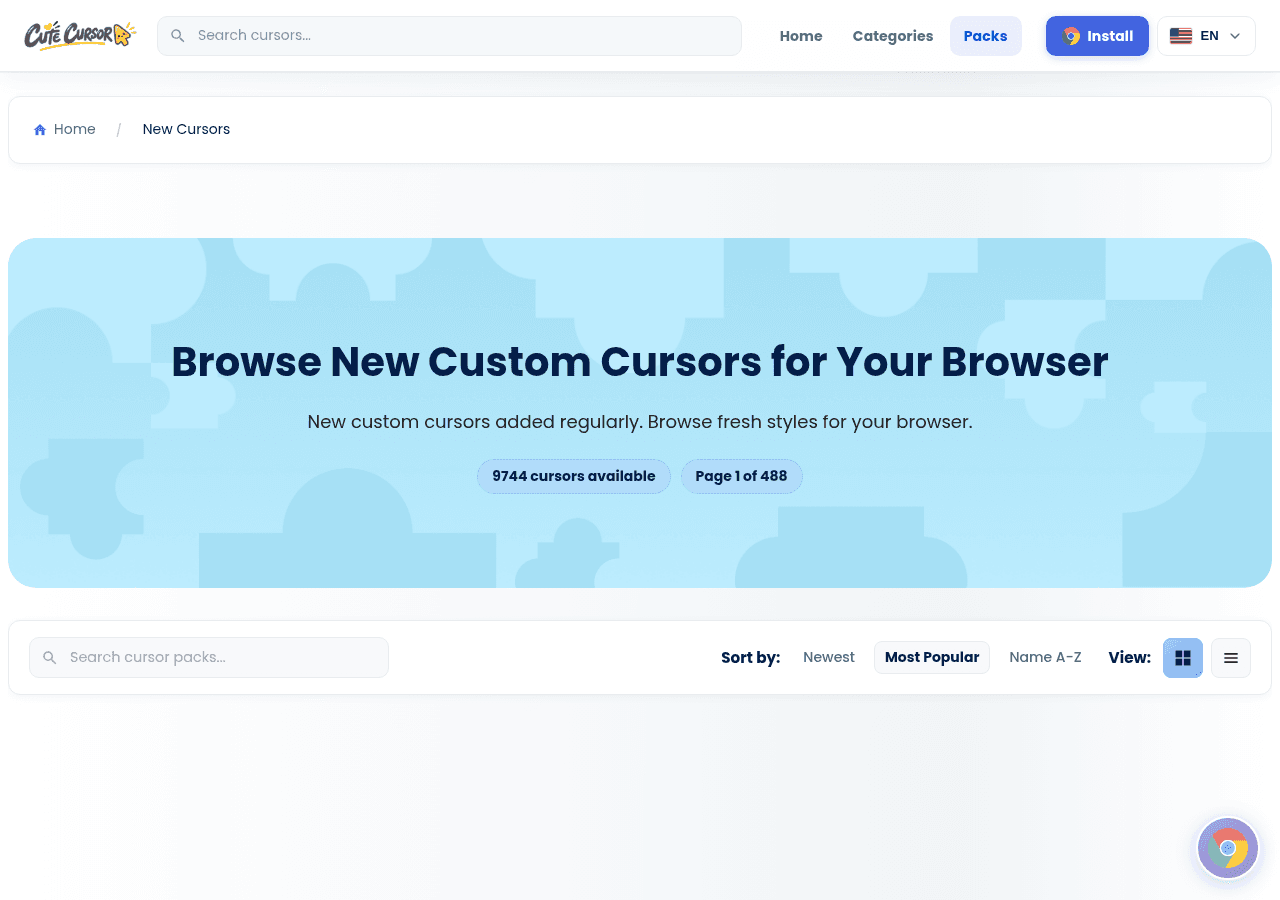
At the time of review, the site catalog showed 9,737 cursors. They are distributed across themed selections, which helps you find the right style faster.
A separate categories section shows 177 themed directions. Thanks to this, users can choose not only among individual images, but also explore whole collections united by a shared idea.
The catalog covers cute and minimalist designs as well as bright gaming, anime, and cartoon themes. That range makes it possible to find both a restrained design for everyday use and an unusual cursor that immediately draws attention.
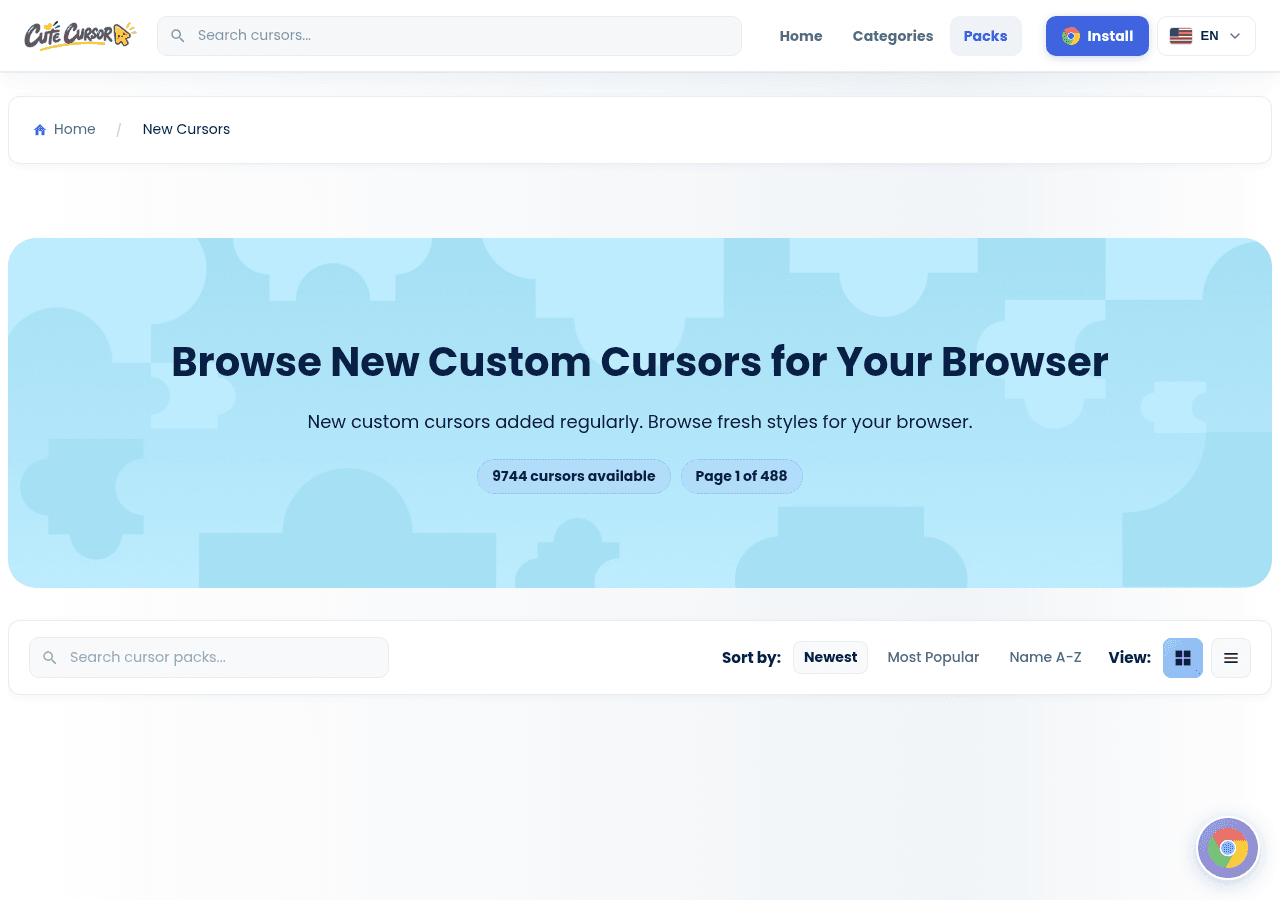
Link: Browse the cursor catalog.
177 themed categories to find your favorite style
One of the most interesting parts of Cute Cursor is the categories section. It helps structure the large collection and find designs by a specific theme.
The site features categories related to video games, anime, comics, cartoons, music, animals, food, nature, and other directions.
Cursors for video game fans
Gaming themes occupy a noticeable place in the catalog. Users can find designs inspired by popular video games and their characters.
Among the directions presented are Roblox, Minecraft, Fortnite, Among Us, Friday Night Funkin, Five Nights at Freddy's, Genshin Impact, Super Mario, and Undertale.
Such cursors are especially interesting for gamers who want to add a favorite theme not only to their gaming space, but also to everyday browser use.

Anime and popular characters
For fans of Japanese animation, Cute Cursor also has a large selection of themed designs.
Among the directions you can find Naruto, One Piece, Demon Slayer, Dragon Ball, My Hero Academia, Hunter x Hunter, and Danganronpa.
Users can browse the matching categories and look for cursors tied to favorite characters and series.
Cartoons, comics, and superheroes
Another interesting direction is characters from popular cartoons and comics.
The site categories include Marvel Comics, Justice League, DC Comics, Tom and Jerry, SpongeBob SquarePants, The Simpsons, Rick and Morty, Adventure Time, and Phineas and Ferb.
These designs can appeal to users who love cartoon graphics and want to see their favorite heroes even during ordinary web browsing.
Cute animals, fruits, and kawaii designs
Cute Cursor is not limited to well-known characters alone. The catalog has many original designs with animals, fruits, sweets, and other cute objects.
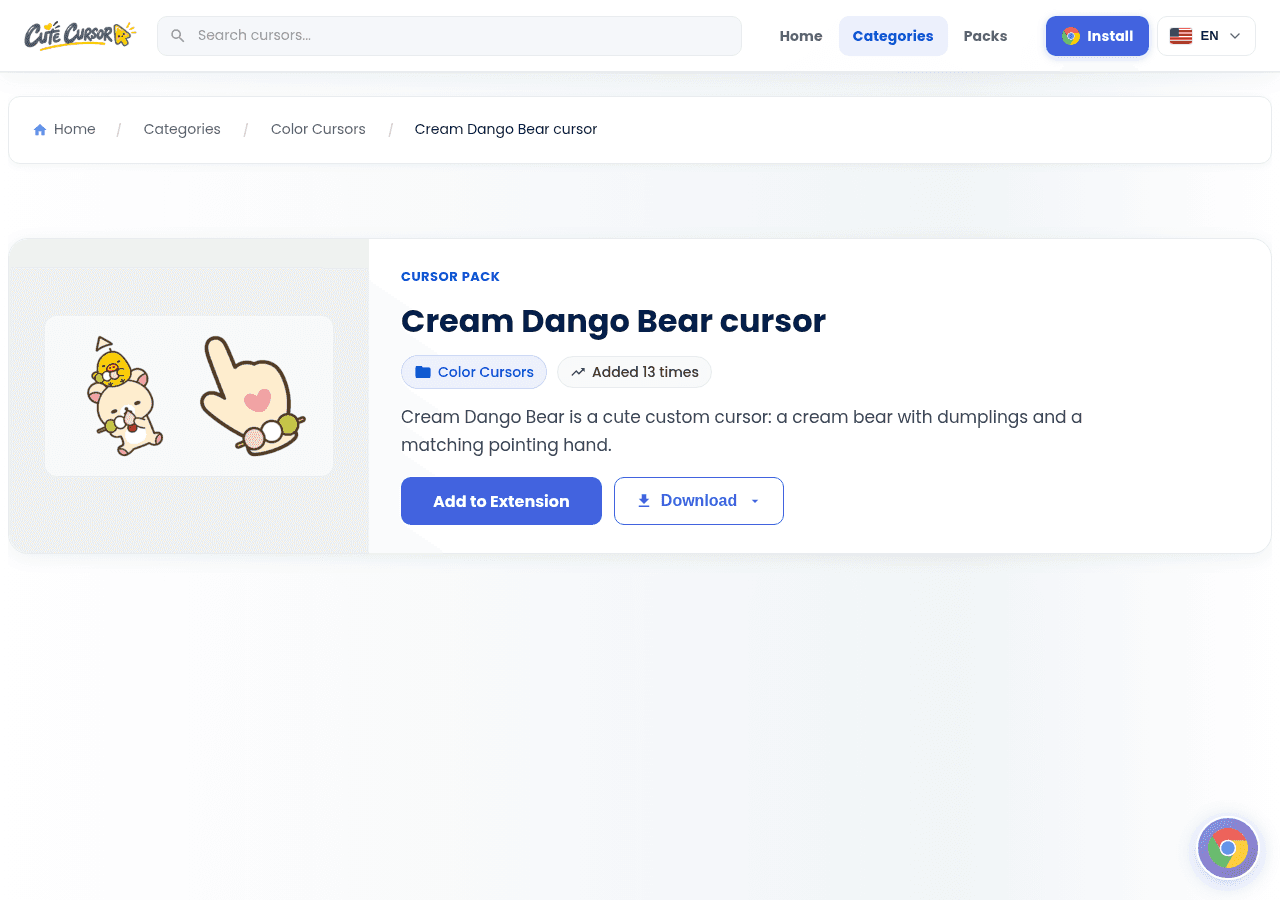
Packs such as Cream Dango Bear, Pink Sailor Baby, Mustache Comb Cat, Avocado Hug, Cozy Mushroom, and Sleepy Floppy Pup look especially interesting.
Each of these designs has its own idea and visual character. For example, Cream Dango Bear combines a teddy bear with a Japanese dessert, Mustache Comb Cat depicts a striped cat with a comb, and Avocado Hug is a smiling avocado hugging its pit.
Unusual designs like these show that a cursor can be more than a functional element - a small detail that adds mood while you work at the computer.
Popular, new, and updated cursors
Cute Cursor offers several ways to discover new designs. The homepage presents separate blocks that help you find interesting packs based on their popularity and relevance.
Trending - a selection of designs the site highlights as current. Here you can see Cream Dango Bear, Pink Sailor Baby, and Mustache Comb Cat.
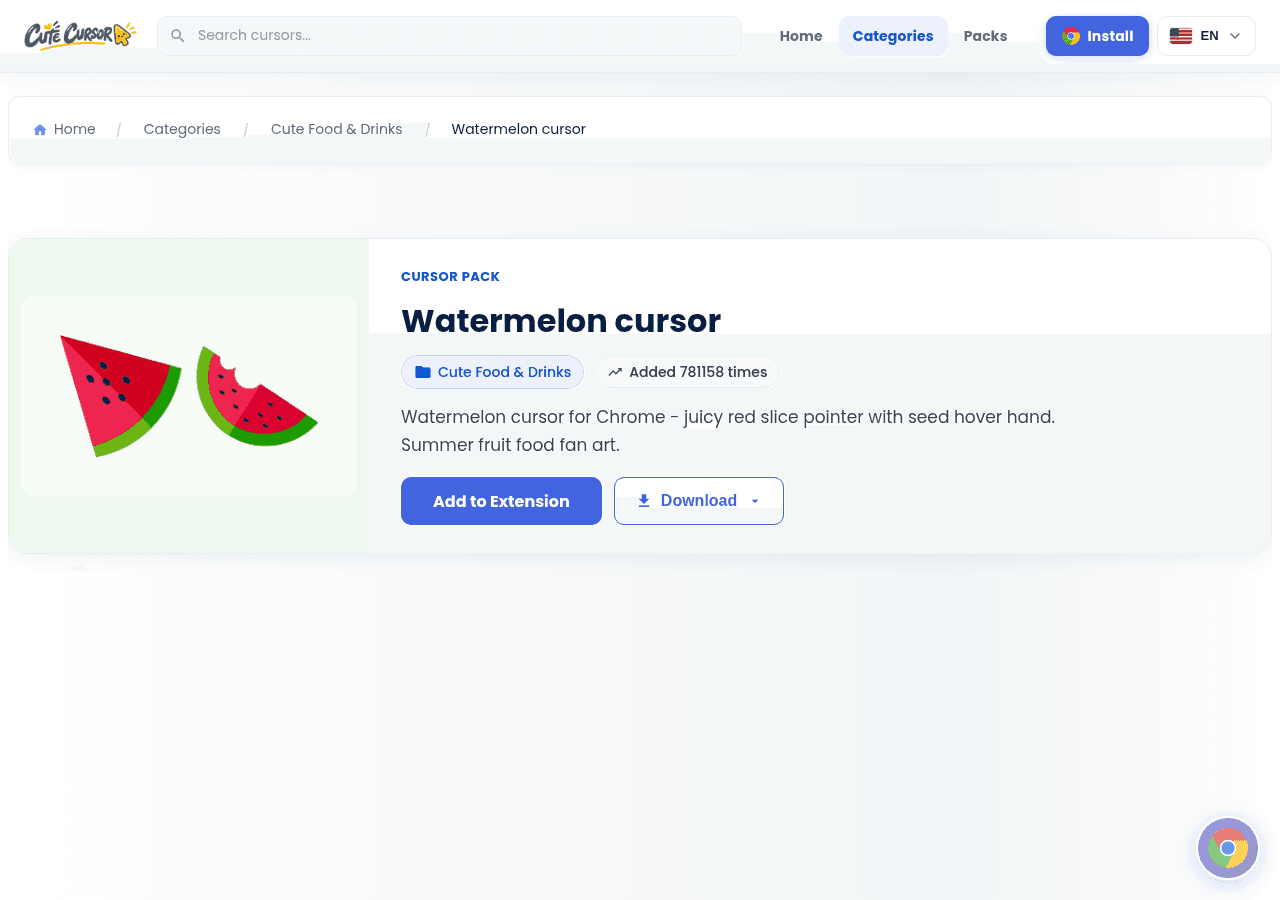
Popular - popular packs, including Watermelon, Smoothie, and Leaf. The page also shows download counts.
New and Interesting - new themed categories and interesting selections. Examples include Golden Axe Birch, Adventurous Nathan Drake, and PvZ Custom Pack B.
New Cursors - a section with recently added designs.
Updated Cursor Packs - a selection of packs that were recently updated.
Top Cursors - a section with popular cursors that lets you browse designs already familiar to users.
This split makes the site interesting for ongoing use: even if a user has already found a favorite cursor, they can come back and discover new options.
Convenient cursor search by name and theme
When a catalog contains thousands of options, it is important to be able to find the right design quickly.
For that, Cute Cursor has a separate search section. It lets you search for cursors by name, tag, or keyword.
For example, you can enter a character name, game, cartoon, or general theme to find matching options.
This is especially convenient if you already know which design you want to install, or if you are looking for a cursor around a specific idea.

Try search: Cute Cursor Search.
How do cursor packs work?
Cute Cursor presents packs, not only separate static images.
Many designs combine two visual elements: the main pointer and a matching hover state. This helps keep a consistent cursor style while interacting with webpage elements.
For example, the Cream Dango Bear pack uses a bear with a dessert and a matching hand-shaped pointer. In other collections you can also see coordinated themed elements.
This approach makes custom cursors more cohesive and sets them apart from ordinary single images.
Cute Cursor extensions for Google Chrome
To use custom cursors, Cute Cursor offers several Chrome extension options. Links to them are placed directly in the installation guide on the official site.
Each extension can be opened in the Chrome Web Store, where you can read its description and install it according to your own needs.
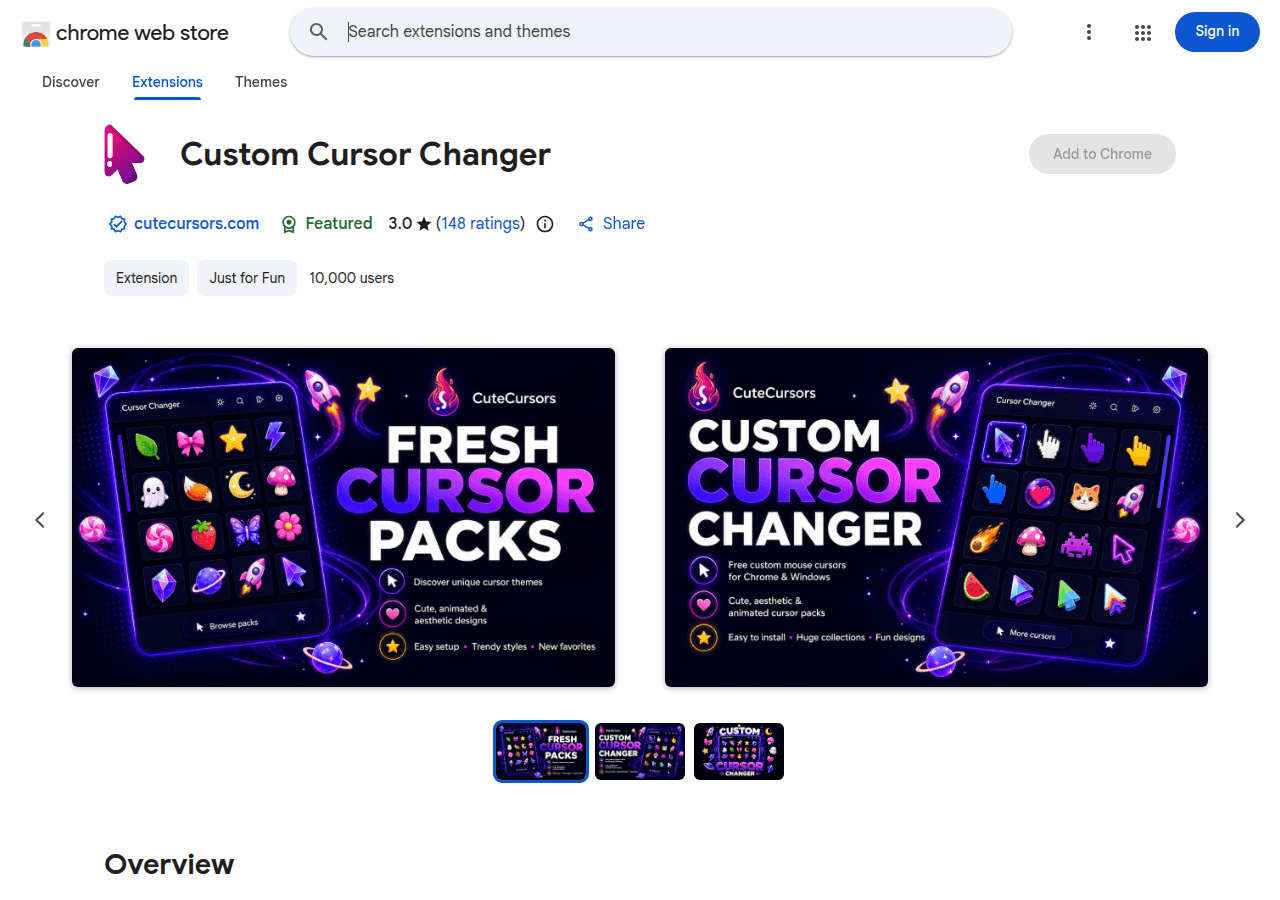
1. Custom Cursor Changer
This is one of the extension options suggested on Cute Cursor for changing the standard mouse pointer.
Install Custom Cursor Changer in the Chrome Web Store
2. Mouse Cursor - Custom Cursor
Another extension option that the Cute Cursor guide links to. It can be used to work with custom cursor designs.
Open Mouse Cursor - Custom Cursor in the Chrome Web Store
3. Cursor Custom
The third extension presented in the Cute Cursor installation guide. It is also available through the Chrome Web Store.
Install Cursor Custom in the Chrome Web Store
Important: these are three extensions linked from Cute Cursor's own guide. They may have different developers and do not necessarily belong to one author. Before installing, it is recommended to check developer information, permissions, and compatibility for each extension.
How to install and use Cute Cursor cursors
After choosing a suitable extension, adding a new design is fairly simple.
Step 1. Open Cute Cursor
Go to the official Cute Cursor site and browse the available collections.
Step 2. Choose an extension
Open one of the three extensions suggested in the previous section and go to its page in the Chrome Web Store.
Step 3. Install the extension
Click Add to Chrome and confirm the installation in the browser window.
Step 4. Find the design you want
Return to the Cute Cursor catalog, choose a category, or use search to find a matching pack.
Step 5. Add the cursor
Open the page for the pack you want and use the Add button if it is available for the selected extension.
Step 6. Use the new design
After adding the pack, you can use the available designs and switch between them through the compatible extension's interface.
Compatibility and usage notes
Cute Cursor is oriented toward use in Google Chrome through special browser extensions.
At the same time, it is important to keep the browser's own limitations in mind. Custom cursors cannot change the standard pointer on some Chrome system pages, including the Chrome Web Store and internal browser pages.
This limitation is related to Chrome policies, not necessarily to a cursor installation error.
Before use, it is also worth making sure the chosen extension is installed, active, and has the necessary permissions.
Why try Cute Cursor?
Cute Cursor offers an interesting way to personalize the browser without needing to create your own graphic files.
Among the platform's main advantages:
- A large collection of custom cursors;
- 177 themed categories at the time of review;
- Thousands of designs for different interests;
- Categories with anime, video games, cartoons, and comics;
- Cute cursors with animals, fruits, and other illustrations;
- Separate selections of popular and new designs;
- Search by name, tag, or keyword;
- Packs with matching cursor states;
- Links to three Chrome extensions in the site's own install guide;
- Free access to the collection.
Especially interesting is that the platform combines different styles. Here you can find both a cute minimalist cursor for everyday use and a bright themed design for true fans of games or anime.
Conclusion
Cute Cursor is a platform for people who want to make the ordinary mouse pointer more interesting and personal. A large catalog, themed categories, popular selections, and convenient search help you find designs for different interests and moods.
The collection's variety deserves special attention: from cute cats, fruits, and kawaii characters to video game heroes, anime, and comics. Every user can find something that matches their style.
Thanks to integration with Chrome extensions, chosen packs can be added without complex setup. That makes browser personalization accessible even for people who have never changed the standard cursor before.
If you are tired of the ordinary mouse pointer and want to add a bit of color and originality to everyday computer work, Cute Cursor is an interesting place to look for a new design.
Open Cute Cursor, explore the collections, and find the cursor that best reflects your style!
When you are done exploring, continue browsing our blog for more browser customization tips.