Explore 40,000+ Free Custom Cursors on Cute Cursors
Guide · Browser cursors
During work, study, watching videos, chatting, and searching for information online, the standard arrow stays in front of your eyes constantly. What if you could replace it with a favorite character, a cute cat, a game item, or an unusual animated illustration?
That is exactly what Cute Cursors was created for - a platform with a large collection of free custom cursors, apps for installing them, and tools for creating your own designs.
On the site you can find more than 40,000 cursor packs for different interests and styles. It features video game characters, anime, cartoons, comics, animals, memes, cars, sports themes, minimalist pointers, and many other designs.
However, Cute Cursors is not just an image gallery. The platform offers separate solutions for Google Chrome, Microsoft Edge, and Windows, as well as online tools that let users create, edit, and preview cursors on their own.
Thanks to this mix of ready-made collections and creative tools, the site works well both for people who simply want to change the standard mouse arrow and for users who want to build their own graphic packs.
Official site: https://cutecursors.com/
- 1What is Cute Cursors?
- 2More than 40,000 cursor packs in one catalog
- 3Themed collections for different interests
- 4New, popular, and trending cursors
- 5Cute Cursors extensions for Chrome and Edge
- 6Cute Cursors apps for Windows
- 7Create your own cursors with Custom Cursor Creator
- 8Constructor - build cursors from graphic elements
- 9Cursor Previewer and Cursor Pack Optimizer
- 10How to install and use Cute Cursors
- 11Free access and regular updates
- 12Who is Cute Cursors for?
- 13Important features and limitations
- 14Why try Cute Cursors?
- 15Conclusion
What is Cute Cursors?
Cute Cursors is a mouse cursor personalization platform that combines a catalog of ready-made designs, browser extensions, Windows apps, and tools for creating your own cursors.
The project's main goal is to make the ordinary pointer more expressive and personalized. Instead of the standard arrow, a user can choose a themed design tied to hobbies, favorite characters, games, or visual preferences.
For example, Minecraft fans can use cursors with game items, anime fans can use designs with characters from popular series, and lovers of cute illustrations can use pastel pointers with animals and funny details.
The platform has several main directions:
- A catalog of ready-made cursor packs.
- Themed collections.
- Extensions for Google Chrome and Microsoft Edge.
- Apps for personalizing the cursor on Windows.
- An online editor for creating your own designs.
- Tools for previewing and optimizing cursors.
In this way, Cute Cursors lets you not only find ready-made solutions but also experiment with your own ideas.
More than 40,000 cursor packs in one catalog
One of the main advantages of Cute Cursors is its large collection of ready-made designs.
On the full catalog page at the time of review, 40,731 cursor packs were displayed. That is a large number of options, among which you can find both popular themed designs and unusual original works.
The catalog is organized with categories and lists. A user can browse available packs, find interesting options, and open individual design pages.
Among the themes presented are games, anime, cartoons, comics, animals, cars, music, sports, memes, holidays, and many other directions.
It is especially convenient that you do not have to limit yourself to popular cursors only. Thanks to the large number of themes, you can find a design that matches even fairly specific interests.
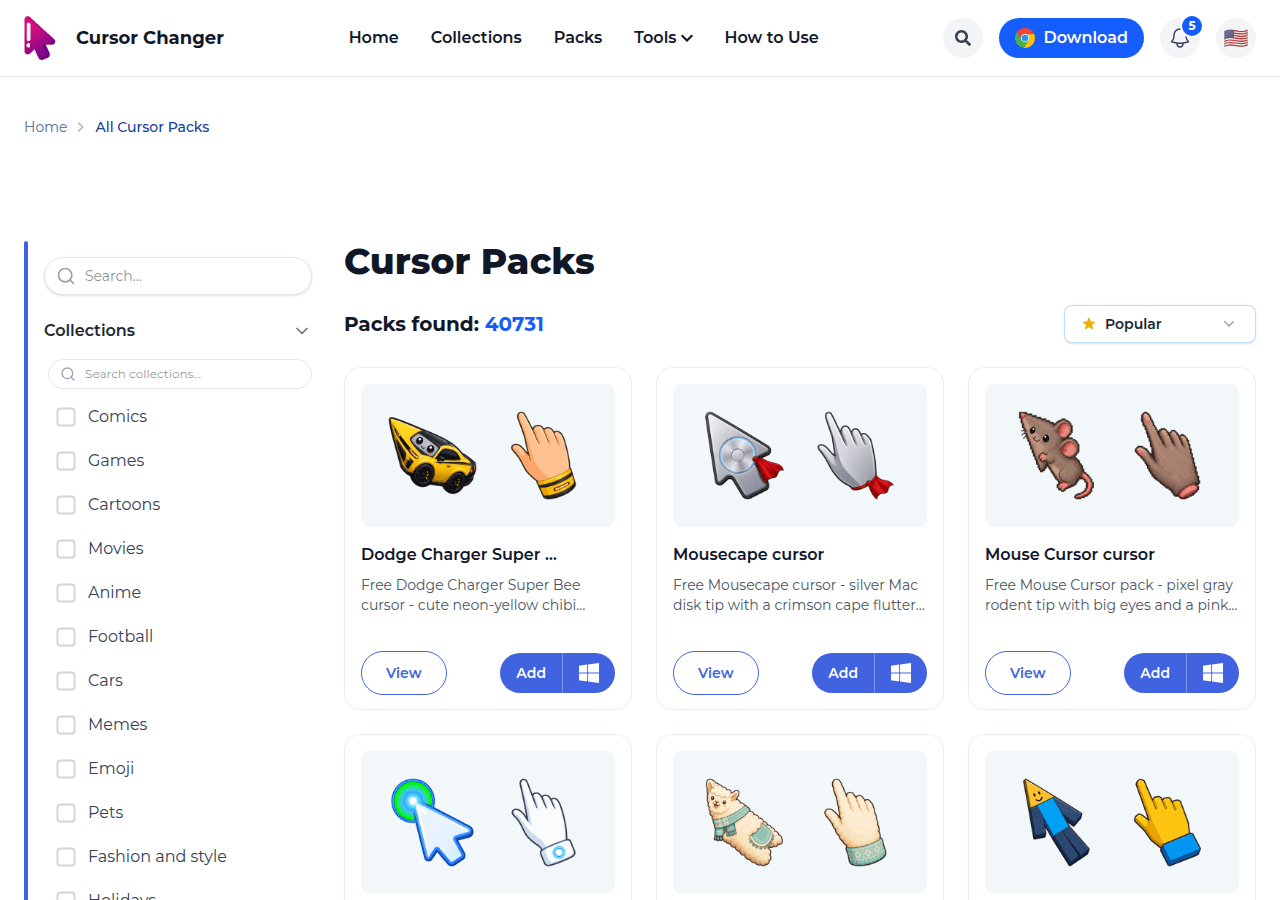
Browse all packs: https://cutecursors.com/packs
Themed collections for different interests
Cute Cursors uses a system of themed collections that makes it easier for users to find the designs they need.
Instead of browsing every pack, you can open the matching category and explore cursors united by a shared theme.
Anime and manga
For fans of Japanese animation, many themed designs are available. In the catalog you can find cursors related to Naruto, One Piece, Demon Slayer, Dragon Ball, My Hero Academia, Hunter x Hunter, Sailor Moon, and other popular series.
Such designs let you add elements of favorite anime worlds to the browser.

Video games and gaming
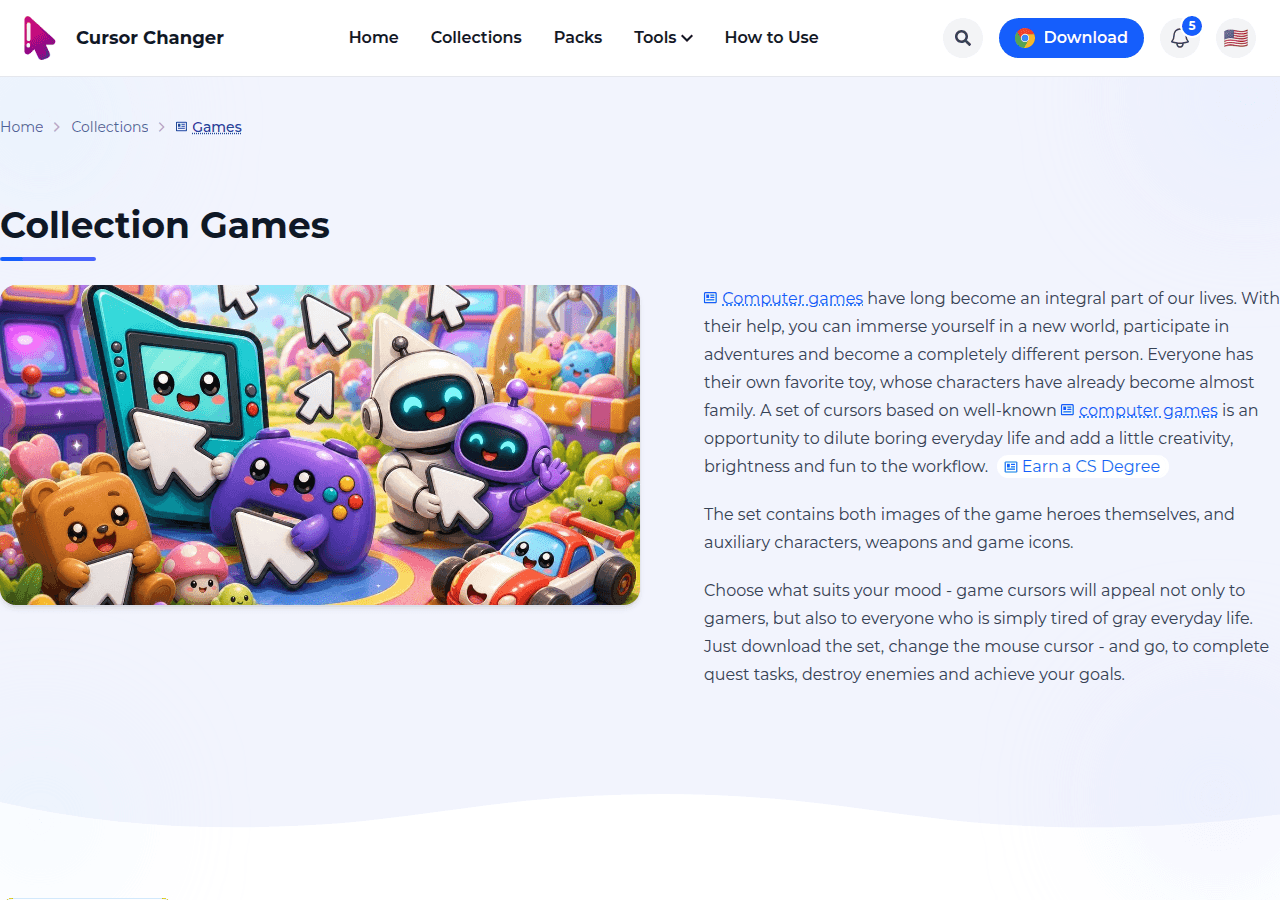
The gaming theme is represented very broadly. Here you can find designs inspired by Minecraft, Roblox, Fortnite, Brawl Stars, Five Nights at Freddy's, Among Us, Valorant, Genshin Impact, Super Mario, Undertale, and many other games.
Separate collections are dedicated to specific game characters, items, symbols, and visual elements.
For gamers, this is a chance to make an ordinary desktop or browser feel closer to a favorite game atmosphere.
Cartoons and comics
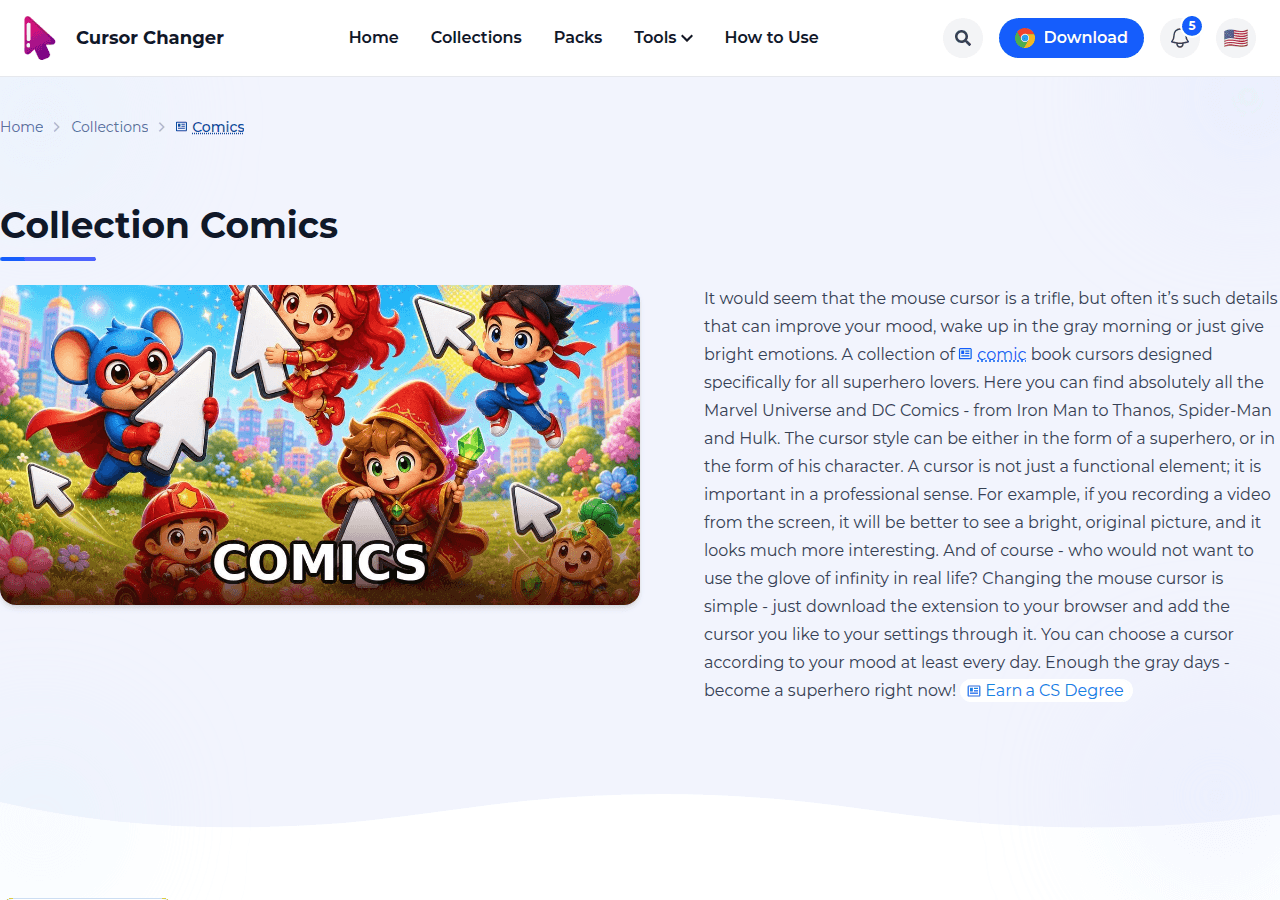
Another major direction is designs inspired by cartoons, animated series, and comics.
In the collections you can find SpongeBob, The Simpsons, Adventure Time, Rick and Morty, Tom and Jerry, Gravity Falls, Marvel, DC Comics, and other well-known characters.
These cursors can appeal to users who love bright cartoon graphics and want to add a bit of humor to everyday computer use.
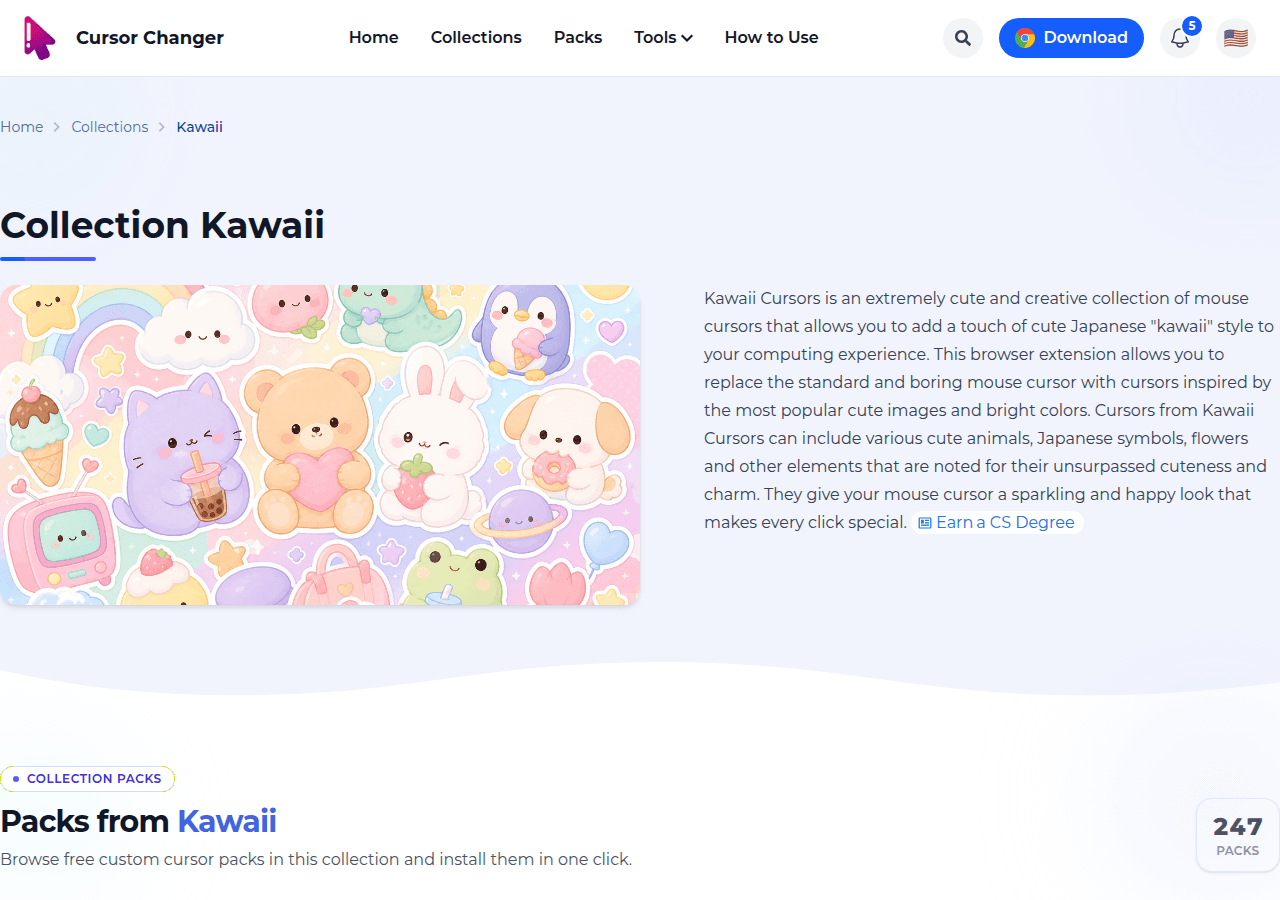
Cute animals and kawaii designs
For lovers of cute illustrations, there are collections with cats, dogs, other animals, pastel colors, and funny characters.
Such designs especially suit people who prefer a soft color palette, kawaii style, and unusual graphic elements.
Memes, emoji, and internet culture
Cute Cursors also offers designs inspired by internet memes, emoji, and popular digital culture phenomena.
This is a more playful direction that lets you pick an unusual cursor and add a bit of humor to interacting with a computer.
Sports, cars, and travel
For users interested in sports, cars, or different countries, themed selections are available as well.
The catalog includes football and other sports designs, car cursors, national symbols, city motifs, and collections related to holidays.
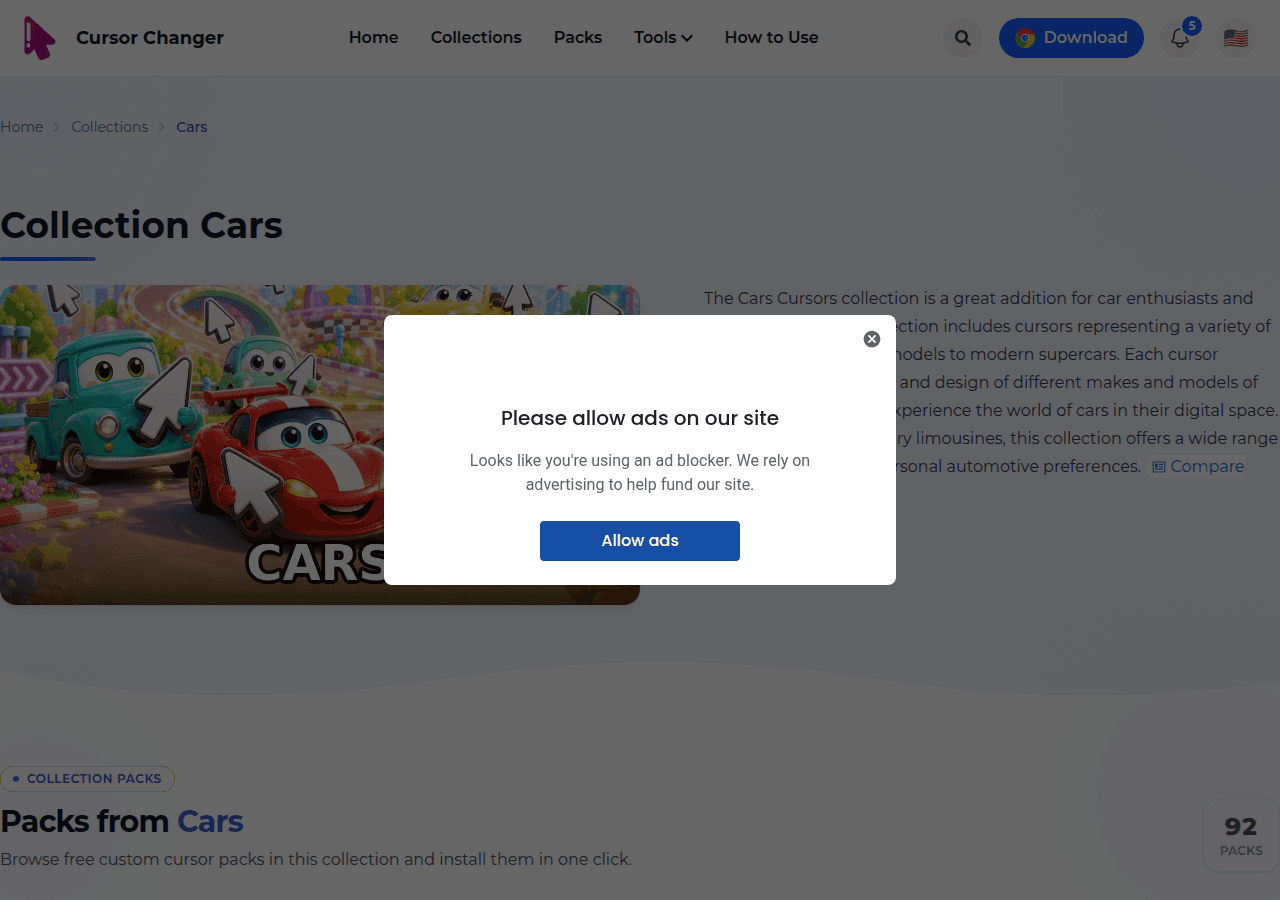
You can browse all themed collections here: https://cutecursors.com/categories
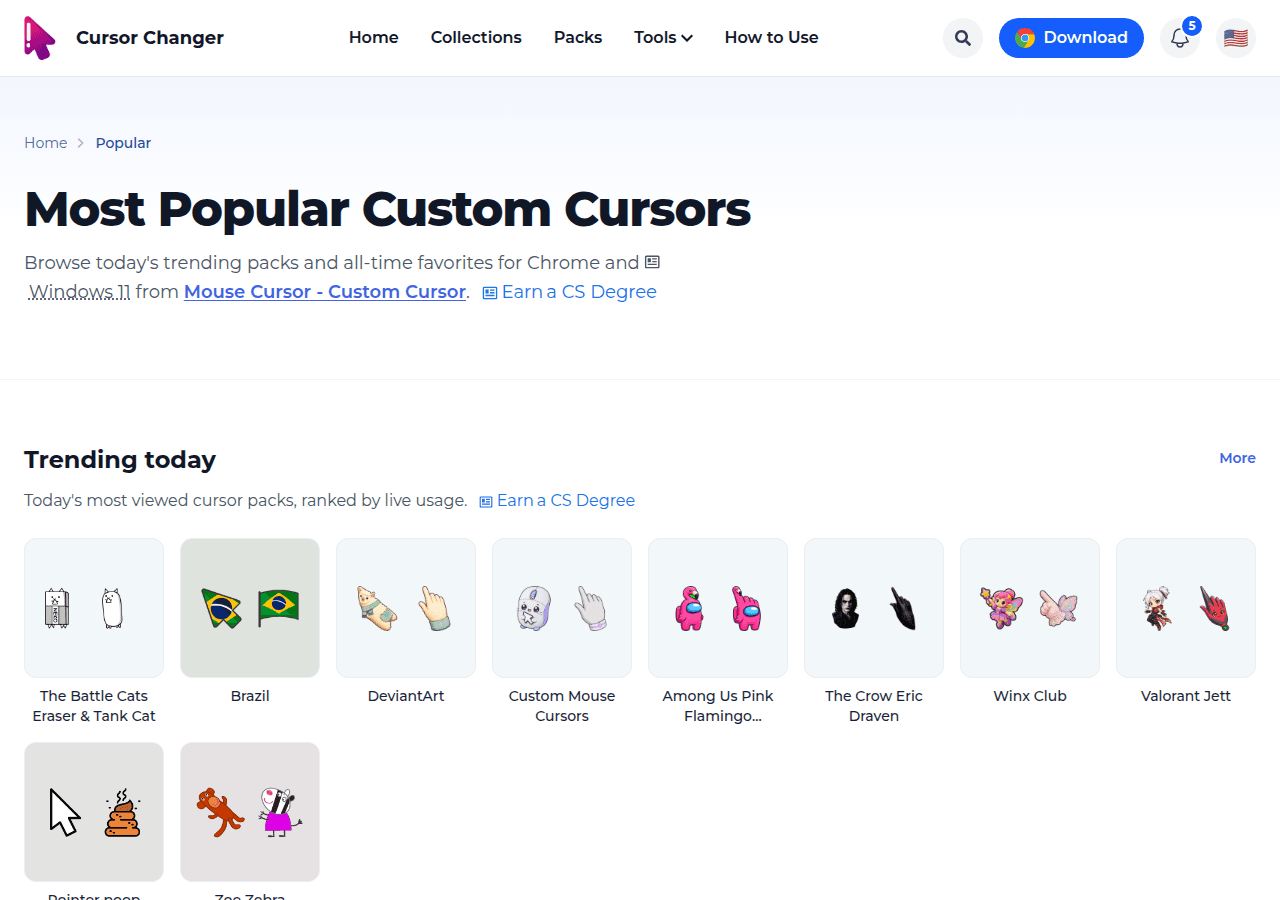
New, popular, and trending cursors
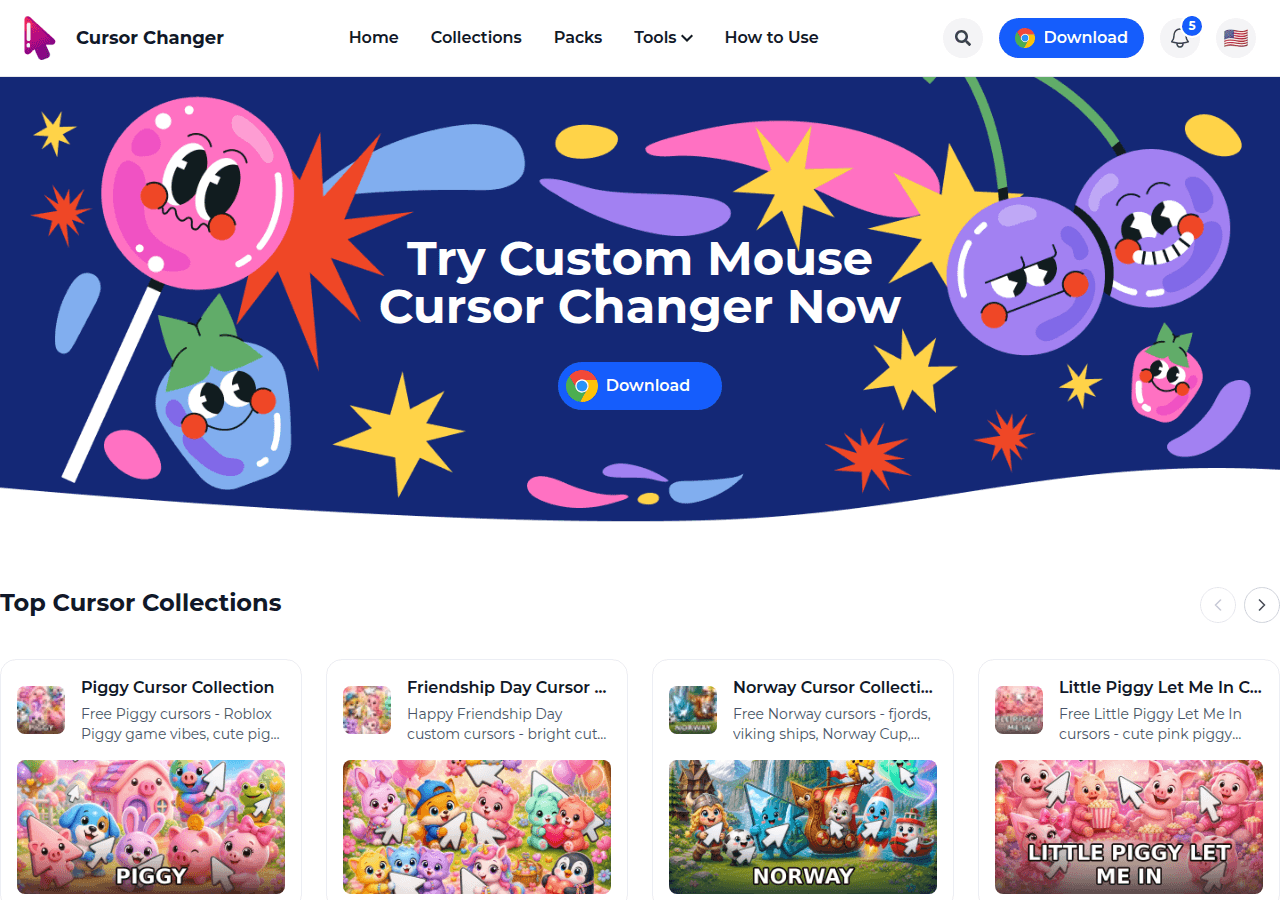
Cute Cursors does not simply show the entire catalog in one list. The homepage contains several blocks that help you find interesting designs based on popularity and when they were added.
Top Cursor Collections - themed selections that help you quickly jump to individual collections.
Newest Cursor Packs - new packs that recently appeared on the platform. Examples during the review included Dodge Charger Super Bee, Mousecape, Wii Cursors, DeviantArt, Roblox Cursors, and Minecraft Cursors.
Top Cursor Packs - a list of popular cursors built from daily views. Designs shown included The Battle Cats Eraser & Tank Cat, Brazil, Among Us Pink Flamingo Character, and Valorant Jett.
Live Trending Custom Cursors - a separate block with cursors users viewed during the last hour.
Thanks to these sections, you can find not only familiar designs but also discover new interesting collections.
Cute Cursors extensions for Google Chrome and Microsoft Edge
One of the platform's most important capabilities is special extensions that let you apply custom cursors directly while working in the browser.
Cute Cursors offers several separate products for Chrome and Edge.
1. Custom Mouse Cursor for Google Chrome
This is the main official Cute Cursors extension for Google Chrome. It lets you change the pointer's appearance and use available packs from the collection.
In the extension you can browse recommended and popular designs, use categories, search, and save favorite cursors.
Install link:
https://chromewebstore.google.com/detail/navix-cursors-custom-curs/kinfihfgknmecicjmadebldjeknakbpj
2. Custom Mouse for Microsoft Edge
For Microsoft Edge users, a separate extension is available that lets you personalize the pointer in that browser.
Link:
https://microsoftedge.microsoft.com/addons/detail/ngffjepkcdfkoaoebaegbmodaoeklfkg
3. Custom Cursor Changer for Chrome
Another extension option for quickly switching between cursor designs.
It is presented on the Cute Cursors products page as a separate tool for pointer personalization.
Link:
https://chromewebstore.google.com/detail/custom-cursor-changer/kbpfgmdeadapkkgjealalfgkmoaehiic
4. Custom Cursor Changer for Edge
A similar option for Microsoft Edge users.
Link:
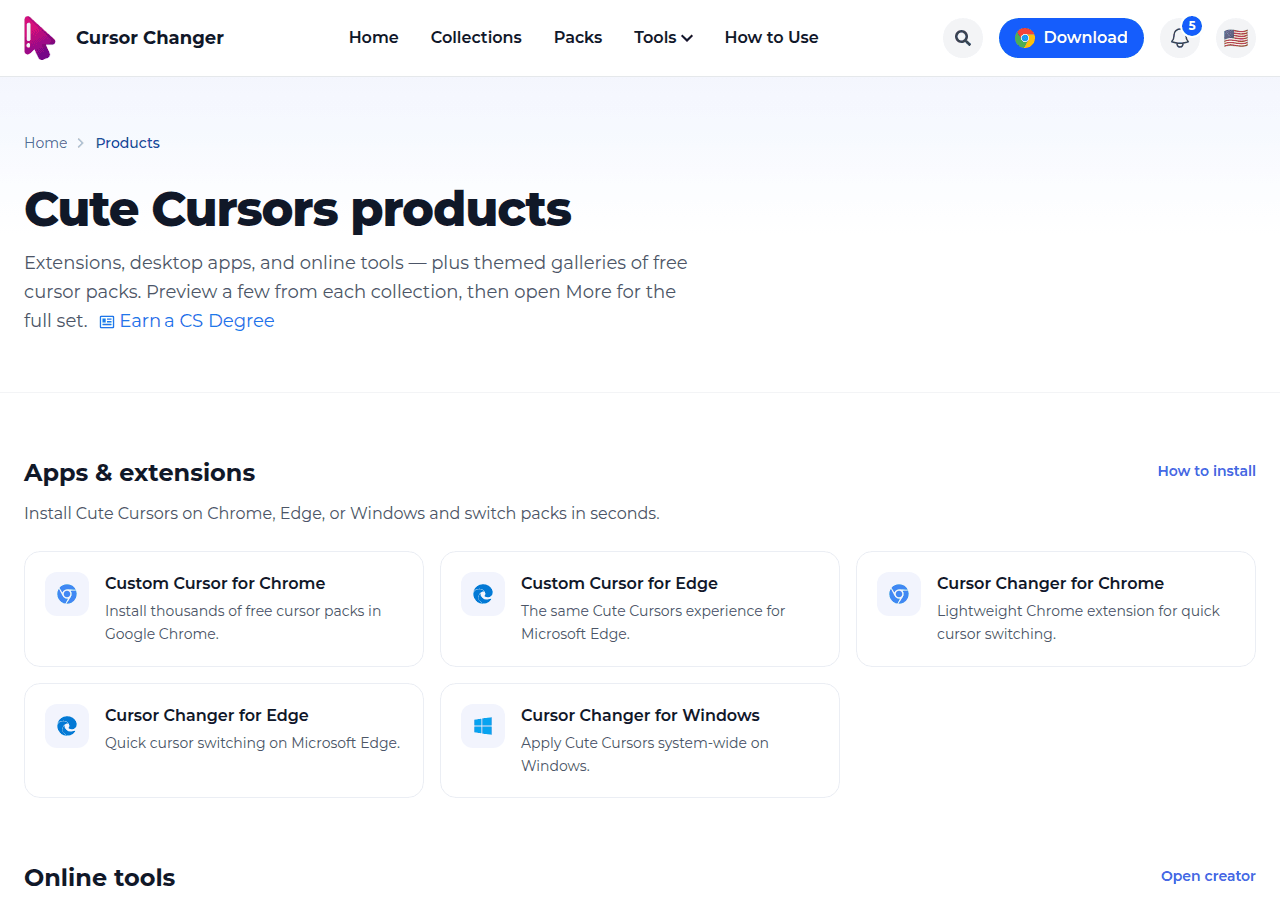
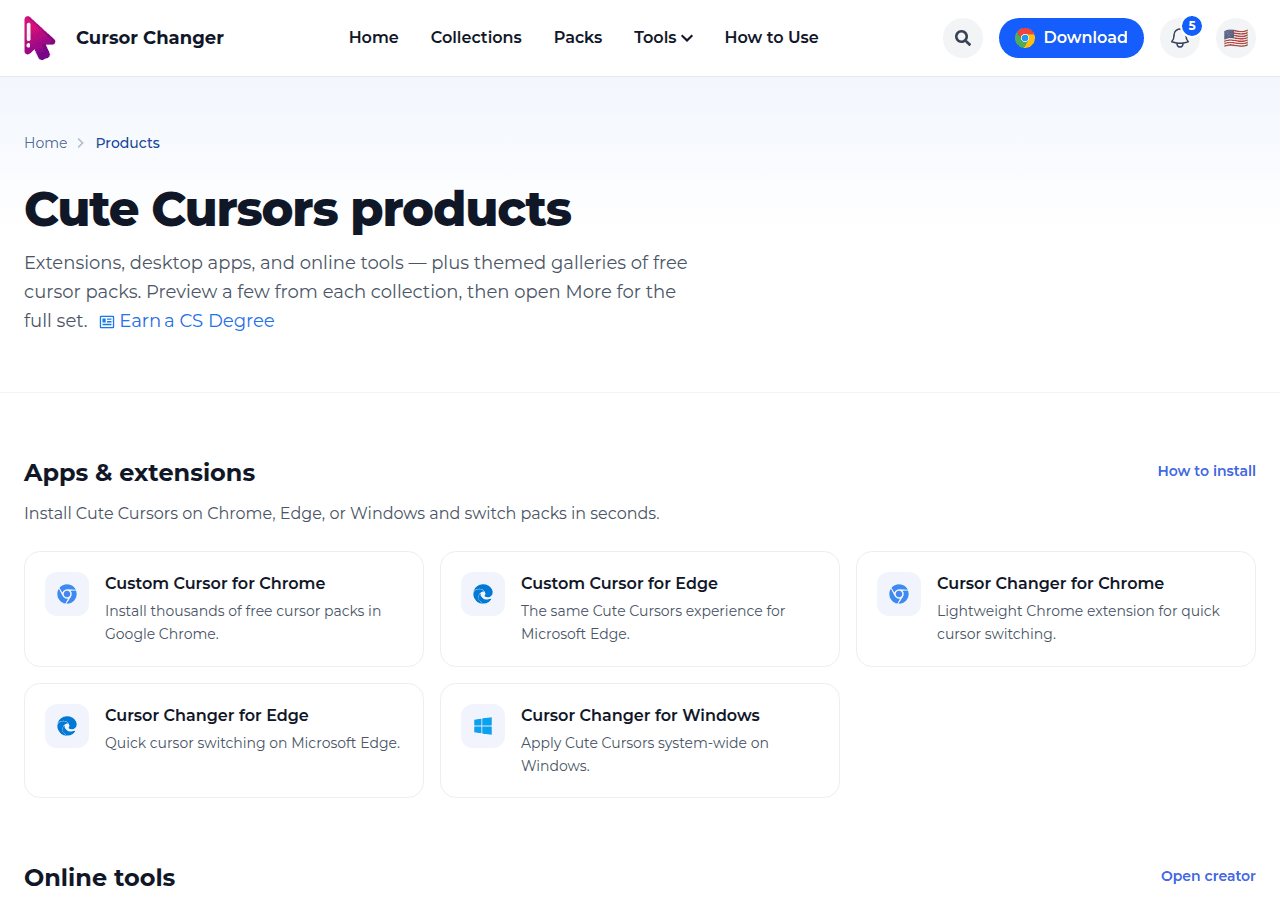
All of these products are listed on the official page:
Cute Cursors apps for Windows
In addition to browser extensions, the platform offers solutions for Windows users.
This is an important distinction, because a user can personalize not only the browser but also the system mouse pointer.
Cursor Changer for Windows
The app lets you apply custom cursors at the operating system level, not only inside a single browser.
Download from the official Cute Cursors server:
https://cdn.cutecursors.com/files/cursorchanger.zip
Custom Cursor for Windows 11
A separate app option focused on Windows 11. The site describes it as a full tool for installing and managing system cursors.
Cursor for Windows 11
Another app option for Windows 11 users with a simpler interface and an emphasis on convenience.
Links to the apps and other products:
https://cutecursors.com/products
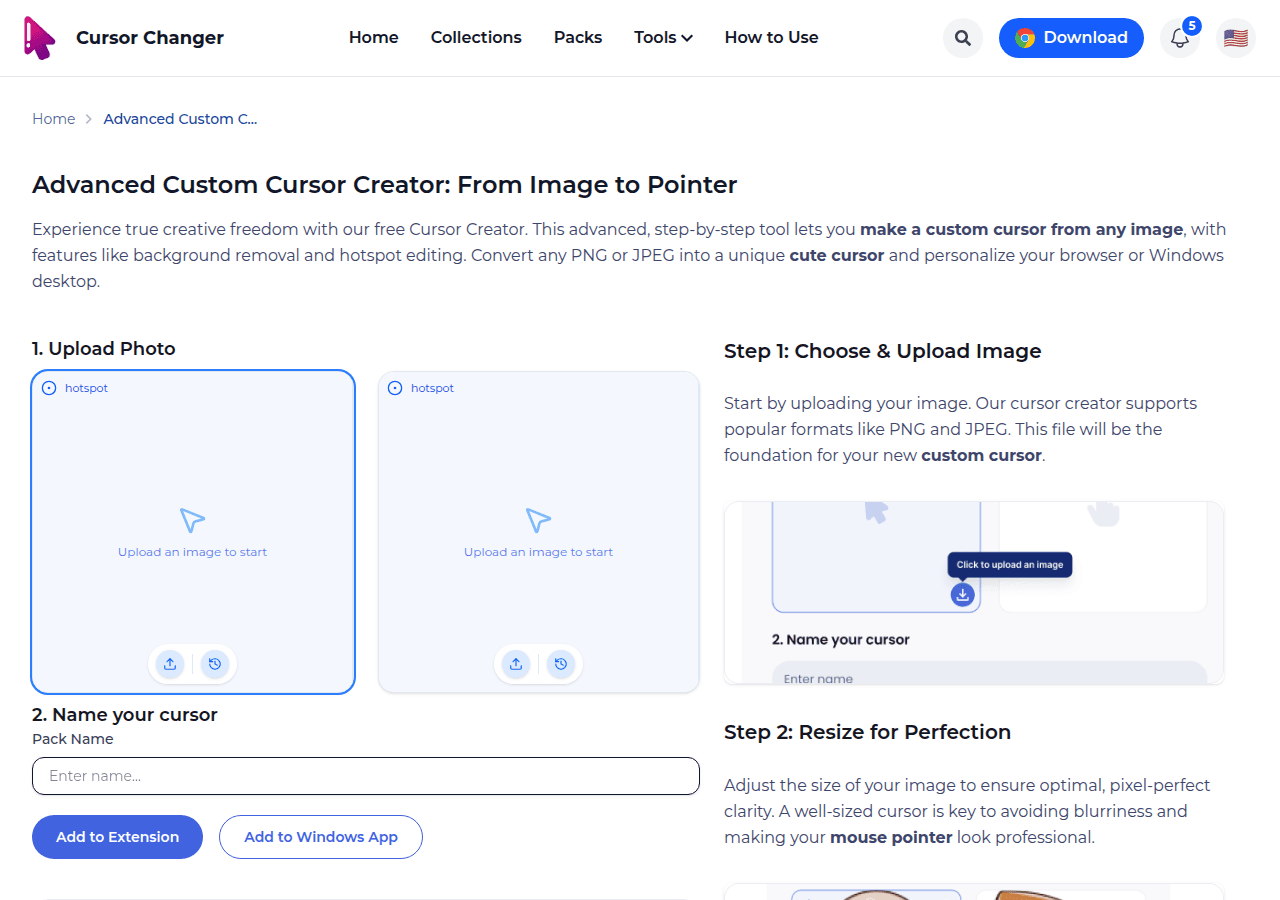
Create your own cursors with Custom Cursor Creator
An especially interesting Cute Cursors capability is creating your own designs directly in the browser.
For this, the platform offers Custom Cursor Creator - an online editor that lets you turn your own images into custom cursors.
With the editor you can:
- Upload your own images;
- Create graphic cursor elements;
- Set the hotspot - the point where the cursor interacts with elements;
- Create frame-by-frame animation;
- Prepare your own packs;
- Export finished cursors for Chrome and Windows.
This is especially useful for designers, artists, and users who want to create something unique instead of limiting themselves to ready-made collections.
For example, you can use your own drawing, upload an image into the editor, set the click point, and prepare a personal cursor.
The tool is available here:
https://cutecursors.com/cursor-creator
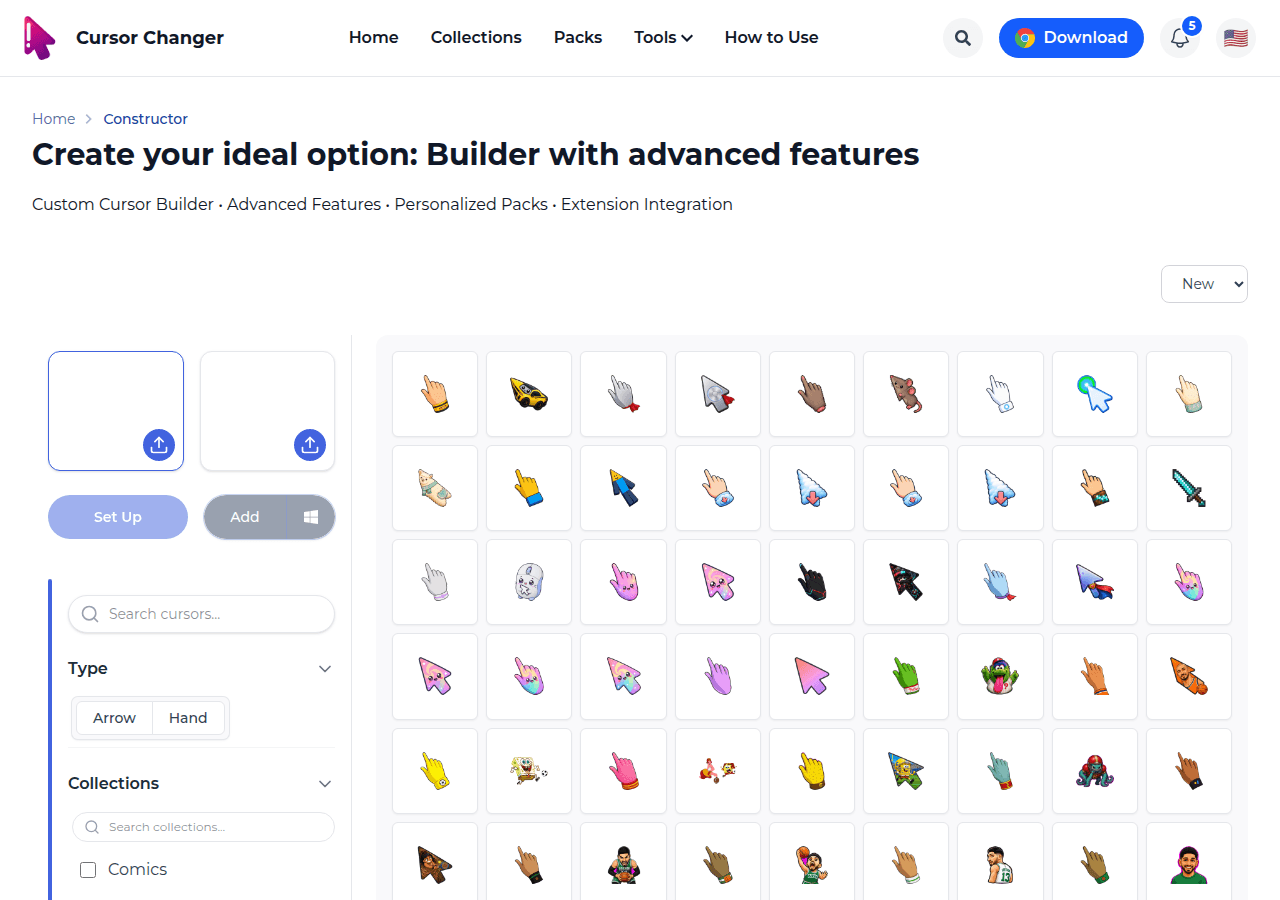
Constructor - build cursors from graphic elements
Another platform tool is Constructor.
Its idea is to create cursors from different parts and graphic elements. Instead of working with only one finished image, you can assemble a design from several components.
The tools page also describes a Constructor team workspace in beta. It is aimed at collaborative work for designers, organizing projects, versions, and the pack publishing process.
This makes the platform interesting not only for ordinary users but also for people who create graphic content.
Open Constructor:
https://cutecursors.com/constructor
Cursor Previewer and Cursor Pack Optimizer
Cute Cursors also offers additional tools for working with finished packs.
Cursor Previewer
This tool lets you preview cursors before installing them.
You can evaluate how a pack looks across different operating system themes, pointer sizes, and animation modes.
This is useful when you need to check whether a chosen cursor will look good in a light or dark appearance.
Cursor Pack Optimizer
The tool is designed for analyzing and optimizing the size and format of cursor packs.
It can be useful for creators who prepare their own packs and want to improve compatibility and load speed.
Both tools are available in the Tools section:

How to install and use Cute Cursors?
The installation process depends on where exactly you want to use the cursors.
Installing for Google Chrome
- Open the official Custom Mouse Cursor extension page.
- Click Add to Chrome.
- Confirm the extension installation.
- Open Cute Cursors.
- Browse the available collections and choose the pack you need.
- Add the cursor and use the extension interface to apply it.
Installing for Microsoft Edge
- Open the Custom Mouse for Edge page.
- Continue to install through Microsoft Edge Add-ons.
- Add the extension to the browser.
- Open the Cute Cursors catalog.
- Choose the design you need and add it.
Installing for Windows
- Go to the Cute Cursors products page.
- Choose the matching Windows app.
- Download the installer file.
- Complete installation according to the app instructions.
- Choose the cursor pack you need and apply it through the app.
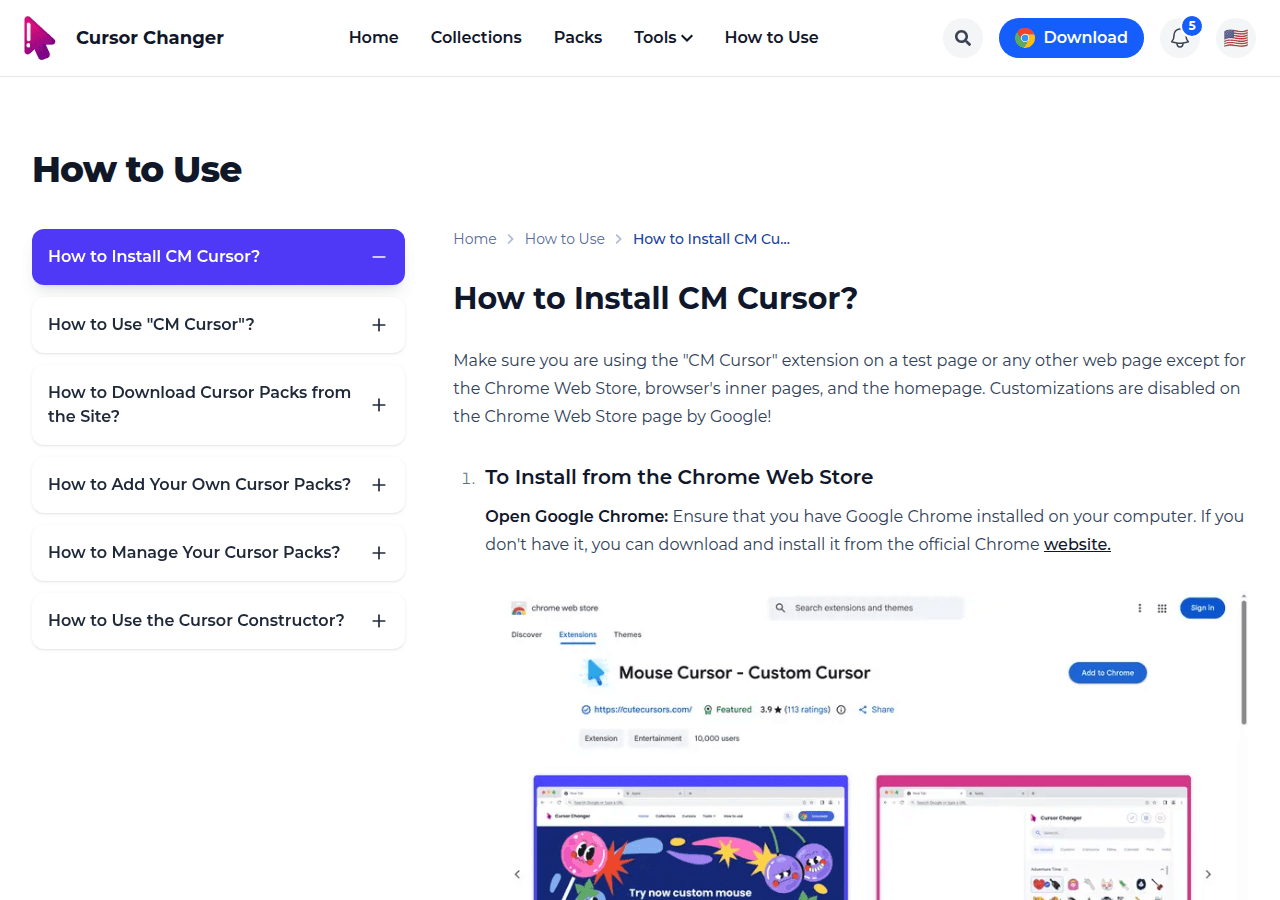
Official guide: https://cutecursors.com/how-to-use/install
Free access and regular updates
Cute Cursors positions its collections and tools as free. On the About page, the platform also emphasizes regular additions of new designs.
According to the site, new packs appear every week. This makes it possible to keep discovering new themes and find fresh options for personalizing a computer.
Another feature is community involvement. The developers note that some popular designs are created based on user requests.
In addition, the platform invites authors to join the creative community, create their own cursors, and publish their work.
About the platform:
Who is Cute Cursors for?
The platform can be interesting for different categories of users.
Gamers - thanks to the large number of designs inspired by popular video games.
Anime and cartoon fans - thanks to themed collections with characters and familiar visual elements.
Personalization lovers - thanks to the ability to change the standard pointer and pick a design that matches their own style.
Designers and artists - thanks to Custom Cursor Creator, Constructor, and other creative tools.
Windows users - thanks to separate apps that let you use cursors at the system level.
Chrome and Edge users - thanks to dedicated browser extensions.
Important features and limitations
When using Cute Cursors, a few points are worth keeping in mind.
Browser extensions cannot change the standard pointer on some Chrome system pages. In particular, this applies to the Chrome Web Store and internal browser pages such as settings and downloads.
It is also worth distinguishing browser extensions from Windows apps: the former change the cursor within the browser, while system apps are meant for applying cursors in Windows.
Separately, the site notes that its themed designs are fan art. Product names, characters, logos, and trademarks belong to the respective rights holders, and the platform does not claim official affiliation with them.
Why try Cute Cursors?
Cute Cursors is not just a site with pretty images. It combines a large library of ready-made designs, browser extensions, Windows apps, and tools for creating your own cursors.
Key advantages of the platform:
- More than 40,000 cursor packs by catalog count at the time of review;
- A large number of themed collections;
- Designs for games, anime, cartoons, comics, and animals;
- New and popular selections;
- Separate extensions for Chrome and Edge;
- Apps for Windows;
- The Custom Cursor Creator online editor;
- The Constructor tool;
- Cursor preview;
- Optimization of finished packs;
- Free access to collections and tools;
- Regular additions of new designs.
A special advantage is the ability not only to use ready-made cursors but also to create your own. That makes Cute Cursors an interesting platform for ordinary users and creative people alike.
Conclusion
Cute Cursors is a comprehensive platform for personalizing the mouse cursor on a computer. It brings together a large catalog of free designs, themed collections, browser extensions for Chrome and Edge, Windows apps, and creative tools.
Thanks to the large number of packs, everyone can find something that matches their interests: from cute animals and pastel cursors to video game heroes, anime, comics, and internet memes.
The tools for creating your own designs deserve special attention. Custom Cursor Creator, Constructor, Cursor Previewer, and Cursor Pack Optimizer open extra possibilities for people who want not only to use ready-made solutions but also to work on graphics themselves.
If you want to change the ordinary pointer, personalize the browser, or create your own cursor pack, Cute Cursors offers many options for doing that.
Visit Cute Cursors, explore the collections, and create your own mouse cursor style!
When you are done exploring, continue browsing our blog for more browser customization tips.