Custom Cursor World Brings Free Custom Cursors to Chrome and Edge
The platform features more than 52,419 cursor packs covering a wide range of styles and interests. Whether you like cute characters, gaming designs, anime, minimalist pointers, or artistic illustrations, Custom Cursor World offers plenty of options to choose from.
All cursor packs are available for free, with no subscriptions and no hidden fees.
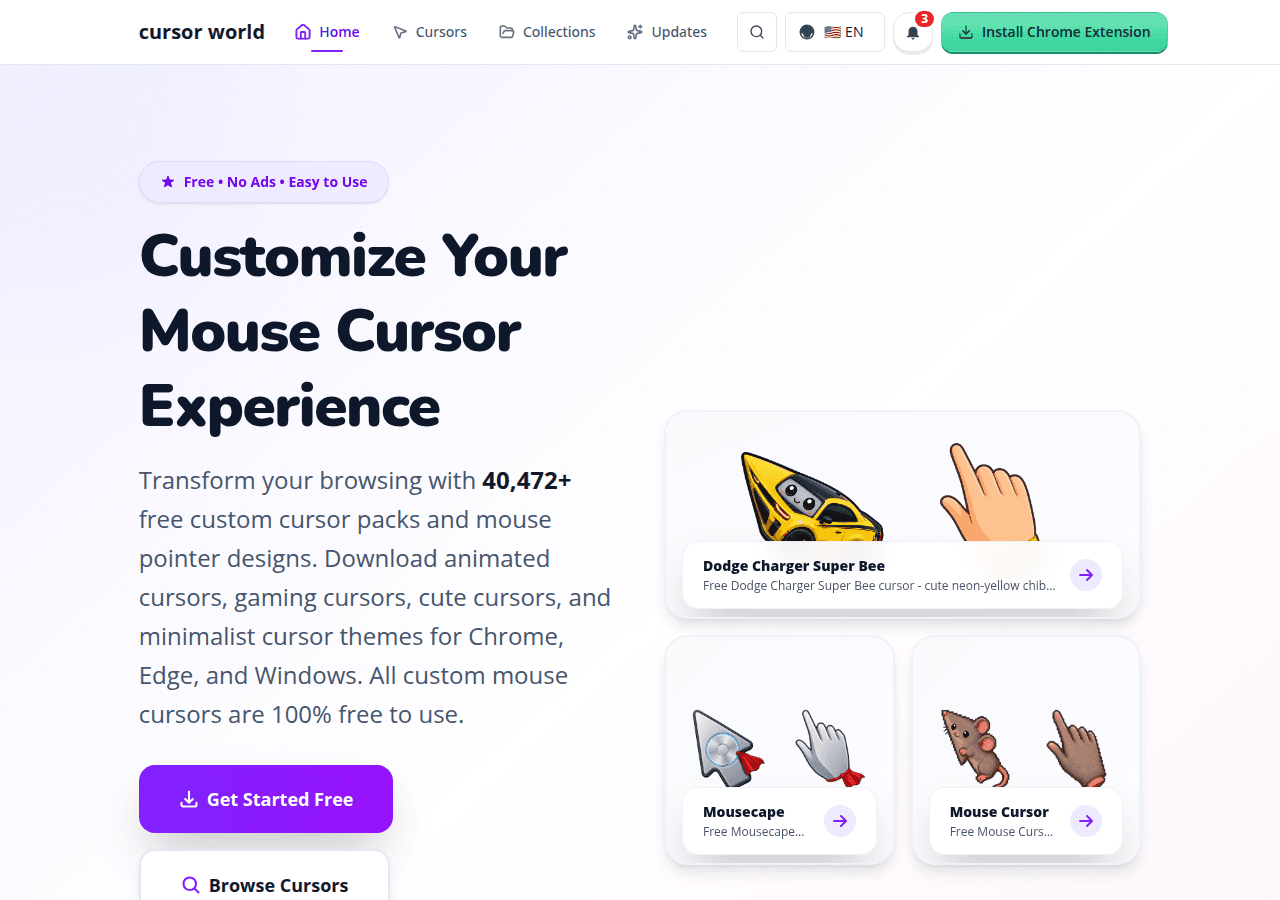
A large collection of custom cursors
One of the main features of Custom Cursor World is its extensive catalog of cursor designs. Users can browse different options, discover new collections, and choose cursors according to their own preferences.
The collection includes a variety of themes and visual styles, including:
- Cute cursors and kawaii-style designs;
- Anime-style cursors;
- Gaming cursors;
- Cartoon characters;
- Funny and artistic illustrations;
- Minimalist cursor designs;
- Animated collections;
- Creative and themed mouse pointers.
The site organizes designs by category, which makes it easier for users to find interesting options.
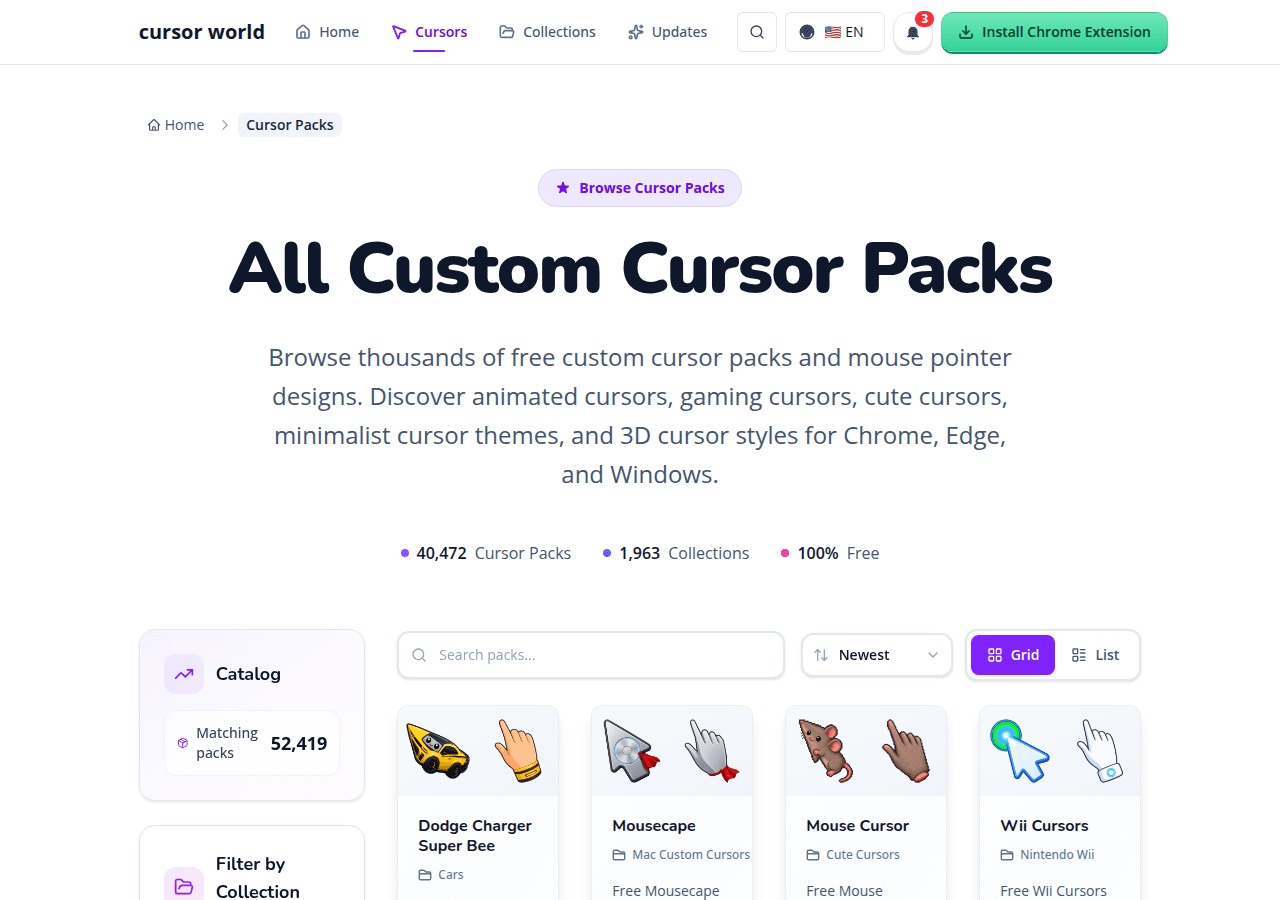
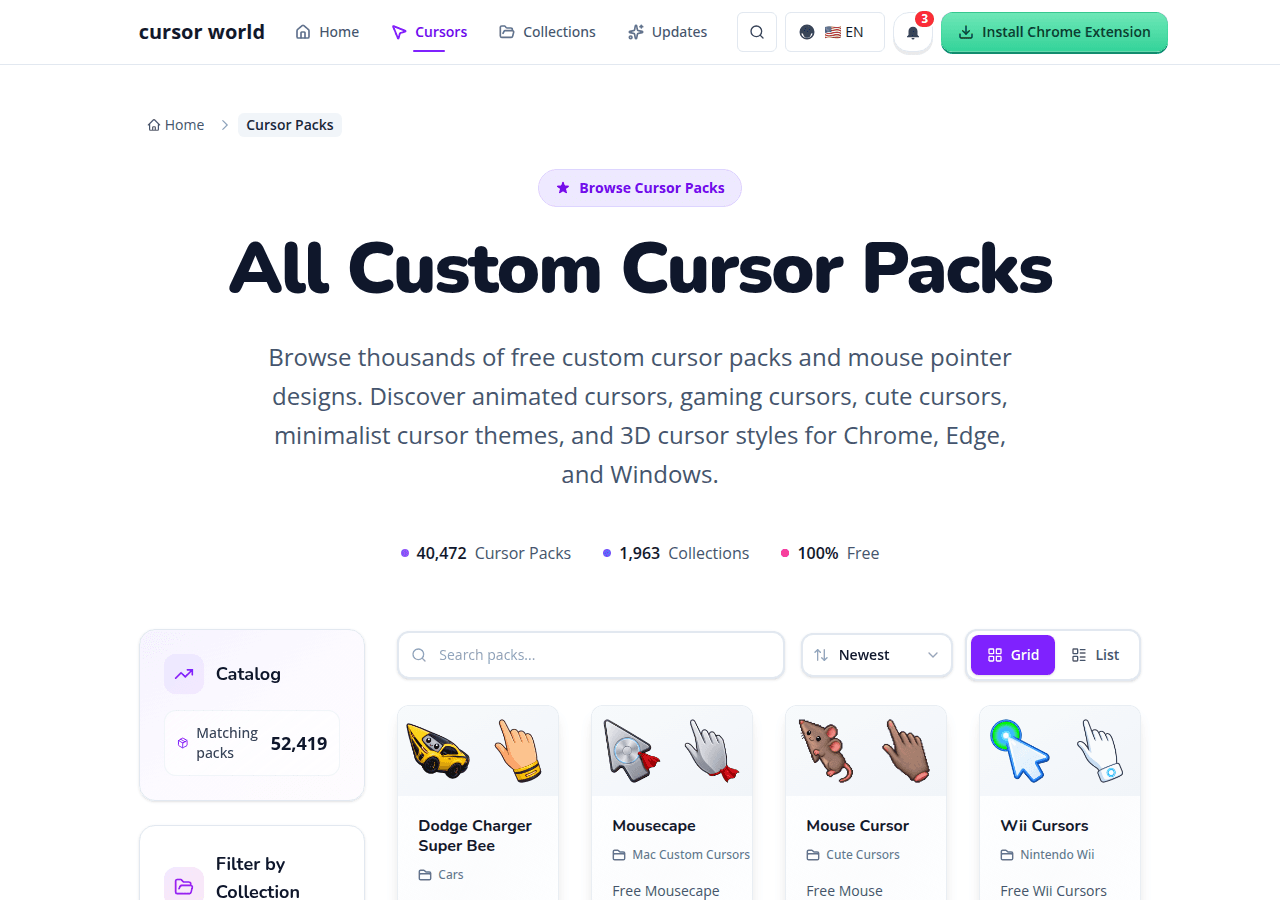
New and popular cursor packs
Custom Cursor World expands its collection with new cursor designs. The homepage features recently added packs and popular options, helping visitors discover new collections.
Each cursor pack has its own page with a name, description, and category. This lets you explore the design before adding it to the browser extension.
In the catalog you can find a variety of themes, including characters, games, animals, popular entertainment themes, and original illustrations.
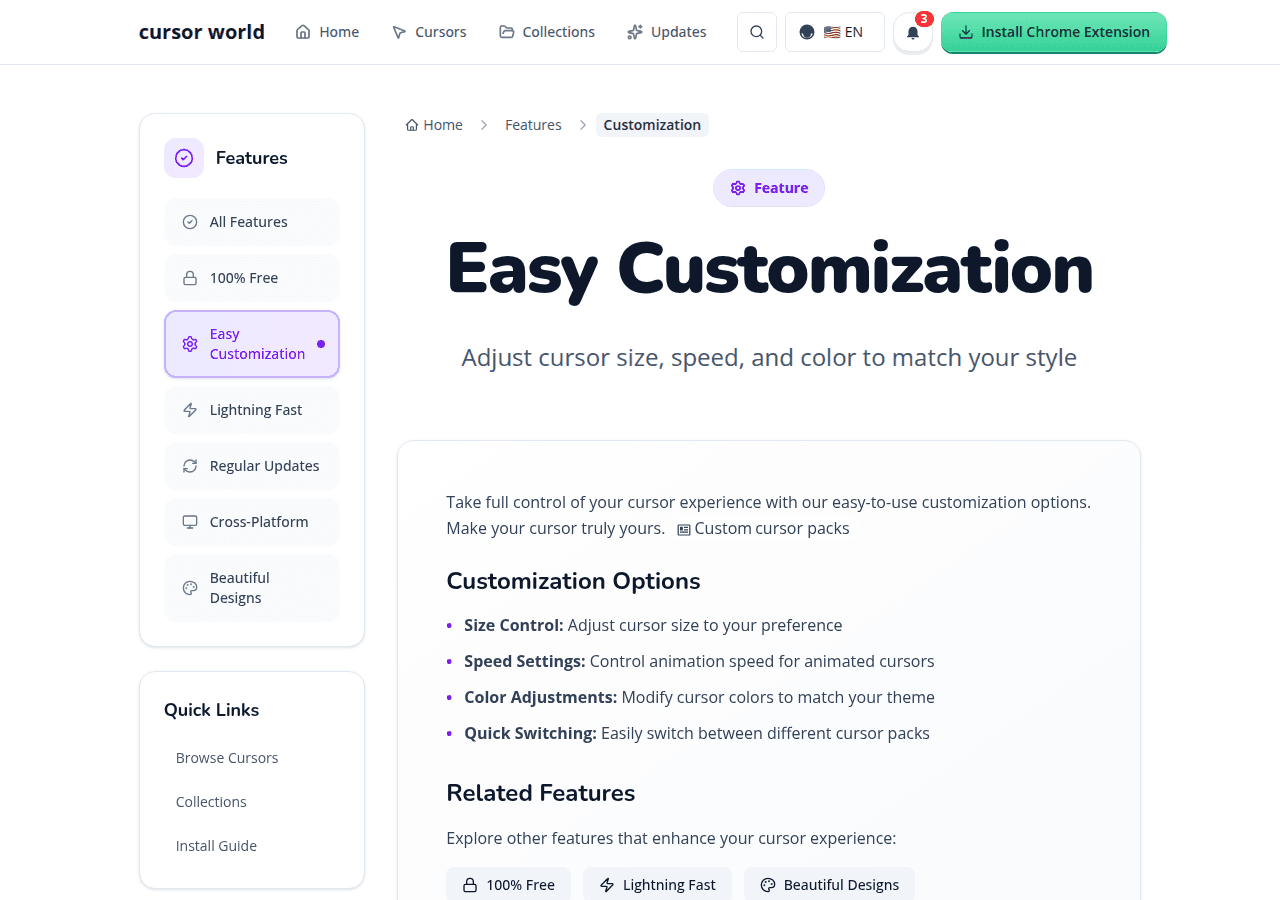
Mouse cursor personalization
Custom Cursor World offers a browser extension that you can use to apply and manage custom cursor designs.
The extension provides several customization options to make the mouse pointer more convenient and visually appealing.
Users can:
- Change cursor size;
- Adjust cursor speed;
- Change cursor color;
- Switch between installed designs;
- Manage multiple cursor packs;
- Adjust animation speed for supported animated cursors.
Simple installation process
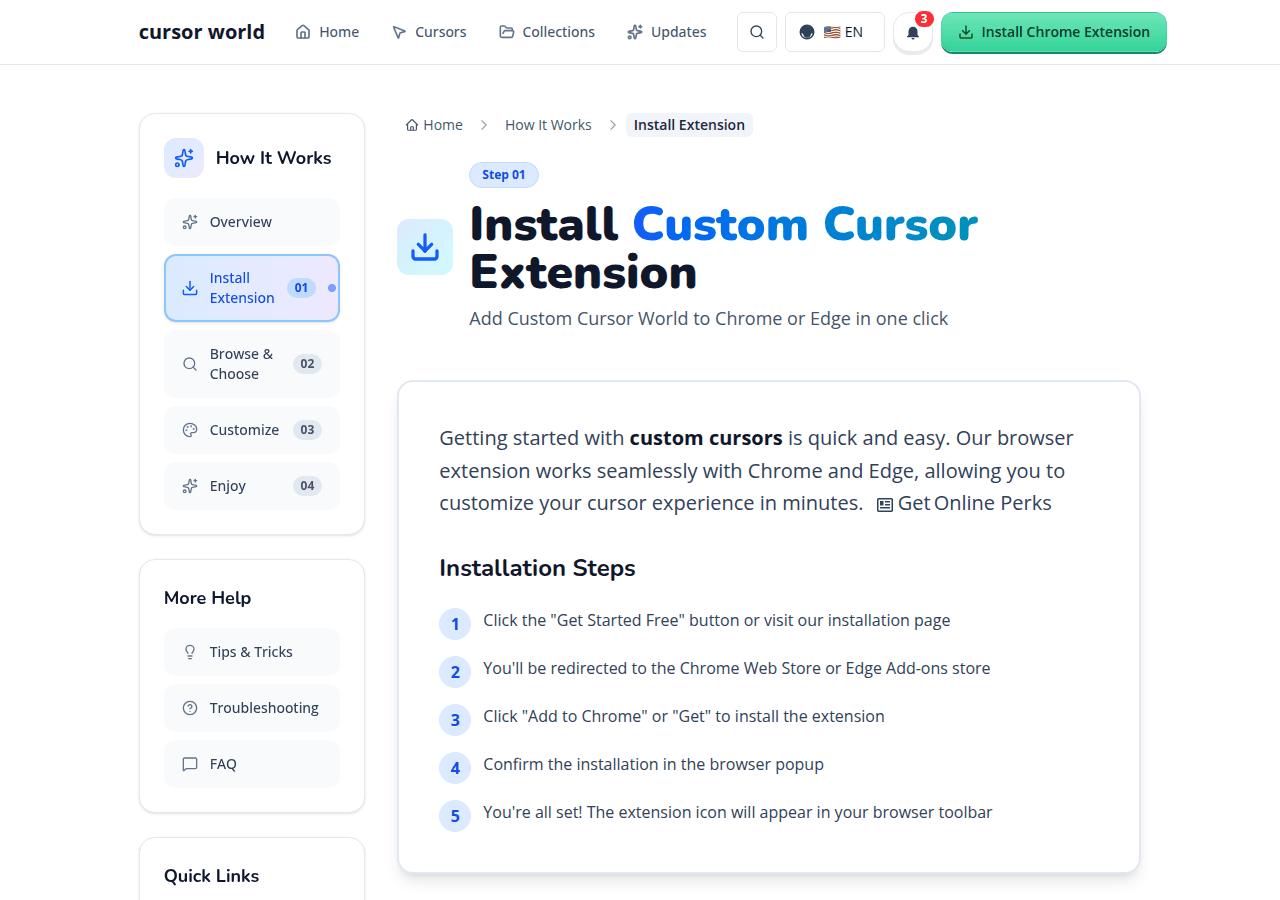
Getting started with Custom Cursor World is fairly straightforward. The platform offers a clear installation process that consists of only a few steps.
Step 1. Install the extension
Add Custom Cursor World to Google Chrome or Microsoft Edge using the browser extension installation flow.
Link: Custom Cursor World
Step 2. Browse and choose a cursor
Browse the available cursor packs and pick a design you like. You can explore different categories, collections, and popular options.
Step 3. Customize the cursor
Using the extension settings, adjust cursor size, speed, and color. For supported designs, you can also change animation speed.
Step 4. Use your new cursor
After installation, you can switch between available cursor designs through the extension popup.
Browser compatibility and performance
Custom Cursor World is designed for Google Chrome and Microsoft Edge users. The site also provides a guide for installing and using custom cursors on Windows.
The extension is positioned as a lightweight solution optimized for minimal impact on browser performance and memory usage.
Users can install multiple cursor packs and switch between them through the extension interface.
Useful links:
Free custom cursors with no subscriptions
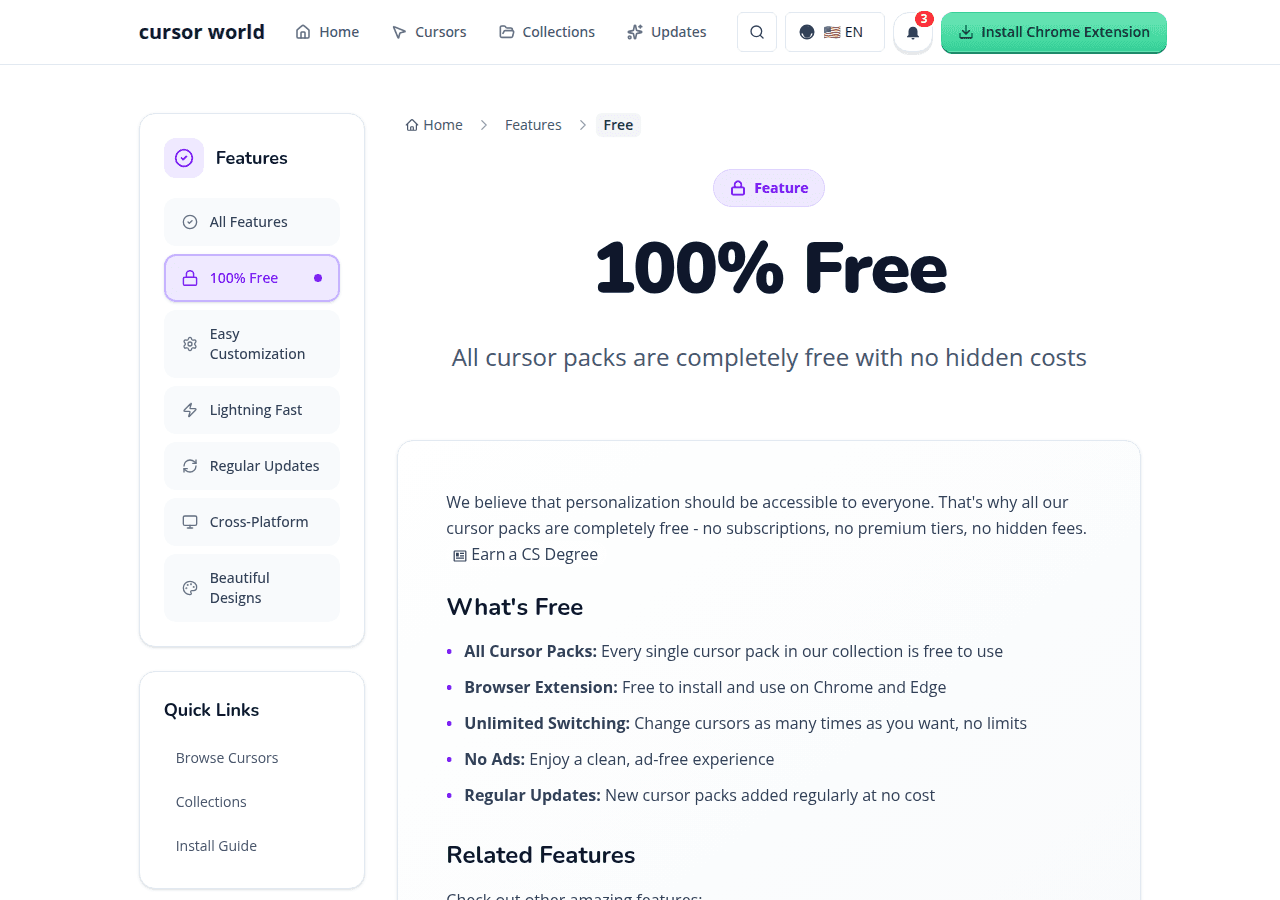
Another important feature of Custom Cursor World is its free access model.
Custom cursor packs are available without paying for a subscription or dealing with hidden fees. The platform offers free access to its collection of designs and browser personalization features.
Users can browse different designs, install their favorite cursor packs, and change the look of the mouse pointer without having to buy individual designs.
Why choose Custom Cursor World?
Custom Cursor World combines a large cursor collection with convenient tools for browsing and personalization.
Key advantages of the platform:
- A catalog with more than 52,419 custom cursor packs;
- A wide choice of themes and visual styles;
- Free use of cursors;
- Extension support for Chrome and Edge;
- Cursor customization options;
- Convenient switching between installed designs;
- Regular additions to the collection;
- Separate categories and themed selections;
- A simple installation process.
Conclusion
Custom Cursor World is a platform for finding and using free custom mouse cursors. A large catalog, themed collections, a browser extension, and personalization options make it easy to change the look of the standard mouse pointer.
Whether you like cute characters, anime, gaming themes, cartoons, or minimalist designs, the platform offers many interesting options.
Thanks to free cursor packs, easy installation, and a collection of themed designs, Custom Cursor World helps make everyday browsing more personal and visually engaging.
Visit Custom Cursor World, browse the collection, and find a cursor design that matches your style.
When you are done exploring, continue browsing our blog for more browser customization tips.