Four Extensions for Animated Cursor Effects Across Three Separate Sites
- 1What are Cursor Trails and how do these effects work?
- 21. Custom Cursor Trails - sparkles, stars and bright animations
- 32. Cursor Trails - thousands of effects and themed packs
- 43. Cursor Trail - neon effects, particles and live preview
- 5Four extensions - what is the difference between them?
- 6How to choose the right site and extension?
- 7Do these effects work on every site?
- 8Privacy and copyright
- 9Strengths and traits of the three platforms
- 10Conclusion: three sites, four extensions and many ways to change the cursor
- 11All official links
A regular mouse cursor does a simple job: it helps you move around pages, click buttons and work with interface elements. But what if every mouse movement left a trail of twinkling stars, neon particles, autumn leaves or small animated symbols?
That is exactly how Cursor Trails work - decorative effects that follow the mouse pointer and give the browser a personal feel.
Today there are many sites and extensions dedicated to this kind of personalisation. Three separate projects are especially interesting: Custom Cursor Trails, Cursor Trails and Cursor Trail.
Despite very similar names, these are different sites with their own catalogues, designs and Google Chrome extensions. This review brings together all three platforms and the four matching extensions, with links provided for analysis.
Let us look at which effects they offer, how the collections differ, how to create your own animations and which extension to choose for personalising your browser.
What are Cursor Trails and how do these effects work?
A Cursor Trail is an animated trail that appears as you move the mouse pointer. Unlike a simple change of cursor appearance, the main focus here is on movement itself.
When a user moves the mouse, particles, stars, light lines, geometric shapes or themed images can appear on the screen. They stay behind the pointer for a while and then disappear.
Depending on the specific design, the effect can look different:
- Sparkles - twinkling glitter and light particles.
- Stars - stars that appear as you move the mouse.
- Particles - particles of different shapes and colours.
- Neon - bright neon lines and glow.
- Seasonal Effects - snowflakes, autumn leaves and festive elements.
- Fluid Effects - smooth colour flows and liquid animations.
- Nature - leaves, petals and natural motifs.
- Interactive Effects - animations that react to movement or clicks.
All three sites covered here use this idea, but each implements it differently. Some focus on themed characters and ready-made packs, others on particles, neon, motion physics or parameter tuning.
It is important to understand that a browser extension adds the effect on supported web pages - it does not replace the system Windows cursor across the entire operating system.
1. Custom Cursor Trails - sparkles, stars and bright animations
Official site: custom-cursor-trails.com
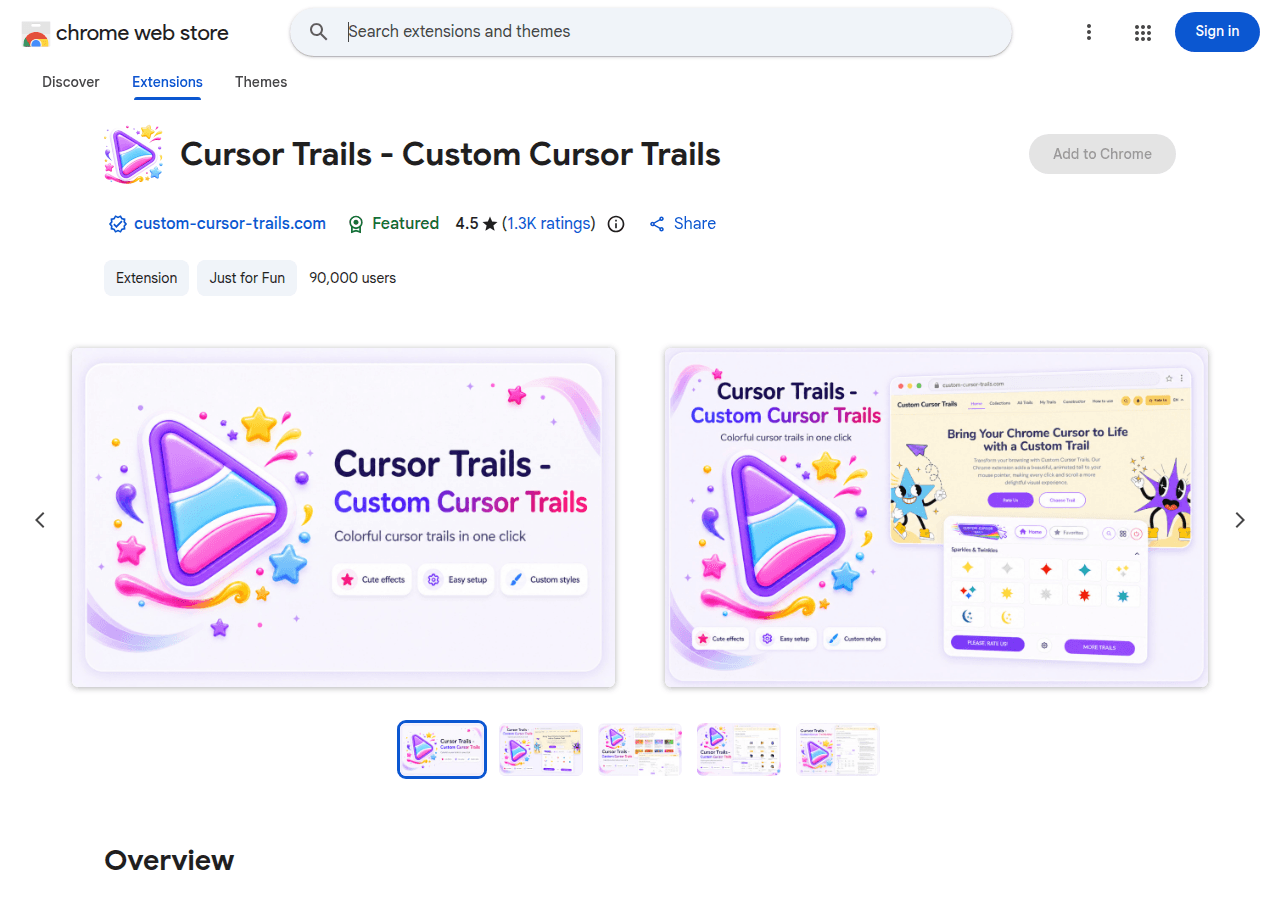
Chrome extension: Cursor Trails - Custom Cursor Trails
Developer listed in the Chrome Web Store: the owner of the custom-cursor-trails.com site.
Turning mouse movement into a small light show
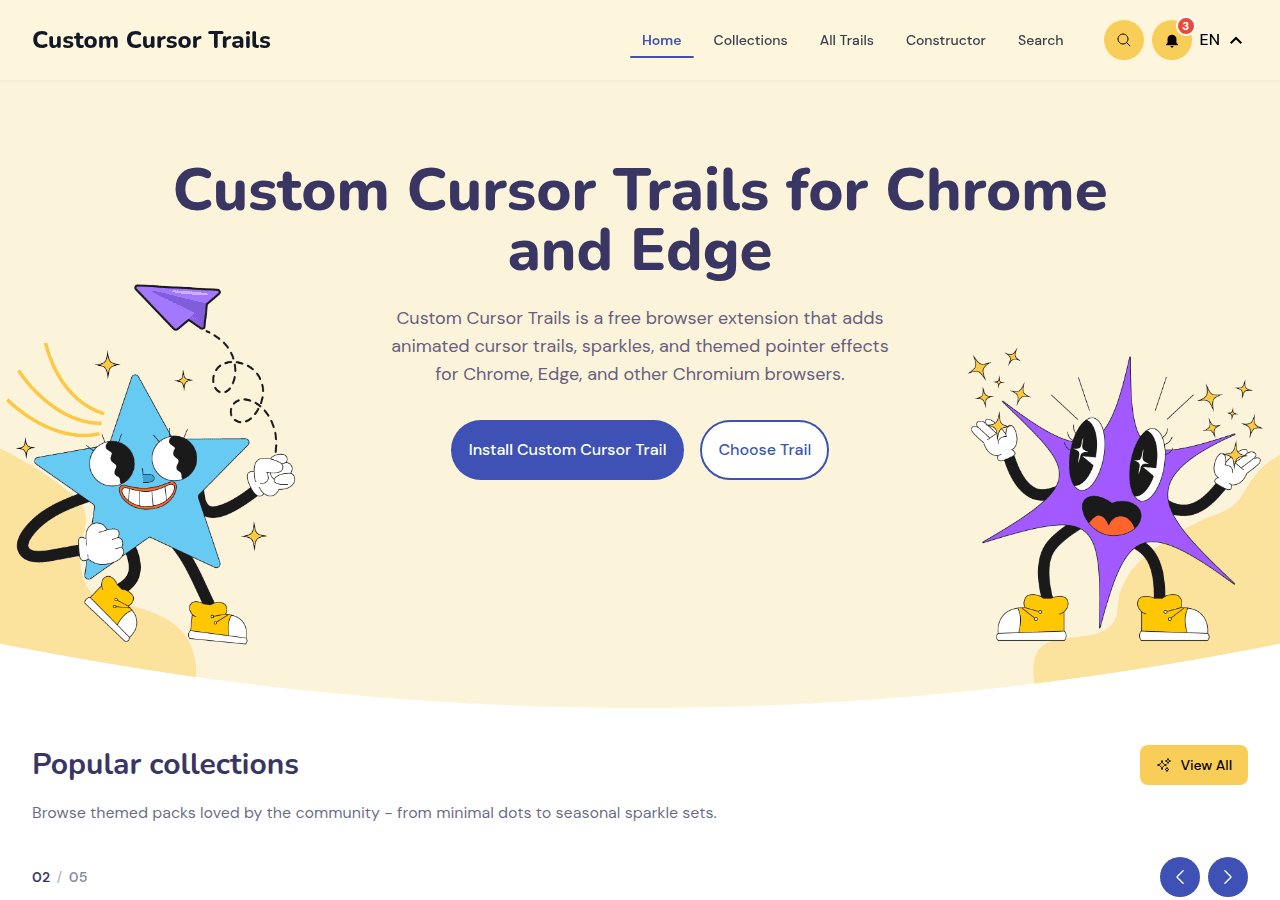
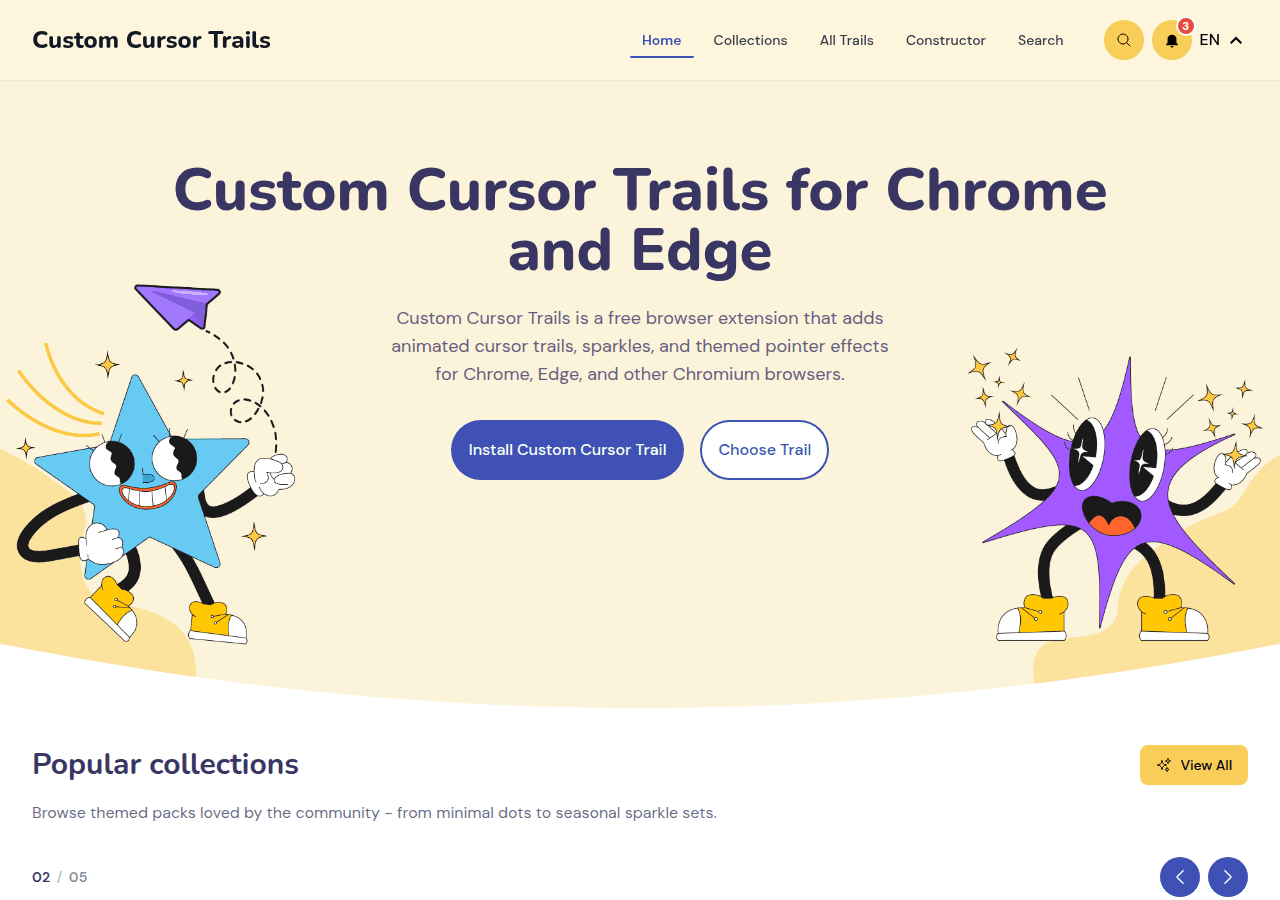
The first project focuses on decorative effects that follow the pointer. Its description especially highlights sparkles, stars, light particles and seasonal animations.
The main idea is to make ordinary web browsing brighter. When a user moves the mouse, all kinds of animated elements can appear behind it.
In the Chrome Web Store the developer describes these capabilities:
- a choice of different visual effects;
- quick switching between options;
- personalising the look of the trail;
- the ability to spot the cursor more easily on the page;
- creating your own effects with the builder on the site.
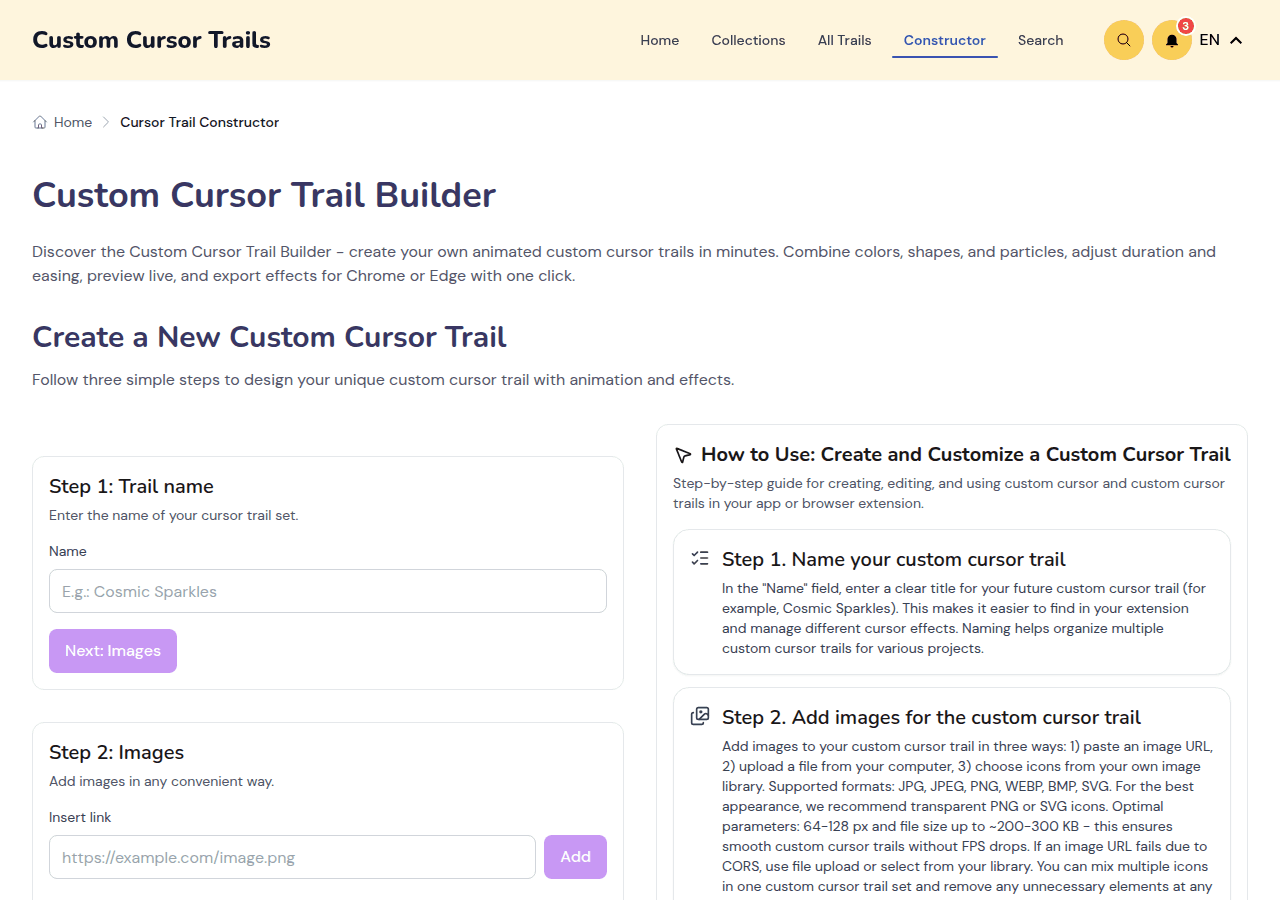
It is also noted that the platform offers a Custom Cursor Trail Constructor where you can choose colours, shapes, effects and animations.
Themed collections on Custom Cursor Trails
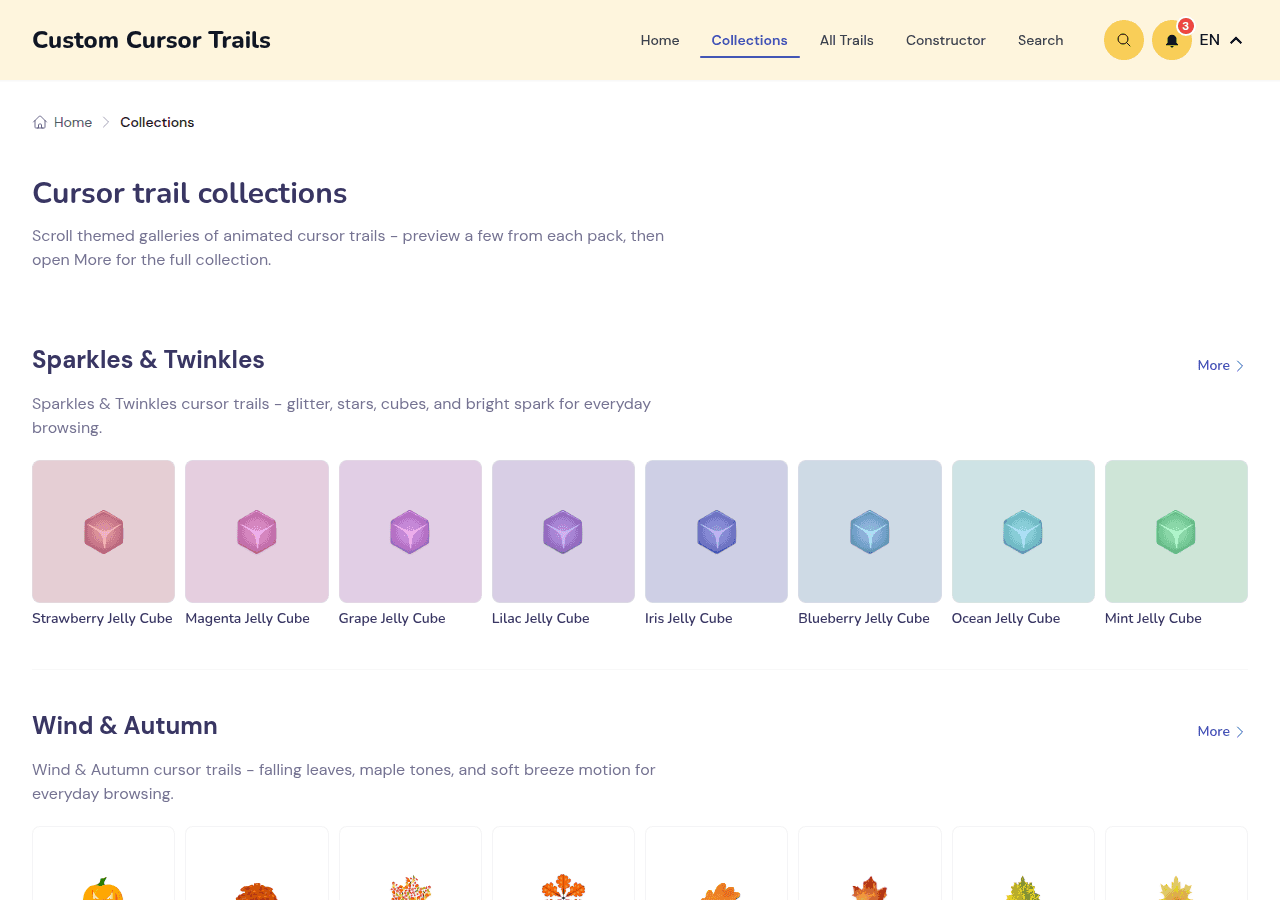
One of the most interesting parts of the site is Collections.
During the page check, 38 collections were listed, of which 16 appeared in the Browse All Collections list. The count may change.
Among the selections shown:
- Squid Game. Cursor effects inspired by the series, including Front Man, guards and players.
- Birds. Birds of different kinds: owls, ducks, chicks, eagles and other winged characters.
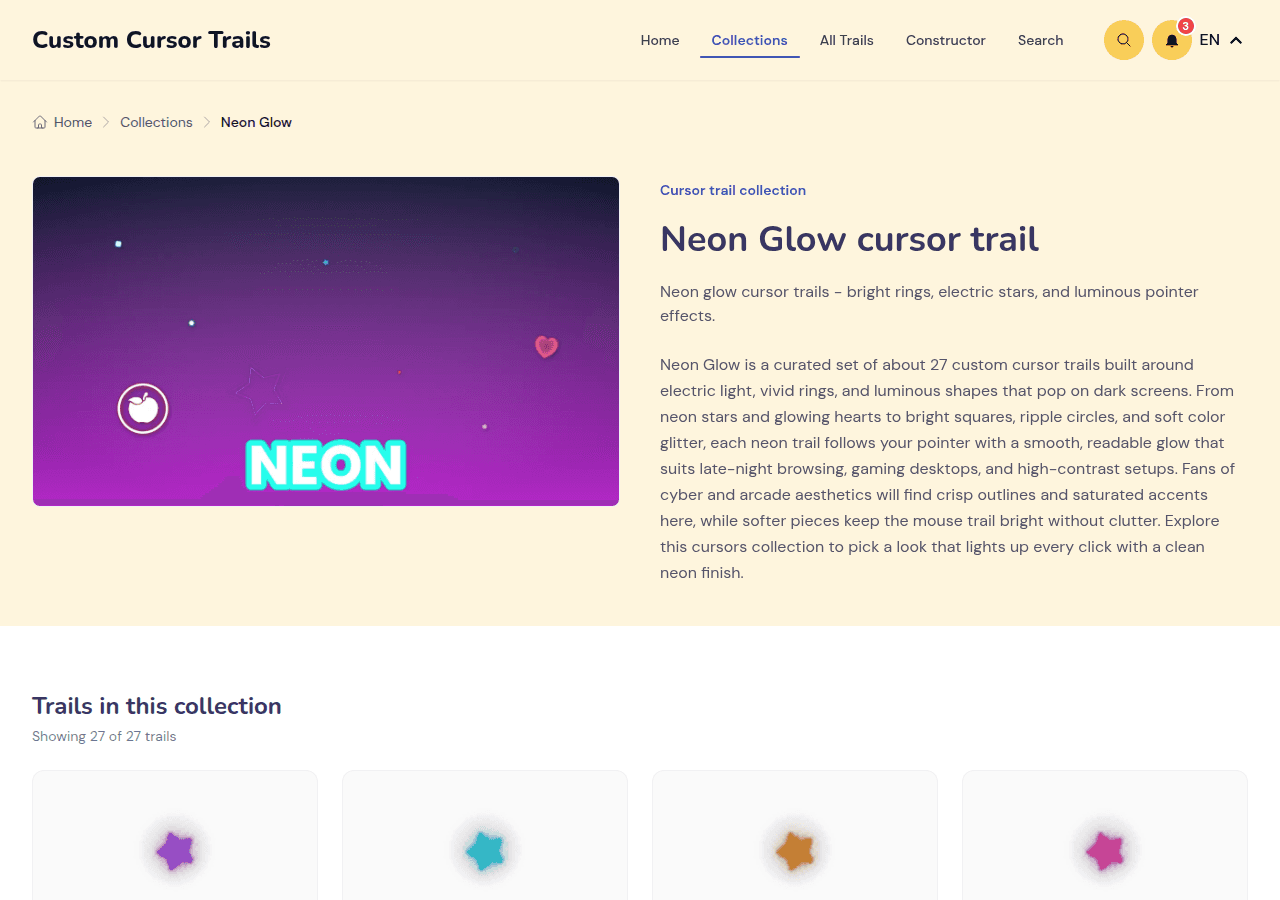
- Neon Glow. Bright neon rings, electric stars and light effects.
- The Simpsons. Themed designs with Homer, Bart, Lisa, Marge and other Springfield characters.
- Animals. Cute animals, including foxes, birds and bunnies.
- Food & Sweets. Doughnuts, biscuits, sweets and other appetising motifs.
- Horror Games. Poppy Playtime and Garten of Banban themes with matching characters.
- Kawaii. Pastel colours, cute looks and playful animations.
Which effects can you find?
On the site homepage, designs shown included:
- Blue Neon Square - bright blue squares with a glow;
- Neon Star - electric stars that stay behind the pointer;
- Neon Purple Star - a purple neon star;
- Yellow Cube - a yellow cube with a twinkling effect;
- Time to Love - a romantic design with a clock motif;
- Fall Leaf - an autumn leaf that follows the cursor;
- Autumn Leaves - several little leaves with seasonal animation;
- Pumpkin - pumpkin theme;
- Black Wind - dark lines and a wind-motion effect;
- Pop Cat - a cursor effect with the popular meme cat.
This is a good example of how one idea can have completely different visual implementations: from minimal geometric shapes to characters and seasonal motifs.
A builder for your own effects
Custom Cursor Trails is interesting not only for ready-made packs. The Chrome Web Store explicitly notes that the site has its own builder.
In it you can choose:
- colours;
- shapes;
- visual effects;
- animation types.
On individual editing pages you can also set the pack name, images, animation, size and effect duration. For example, in the editor you can add an image by URL or upload a file, choose a Flash, Wind, Storm, Shake or other animation, then save the changes.
This is no longer just picking a ready-made trail - it is a way to create your own pack with specific graphics and behaviour.
Chrome extension: Cursor Trails - Custom Cursor Trails
Open the extension in the Chrome Web Store
This extension is tied specifically to the custom-cursor-trails.com domain. The Google store listing states that it was created by the owner of that site.
Main capabilities:
- Adding animated effects to the cursor on web pages.
- Choosing different options - from sparkles to stars.
- Switching between effects.
- Adjusting the look.
- Using the builder on the site to create your own trails.
The developer recommends refreshing already open tabs after install. The listing also notes that the extension may not work on Chrome Web Store pages and the browser home page. For testing, it suggests opening a normal site such as Google.
At the time of review, the Chrome Web Store showed these figures:
| Parameter | Value |
|---|---|
| Name | Cursor Trails - Custom Cursor Trails |
| Users | 90,000 |
| Rating | 4.4 out of 5 |
| Reviews | about 1.3K |
| Version | 4.6.43 |
| Size | 513 KiB |
| Updated | 20 October 2026 |
| Languages | 55 |
Figures may change. The Chrome Web Store also states that the developer declared no collection or use of user data.
2. Cursor Trails - thousands of effects and themed packs
Official site: cursor-trails.com
Extension #1: Cursor Trail
Extension #2: Cursor Trails - Custom Cursor Trails
A separate project with its own library
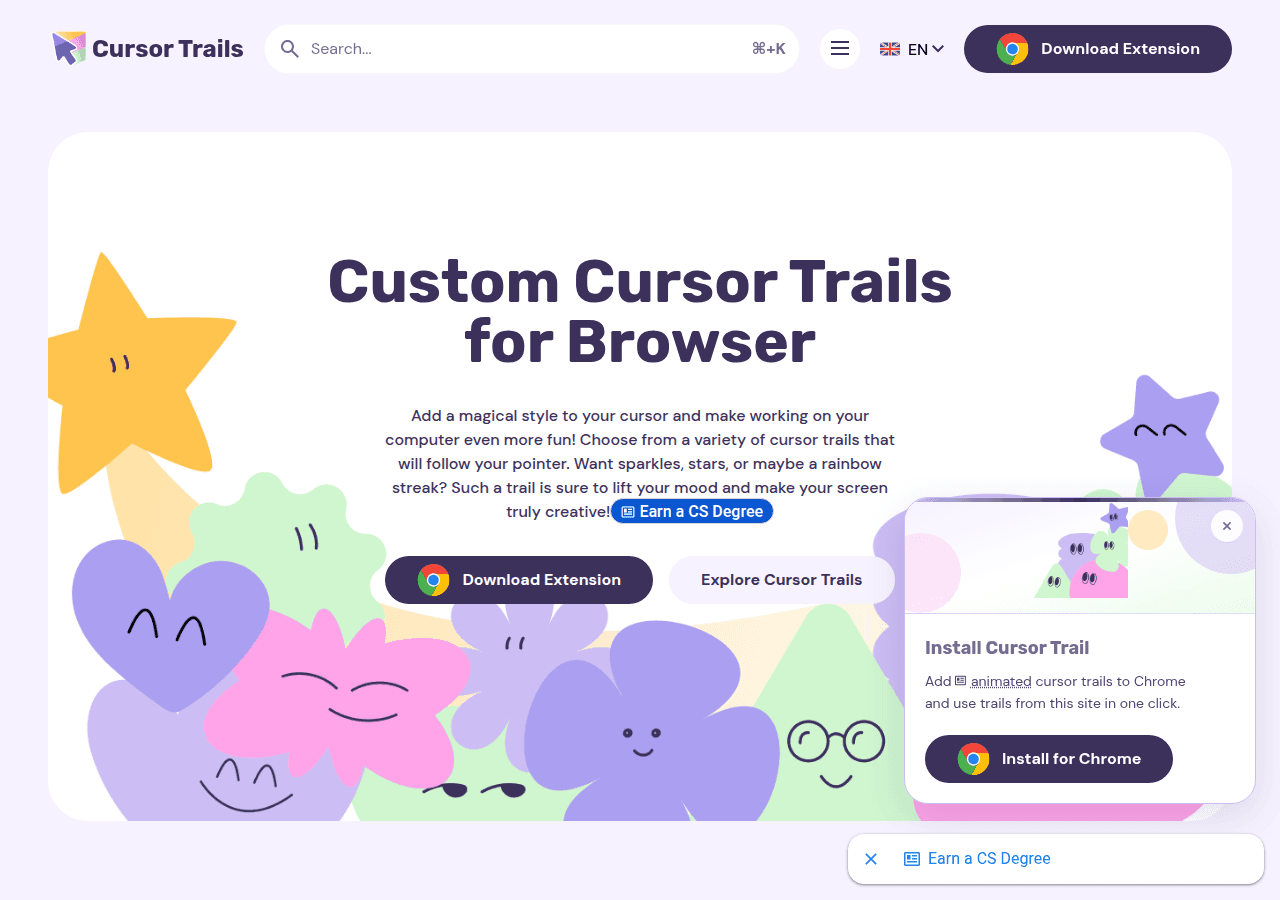
The second site is at cursor-trails.com and has its own catalogue system.
On the homepage the project describes itself as a platform for finding thousands of cursor effects, browsing themed collections, creating your own animations in a builder and installing the options you choose.
Here you can find not only classic stars and sparkles, but also themed designs with cartoon and game characters.
Among the new cursor effects shown on the page during review:
- Gargamel's Smurfs Cursor Trail;
- Smurfs Smurfette Cursor Trail;
- Hefty Smurf Cursor Trail;
- Brainy Smurf Cursor Trail;
- Donut Country: Emblem Cursor Trail;
- Donut Country: Mira Cursor Trail;
- Donut Country: BK Cursor Trail;
- Donut Country: Logo Cursor Trail.
Some designs are presented as FanArt, and some Donut County options are described as add-ons for the Custom Cursor Trail or Cursor Trails browser extensions.

Collections with cartoons, games and well-known characters
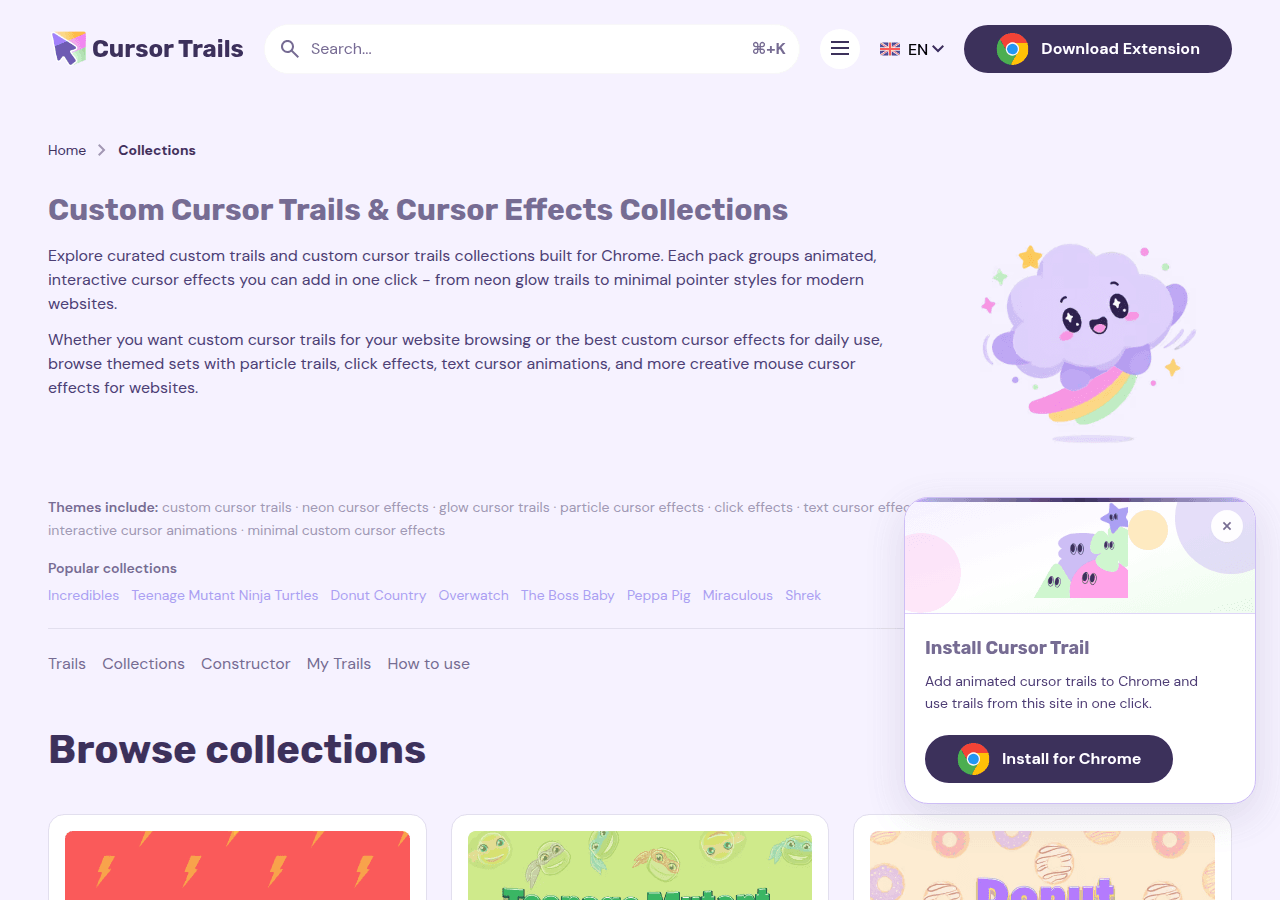
The site has a separate Popular Collections block. In it you can find themed selections dedicated to different entertainment franchises.
Among the examples:
- The Incredibles. A collection inspired by the story of a superhero family.
- Teenage Mutant Ninja Turtles. Cursor effects inspired by the Ninja Turtles.
- Donut Country. Designs with Donut County characters and motifs.
- Overwatch. Themed cursors inspired by the Overwatch universe.
- The Boss Baby. A selection inspired by the animated film.
- Peppa Pig. Cursors themed around the cartoon about Peppa Pig.
- Miraculous. Designs inspired by Miraculous: Tales of Ladybug & Cat Noir.
- Shrek. A collection dedicated to Shrek characters and adventures.
These selections will especially appeal to people who want to see not only abstract particles behind the cursor, but also familiar looks from favourite cartoons and games.
How to enable an effect on cursor-trails.com
The site homepage describes a simple four-step process:
- Open the extension menu. After installing, click the Cursor Trails icon on the Chrome toolbar.
- Choose an effect. In the popup, browse the available options and click the one you want.
- Change the animation. If needed, pick another design in the extension settings.
- Turn the effect off. Return to the extension menu and disable the cursor trail. You may need to reload the tab for changes to apply.
This is a simple way to change the browser look without having to reinstall the extension every time.
Two extensions for cursor-trails.com
This site has an important detail: the related products list includes two Chrome extensions with different IDs.
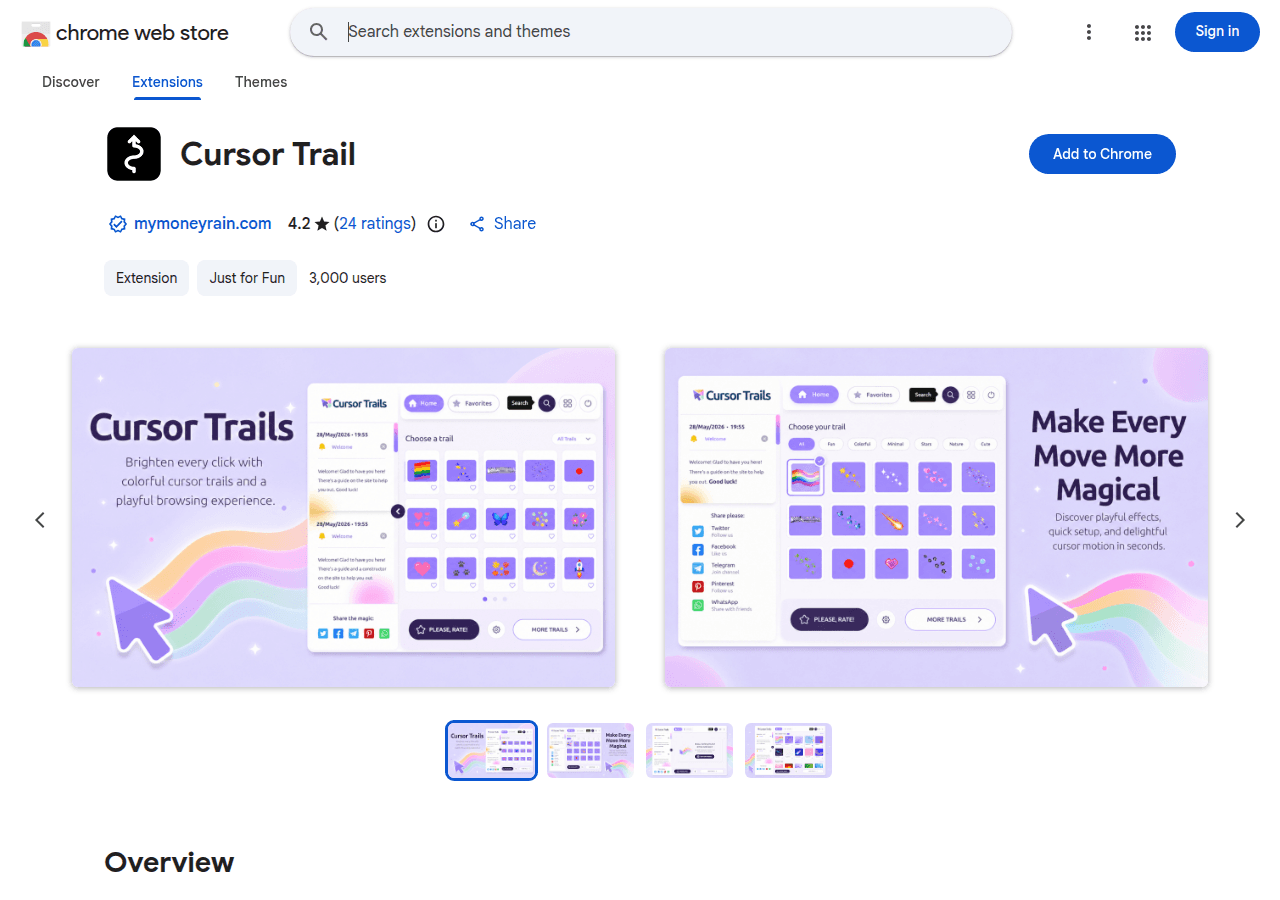
Extension #1 - Cursor Trail
Open Cursor Trail in the Chrome Web Store
In the store listing this extension is simply called Cursor Trail.
Its description focuses on dynamic effects that react to mouse movement. Claimed capabilities include:
- choosing different trail styles;
- adjusting colours and shapes;
- controlling trail length;
- changing thickness;
- adjusting transparency;
- animation that reacts to mouse speed and movement.
The developer also describes using effects to better highlight cursor movements during screen demos, video lessons and presentations.
At the time of review, the Chrome Web Store showed these figures:
| Parameter | Value |
|---|---|
| Name | Cursor Trail |
| Users | 3,000 |
| Rating | 4.2 out of 5 |
| Reviews | 24 |
| Version | 2.0.5 |
| Size | 603 KiB |
| Updated | 7 November 2026 |
| Languages | 54 |
These figures may change. In the store privacy section the developer states that they do not collect or use user data.
Extension #2 - Cursor Trails - Custom Cursor Trails
Open Cursor Trails in the Chrome Web Store
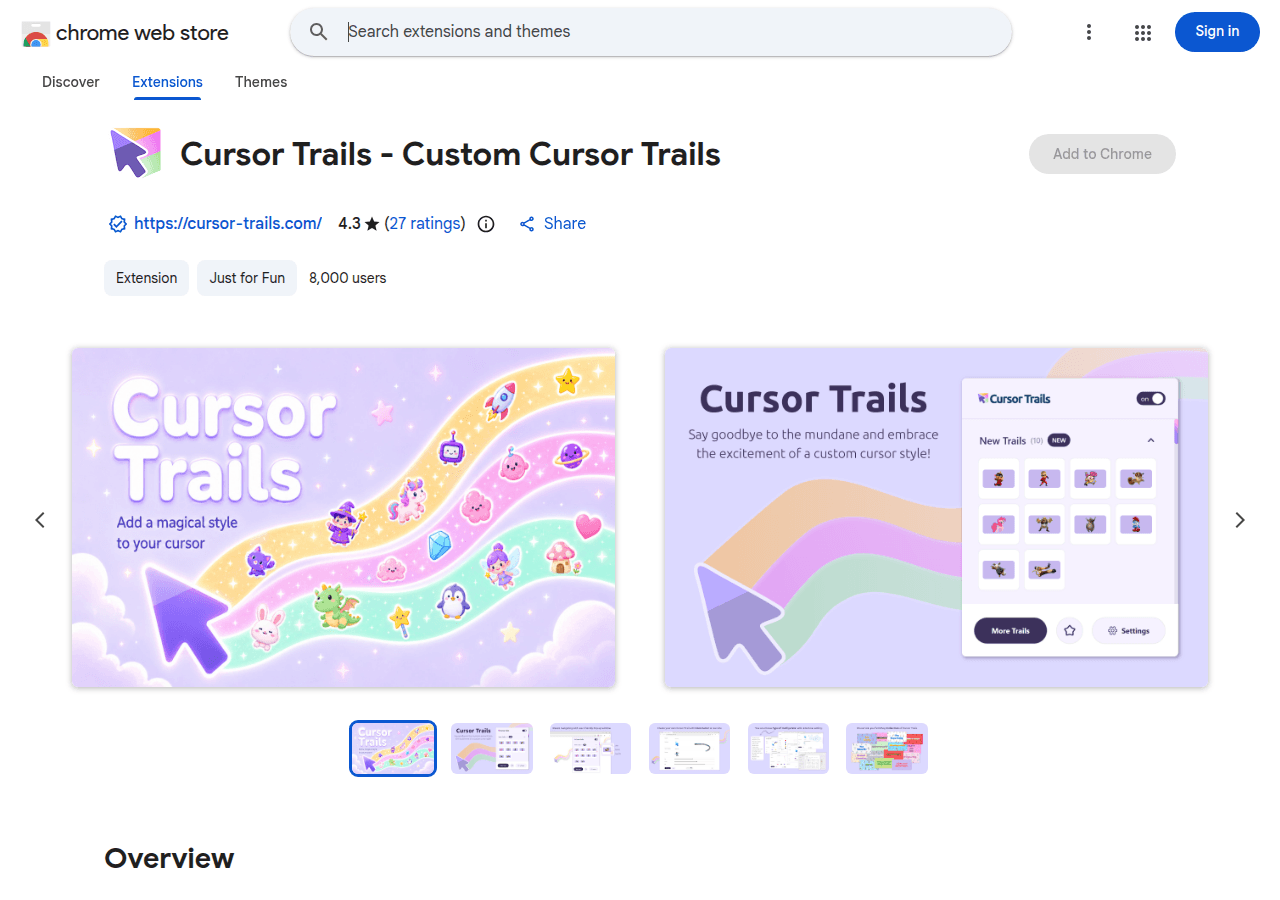
The second extension is named Cursor Trails - Custom Cursor Trails. Its listing points to cursor-trails.com, so this is not the same extension that shares a similar name on custom-cursor-trails.com.
Its main idea is to add bright animated stars, glittering particles and other decorative effects to mouse movement.
The extension description emphasises making ordinary web browsing more colourful and playful.
At the time of review the Chrome Web Store showed:
| Parameter | Value |
|---|---|
| Name | Cursor Trails - Custom Cursor Trails |
| Users | 7,000 |
| Rating | 4.3 out of 5 |
| Reviews | 27 |
| Version | 2.2.1 |
| Size | 407 KiB |
| Updated | 13 September 2026 |
| Languages | 54 |
These are separate figures for this extension alone. They do not apply to the first extension with the same title but a different domain and ID.
Privacy on cursor-trails.com
The site has a separate Privacy Policy that covers the site and the two extensions mentioned.
An important nuance: the policy says the service uses data to provide and improve its services. So you should not transfer privacy claims from other sites or similarly named extensions onto this project.
Before installing, it is recommended to read the current policy and the Privacy section in the matching Chrome Web Store listing.
3. Cursor Trail - neon effects, particles and live preview
Official site: cursor-trail.com
Chrome extension: Cursor Trail by Cursor-Trail.com
A site where you can see the effect before installing
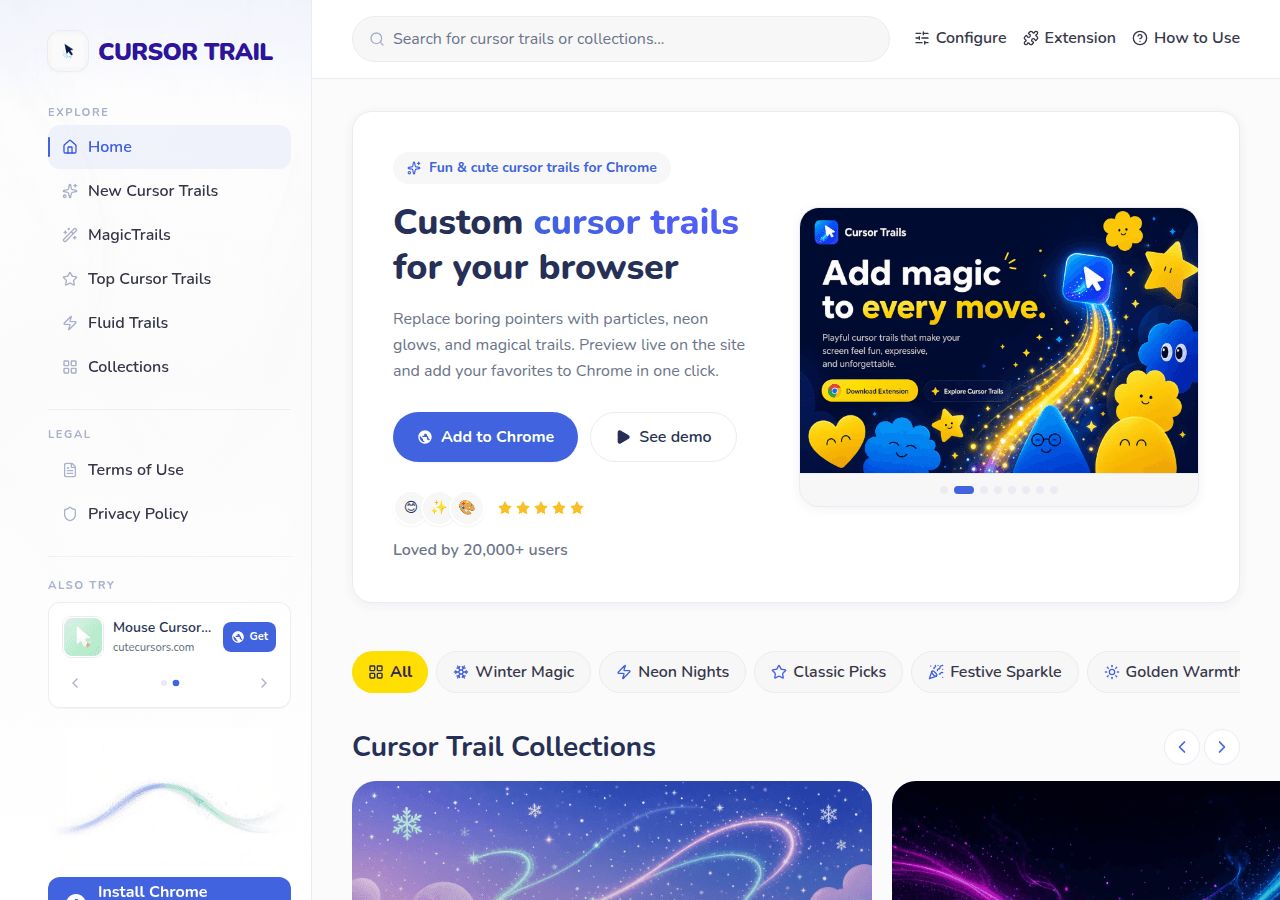
The third project is at cursor-trail.com. Its distinctive trait is a focus on previewing effects and tuning their behaviour.
On the homepage the site offers replacing the ordinary pointer with animated particles, neon glow and decorative trails. An important detail: users can preview the effect directly on the site, then add it to Chrome.
The homepage claims more than 20,000 users. That is a figure for the site itself and may change.
Cursor Trail collections
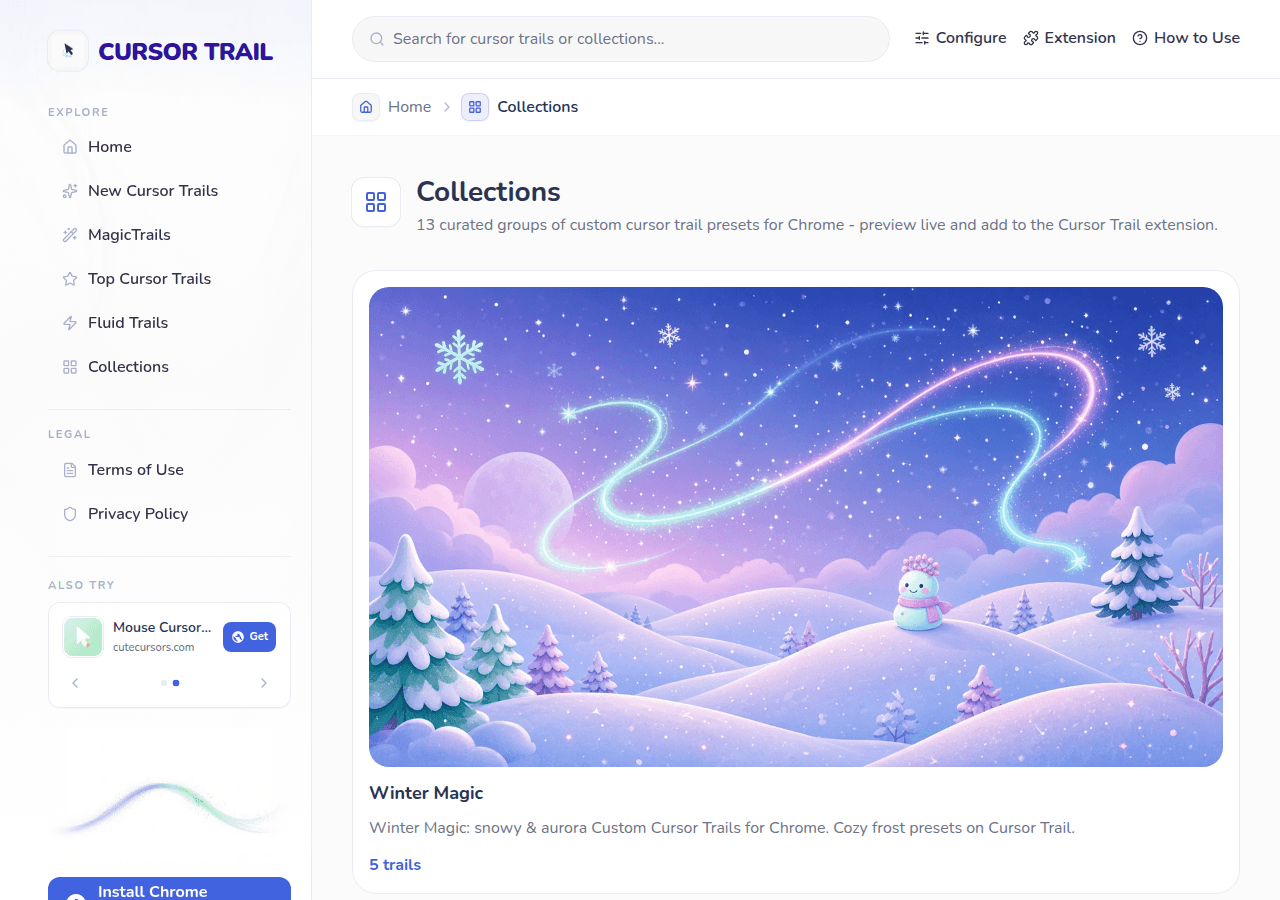
The site offers several themed categories:
- Winter Magic. Snow, frosty effects and the northern lights.
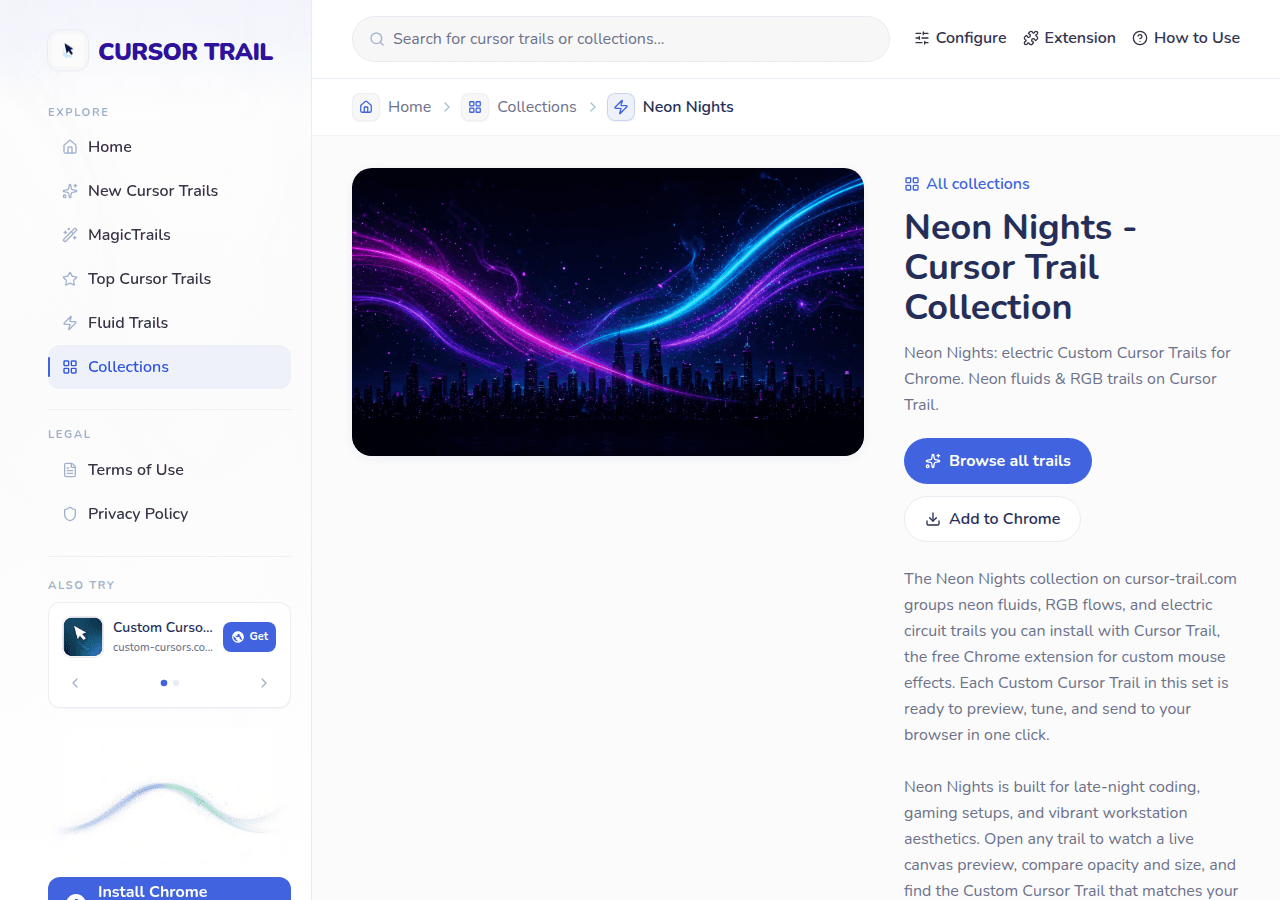
- Neon Nights. Electric colours, neon flows and RGB animations.
- Classic Picks. Classic particle effects.
- Festive Sparkle. Confetti, festive glitter and fireworks.
- Golden Warmth. Golden particles and warm light effects.
- Audio Trails. Notes, melodies and musical motifs.
- Elements. Fire, rain, wind, storms and lightning.
- Fluids. Water flows, liquid effects and neon gas-like animations.
- Interactive. Interactive effects that react to cursor movement.
- Nature. Petals, leaves and organic natural motifs.
- Particles. Bokeh, glitter, light dots and particles.
- Space. Cosmic glow, stars and nebulae.
- Trails. Digital, pixel, circuit and RGB trails.
New effects on the site
In the New Cursor Trails block during review, the following were shown:
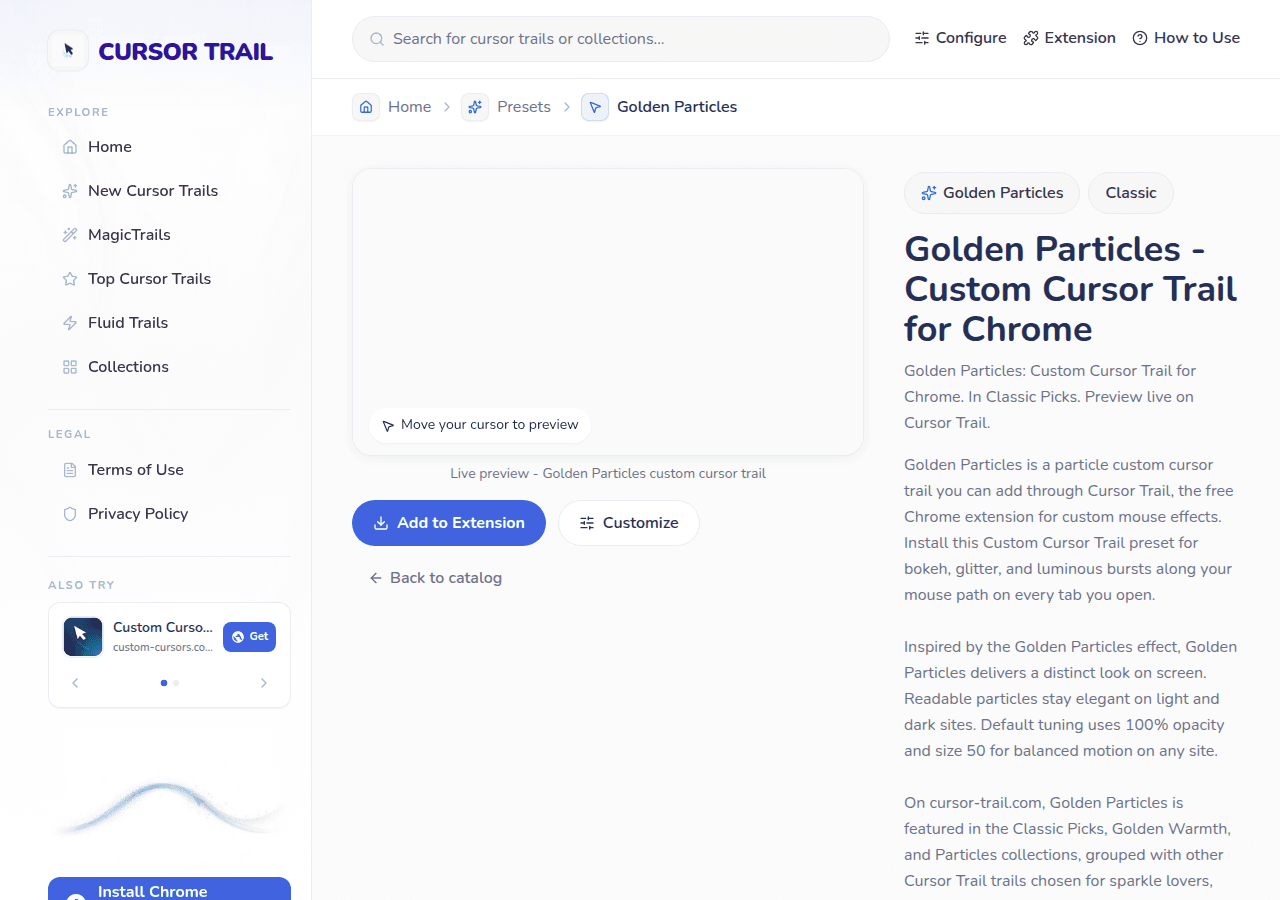
- Golden Particles - golden particles;
- Fluid Neon - a smooth neon effect;
- Bokeh Glow - light particles with a bokeh effect;
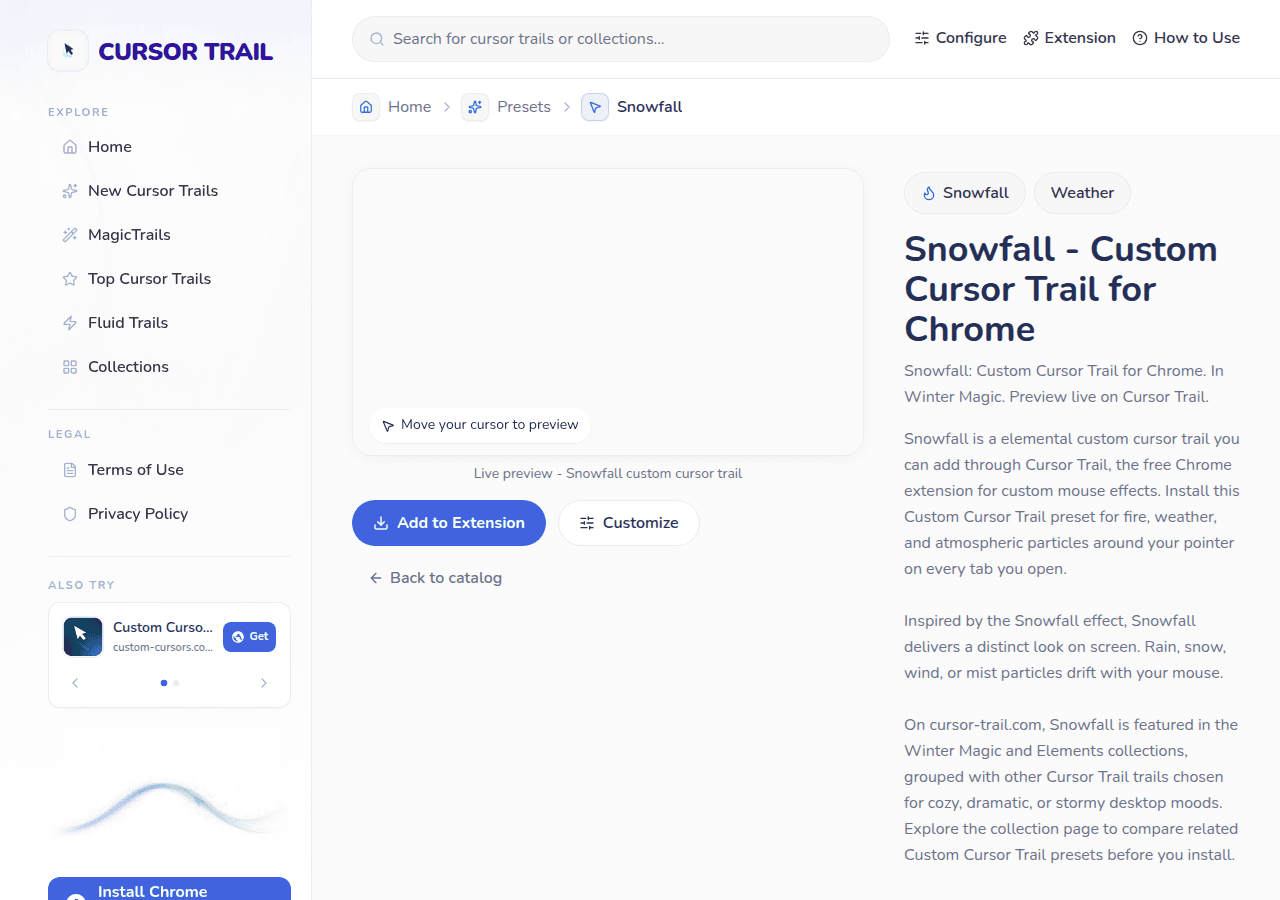
- Snowfall - snowfall;
- Ember Aurora - an effect with northern-lights motifs;
- Nova Drift - particles with a cosmic mood;
- Color Flow - a colour flow;
- Bolt Stream - a lightning effect;
- Melody Spark - musical notes and light elements;
- Rainfall - rain;
- Bokeh Breeze - soft light particles;
- Shimmer Path - a shimmering trail.
This is an interesting selection, because here you can find not only visual decorations, but also effects that recall natural phenomena, light flows or musical animation.
Live Preview - try the animation before installing
One of the most useful features of cursor-trail.com is preview.
On individual effect pages there is a Preview area. By moving the mouse in that area, users can see how the animation will behave during movement.
This lets you evaluate the design before it is added to the browser.
For example, you can compare:
- how brightly the particles glow;
- how quickly the trail fades;
- whether too many elements appear behind the cursor;
- whether the effect suits everyday use.
Support pages also note that preview runs in a separate environment, so some complex animations may differ slightly from behaviour on real web pages.
Opacity, Size and Click Burst settings
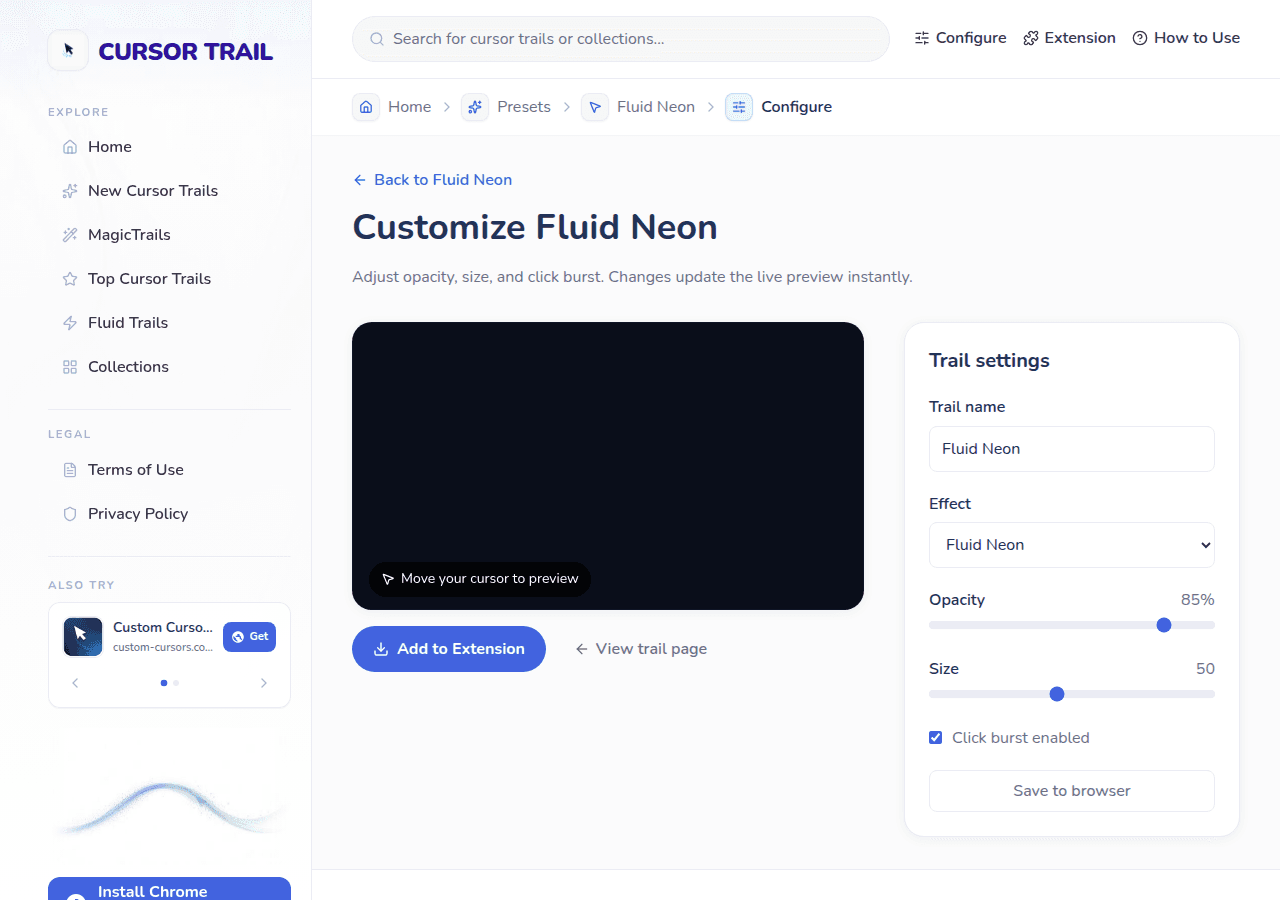
Another trait of this project is the ability to tune effect parameters.
The editor offers three important settings:
- Opacity. Controls effect transparency. You can make the trail less noticeable or, conversely, more saturated.
- Size. Sets the size of particles or animation elements.
- Click Burst. Lets you enable an extra burst of the effect when you click the mouse.
After changing parameters you can review the result in Preview mode. If everything looks good, use Add to Extension or save the settings in the browser - depending on the available flow.
Cursor Trail by Cursor-Trail.com extension
Open the extension in the Chrome Web Store
This extension is tied specifically to the cursor-trail.com domain.
In the Chrome Web Store it is described as a tool for adding animated trails and custom mouse effects in the browser.
Its main capabilities:
- browsing and installing ready-made presets;
- animated trails behind the pointer;
- particle effects;
- neon and light designs;
- opacity controls;
- size controls;
- managing extra click effects.
The site itself explains that the extension and catalogue work together: on the site you can browse effects, and the installed extension is responsible for showing them on supported web pages.
How to install and apply an effect
- Open the Cursor Trail page in the Chrome Web Store.
- Add the extension to Google Chrome.
- Optionally pin its icon to the browser toolbar.
- Go to cursor-trail.com.
- Choose the effect you want and open its page.
- Move the cursor in Preview to see the animation.
- Click Add to Extension.
- If needed, adjust Opacity, Size and Click Burst.
If the site does not detect the extension, the help docs describe an alternative flow that copies a JSON preset.
After installing or changing an effect you may need to refresh open tabs.
Extension details
At the time of review the Chrome Web Store showed:
| Parameter | Value |
|---|---|
| Name | Cursor Trail by Cursor-Trail.com |
| Users | about 1,000 |
| Rating | 4.6 out of 5 |
| Reviews | 12 |
| Version | 1.0.0 |
| Last updated | 23 September 2026 |
| Category | Entertainment |
Rating and user count may change. In the Chrome Web Store listing the developer states that they do not collect or use user data.
More detail is available on the extension, support and privacy policy pages.
Four extensions - what is the difference between them?
Because all four extensions have similar names, they are easy to mix up. So their main differences are gathered in one table.
| Site | Extension | Main focus |
|---|---|---|
| custom-cursor-trails.com | Cursor Trails - Custom Cursor Trails (ilngnjopnchkedjkdjlalnlbfpkhmbie) | Sparkles, stars, seasonal effects and a custom builder |
| cursor-trails.com | Cursor Trail (olepgfgeagbdahhpodppmkenhejfhdcj) | Dynamic trails, length, thickness and opacity |
| cursor-trails.com | Cursor Trails - Custom Cursor Trails (ihbpmnmphkggmijhpofecgepllfmliki) | Bright stars and decorative animations |
| cursor-trail.com | Cursor Trail by Cursor-Trail.com (odehgmjejkmobcgagkjboedffoaljlhf) | Presets, live Preview, Opacity, Size and Click Burst |
All four products are meant for visual browser personalisation, but each has its own Chrome Web Store listing and its own link to a site.
Do not install an extension by name alone. Before clicking Add to Chrome, check the developer domain and the exact page address.
How to choose the right site and extension?
If the main thing is beautiful stars, sparkles, seasonal designs and effects that create a festive mood, start with custom-cursor-trails.com.
If you are more interested in cartoon characters, themed collections and different trail options, browse cursor-trails.com.
If you want not just to pick an effect, but to tune its opacity, size and click response, cursor-trail.com is especially interesting.
You can orient yourself like this:
- For sparkles and stars: custom-cursor-trails.com.
- For themed characters and FanArt: cursor-trails.com.
- For tuning animation parameters: cursor-trail.com.
- For creating your own effect: the builder on custom-cursor-trails.com or the editing tools on cursor-trail.com.
- For more expressive dynamic trails: Cursor Trail with length, thickness and opacity controls.
This is not a quality ranking - it is a guide by the features the sites and developers themselves describe in their materials.
Do these effects work on every site?
Not always.
Chrome extensions have limits on access to certain browser pages. For example, the developer of the custom-cursor-trails.com extension warns explicitly that the effect may not work on Chrome Web Store pages and the browser home page.
For cursor-trail.com the help docs also note that effects are meant for supported web pages, not as a replacement for the system Windows or macOS cursor.
If the effect does not appear, check:
- Whether the extension is enabled in chrome://extensions.
- Whether a specific effect is selected in the extension menu.
- Whether the tab was refreshed after install.
- Whether you have opened a Chrome-restricted page.
- Whether opacity and size values are visible enough, if those settings are available.
This helps tell a technical problem apart from an ordinary browser limitation.
Privacy and copyright
All three projects have their own pages and extensions, so privacy policies need to be checked separately.
For the first extension the Chrome Web Store reports that the developer declared no collection or use of user data.
For cursor-trails.com a separate privacy policy is published that covers the site and the two matching extensions.
For cursor-trail.com there are Privacy Policy and Support. The help docs note that no account is needed to browse presets, and extension settings are stored on the device.
It is also worth paying attention to FanArt. On cursor-trails.com there is a notice that characters, brands, logos and trademarks belong to their respective owners and are not affiliated with WhiteDev. On the other sites, themed designs should also be treated as unofficial unless stated otherwise.
Strengths and traits of the three platforms
Custom Cursor Trails
Strengths:
- many bright and seasonal effects;
- collections with animals, characters and games;
- the ability to create your own trails;
- colour, shape and animation controls;
- a separate Chrome extension.
What to keep in mind: the developer warns about limits on some Chrome pages, and after install you need to refresh open tabs.
Cursor Trails
Strengths:
- collections inspired by cartoons and games;
- two separate extensions with different capabilities;
- simple switching between effects;
- the ability to use both themed and decorative designs.
What to keep in mind: the two extensions have very similar names, so you need to check their exact links and developer domain.
Cursor Trail
Strengths:
- live preview;
- an effect catalogue by category;
- opacity and size controls;
- Click Burst for extra click response;
- the ability to add a preset to the extension directly from the site page.
What to keep in mind: effects are meant for browser pages, not as a full replacement for the system cursor.
Conclusion: three sites, four extensions and many ways to change the cursor
Custom Cursor Trails, Cursor Trails and Cursor Trail are three separate platforms united by a shared idea: make ordinary mouse movement more interesting with animations.
The first platform is especially interesting for sparkles, stars, seasonal effects and a builder. The second offers themed collections with cartoon and game characters and has two separate extensions. The third focuses on live preview and tuning animation parameters.
All four extensions can be seen as different ways to personalise Google Chrome. They do not simply change the look of the arrow - they add particles, light effects, stars and other decorative elements to mouse movement.
If you want something bright and festive - start with Custom Cursor Trails. If you like themed characters - browse Cursor Trails. And if you want to control opacity, size and animation behaviour - try Cursor Trail.
The main thing is not to mix up similar names and to install the extension that matches the site you want.
All official links
1. Custom Cursor Trails
- Official site
- Collections
- Builder and effect editing
- Chrome extension - ilngnjopnchkedjkdjlalnlbfpkhmbie
2. Cursor Trails
- Official site
- Effects catalogue
- Collections
- Privacy policy
- Cursor Trail extension - olepgfgeagbdahhpodppmkenhejfhdcj
- Cursor Trails extension - ihbpmnmphkggmijhpofecgepllfmliki
3. Cursor Trail
Published 2026-11-27. Related reading: more blog posts.