Custom Cursors Planet Brings Thousands of Unusual Cursors to Chrome and Windows
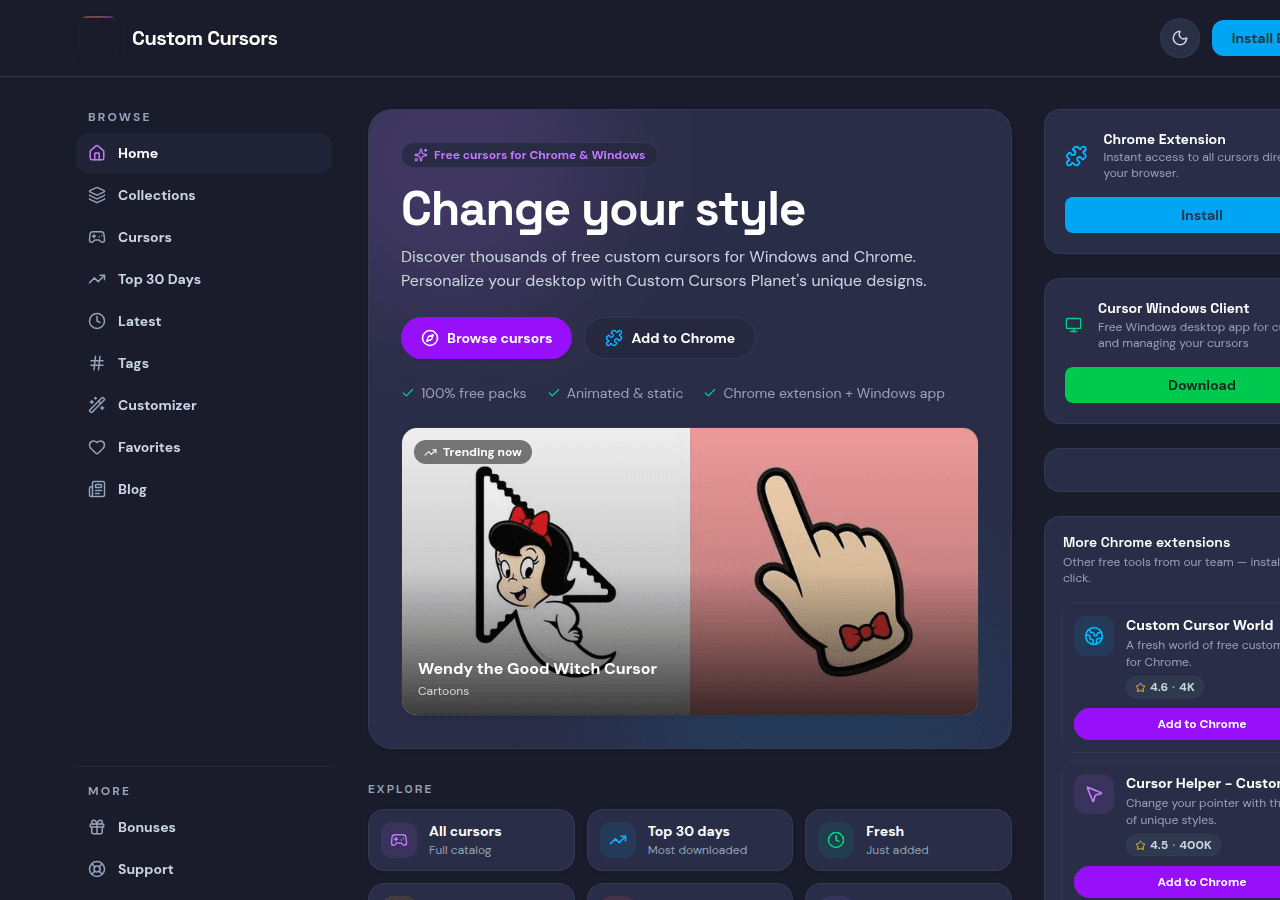
The ordinary mouse cursor is one of those computer details we barely notice. Yet it can become a small piece of personal style: instead of the standard arrow, you can use a cartoon character, an item from a video game, a bright symbol, or an original animation.
That is exactly what Custom Cursors Planet was built for - a platform with a catalog of custom cursors, themed collections, and tools for creating your own design. The site offers options for Chrome and Windows, and for browser personalization there is the Custom Cursor Pro - Custom Cursor extension.
In this review we look at what you can find on Custom Cursors Planet, how the catalog is organized, what the constructor can do, and what makes the Custom Cursor Pro extension interesting.
- 1What is Custom Cursors Planet?
- 2Cursor catalog: how to find the right design
- 3Themed collections on Custom Cursors Planet
- 4Updates and new cursors
- 5Custom Cursor Pro - extension for Google Chrome
- 6Creating your own cursor: Customizer
- 7Windows: cursors beyond the browser
- 8Free cursors and VIP options
- 9Account, favorites, and your own collection
- 10Transparency, copyright, and privacy
- 11Strengths of Custom Cursors Planet
- 12What to consider before installing
- 13Conclusion: is Custom Cursors Planet worth trying?
- 14Official links
What is Custom Cursors Planet?
Custom Cursors Planet is a site dedicated to personalizing the mouse pointer. The platform gathers ready-made cursor designs that you can browse, search by theme, and use with compatible tools.
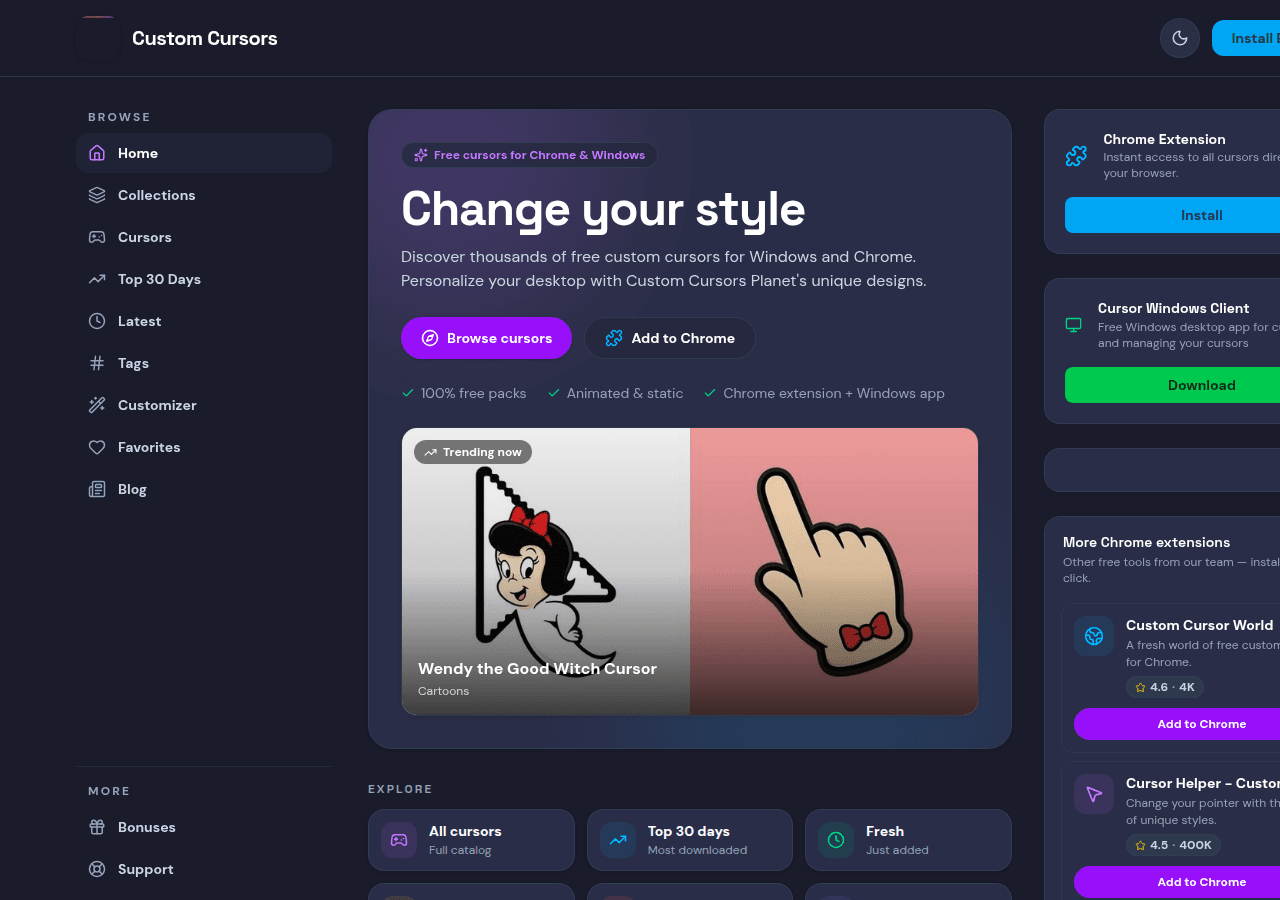
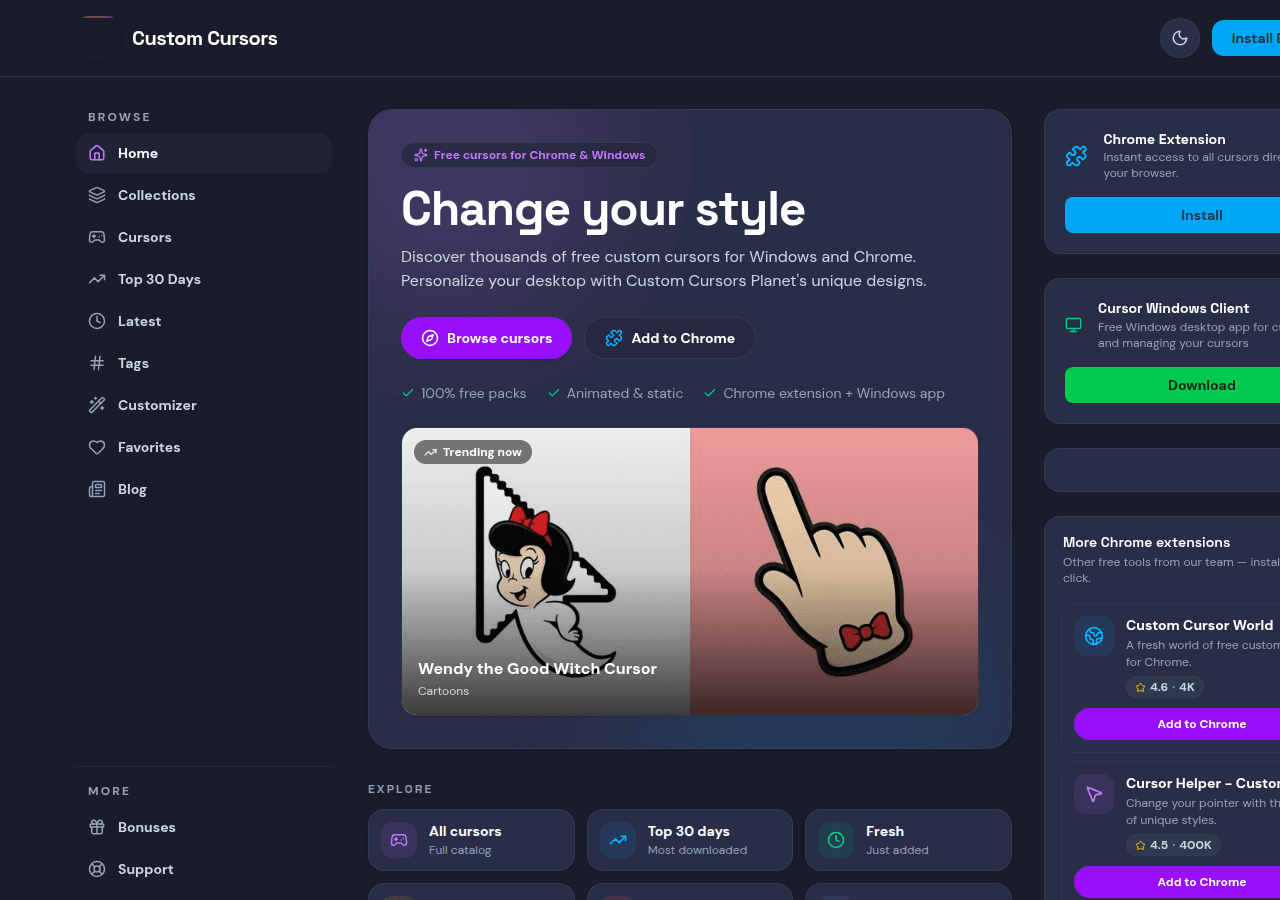
On the homepage the project describes itself as a catalog of free cursors for Chrome and Windows. Among the stated features are static and animated designs, a browser extension, and a separate program for Windows.
On the site you can find both simple decorative arrows and themed sets inspired by games, cartoons, internet memes, animals, popular characters, and different visual styles.
A separate advantage of the platform is that you are not limited to ready-made work. For anyone who wants to create their own option, there are Customizer and Create Cursor tools.
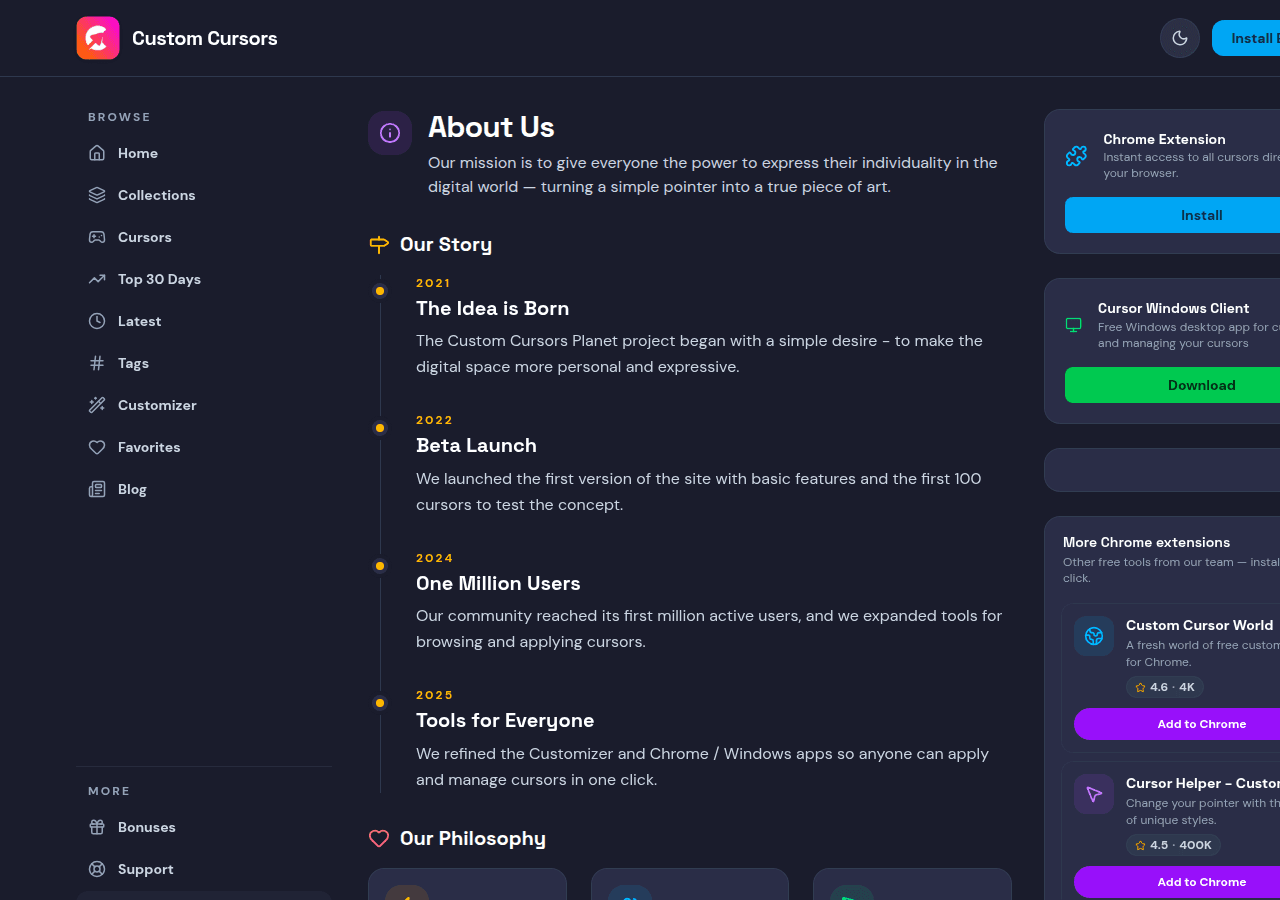
According to the About Us page, the project's history began in 2021. In 2022 the first beta version appeared with a hundred cursors, and in 2024 the team reported reaching one million active users. On the same page the site lists more than 10,000 cursors and more than 500 collections. These are the platform's own figures, as stated in its description.
Project page: https://custom-cursors.com/about
Cursor catalog: how to find the right design
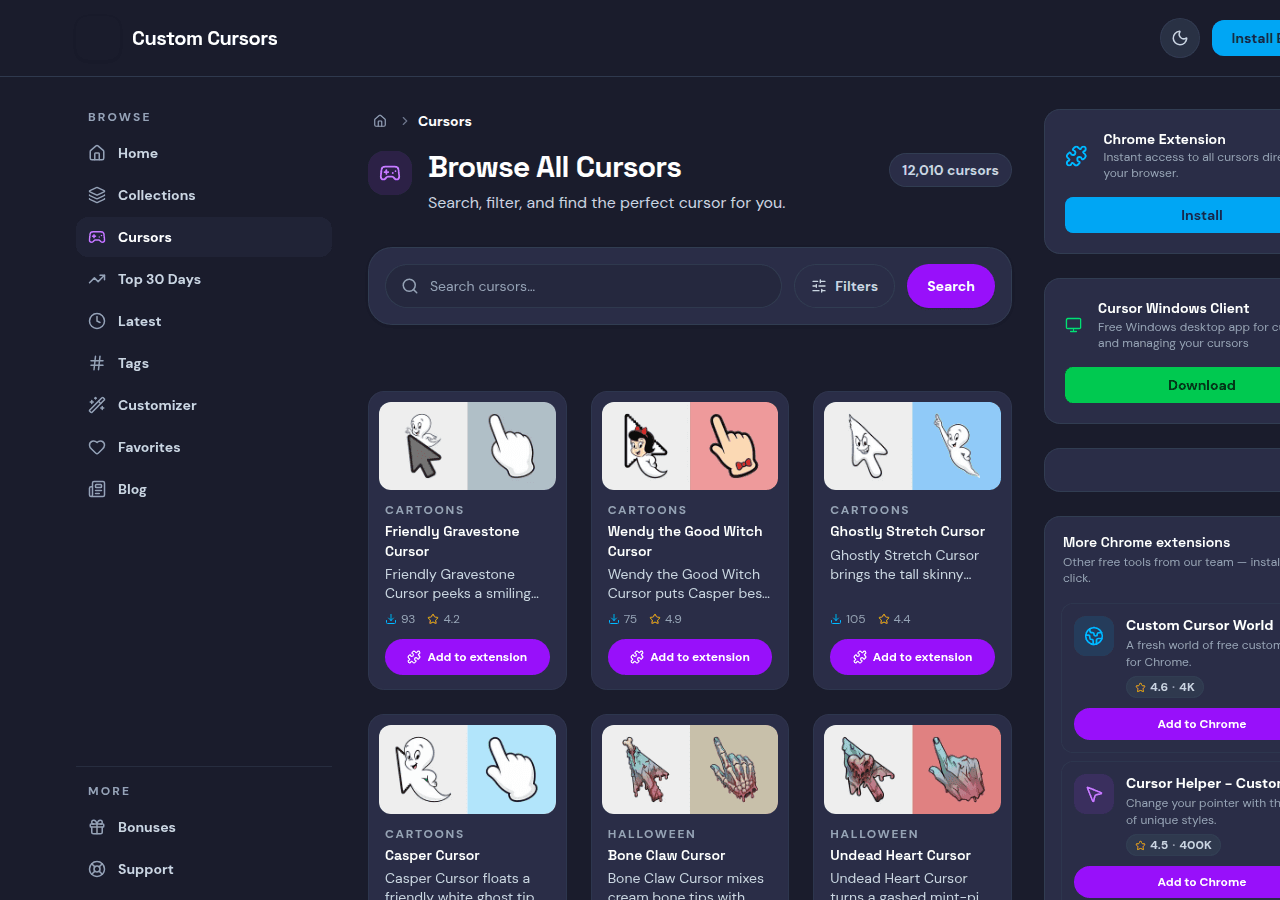
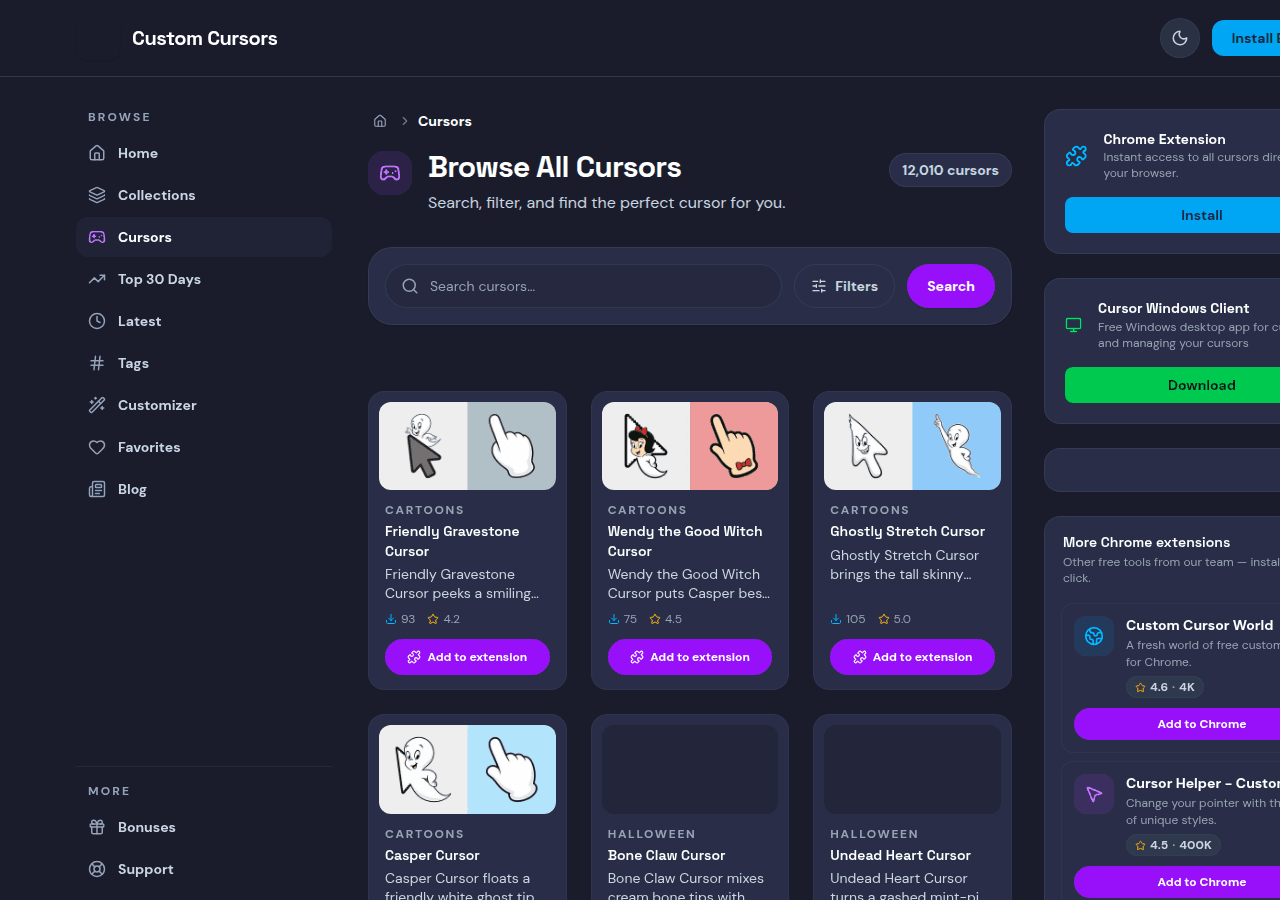
The main section of the site is All Cursors. It gathers the available designs, which you can browse and search with the catalog tools.
The page includes a search field, filters, and a button to apply the selected parameters. That is more convenient than browsing every option in order: you can start from a specific name or theme and gradually narrow the search.
During the catalog check, the page showed 12,010 cursors. The count can change as the site adds new work.
Among examples present in the catalog at the time of viewing:
- Candy Wrapper - a bright cursor with multicolored stripes;
- Red Retro Sci Fi Raygun - a stylized science-fiction ray;
- One Piece Figarland Shamrock Gryphon Saber - a One Piece themed design;
- Paddington Bear Sandwich - a sandwich cursor in Paddington style;
- Nissan GT-R R35 - a car theme;
- GTA 6 Lucia Caminos Pistol - a GTA themed design;
- Pokemon Skyla Pokeball - a Pokeball cursor;
- Pusheen Zombie Cat - a themed design with Pusheen the cat.
These examples show how varied the catalog can be: there are cute decorative options, game themes, cars, anime, and memes.
Browse all available options here: https://custom-cursors.com/cursors
Themed collections on Custom Cursors Planet
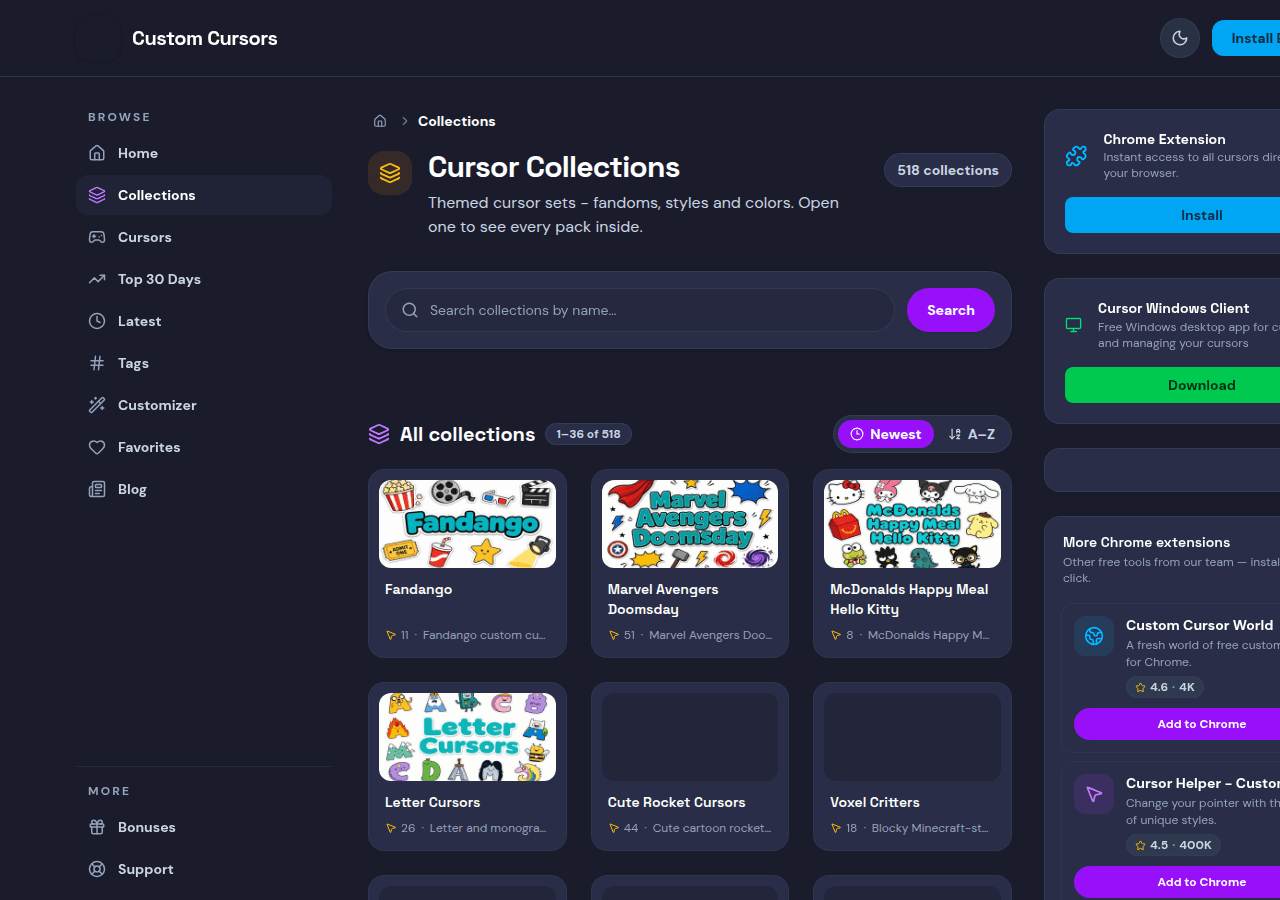
If you do not yet know which cursor you want to install, start with the Collections section.
Collections group designs by a shared theme. Instead of searching for each cursor separately, you can open the category you need and browse matching options.
On the collections page at the time of checking, 518 themed selections were shown. Among directions you can find on the site:
- Abstract & Geometric - abstract shapes and geometric designs;
- Action & Adventure - adventure game themes;
- Anime - cursors inspired by anime;
- Cartoons - cartoons and animated characters;
- Games - video games;
- Memes - internet memes;
- Movies & TV - film and television;
- Cute Cursors - cute and decorative designs;
- Supercars - car themes;
- Color - colorful and gradient options.
This is not an exhaustive list: the collections catalog is much wider and is updated regularly.
Popular selections on the homepage
The homepage also has a Popular Cursor Collections block. Among the selections shown there you can see:
Color Pixels Retro Mix. A collection with retro-pixel graphics, 8-bit motifs, and arcade styling.
Memes Cats & Dogs. A selection of popular memes about cats and dogs, including Pop Cat, Bongo Cat, and Cheems.
Web Media. Cursors inspired by well-known online services and platforms: YouTube, Chrome, Netflix, Instagram, TikTok, Spotify, Google, and Amazon.
Neon Glow Classics. Bright designs with neon effects, glow, rainbow tones, and shine.
Abstract & Geometric. Abstract and geometric motifs.
Minimal Whimsy Collections. Selections with minimalist and decorative options.
Categories like these help you find a cursor that matches a mood or workspace look more quickly.
Updates and new cursors
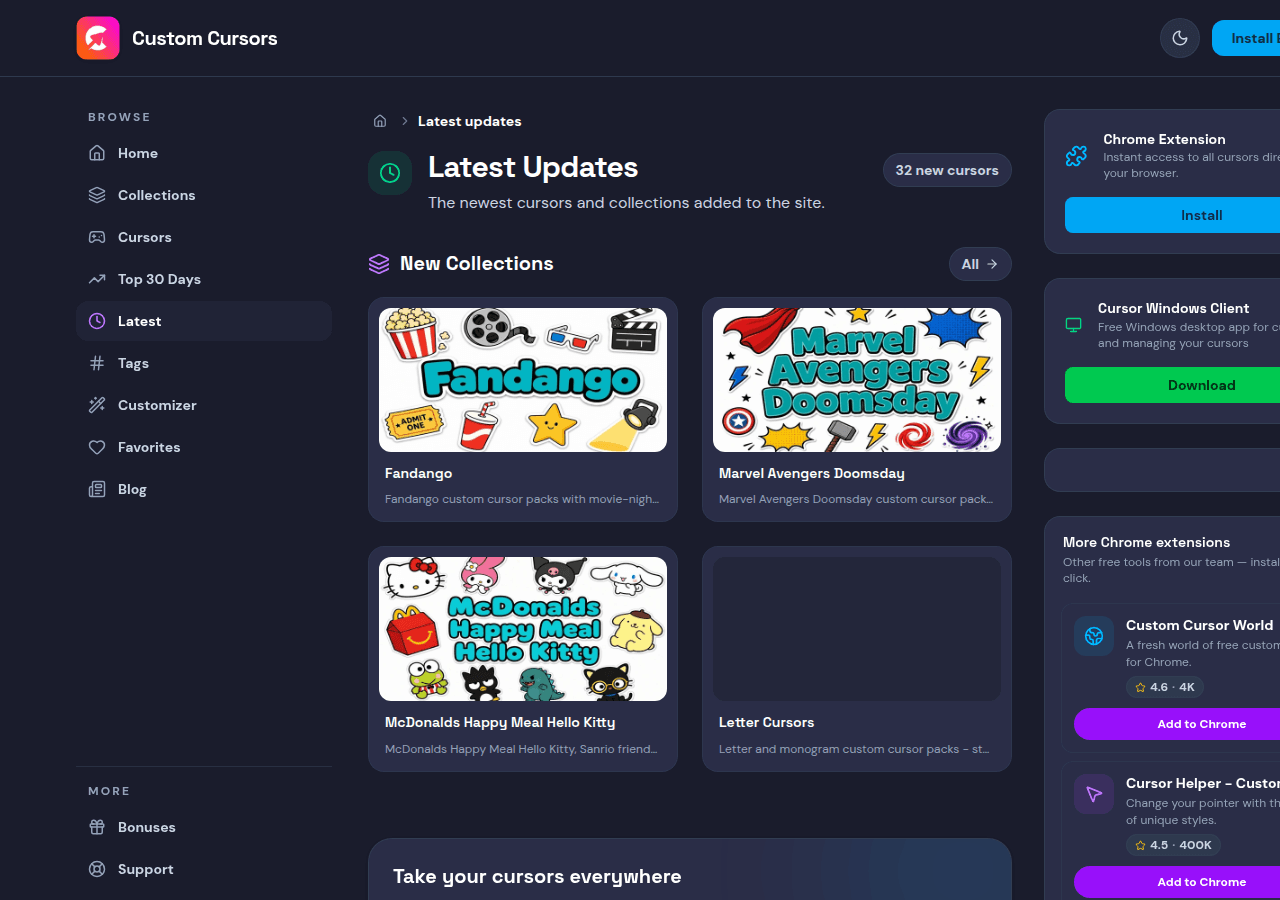
Custom Cursors Planet has a separate Latest page dedicated to new arrivals.
It lets you follow recently added designs and collections. The page also has a Latest Updates block that shows new work.
Another way to find popular options is the Top 30 Days section. It is meant for browsing cursors that received the most downloads over the last 30 days.
That way, a user can choose not only by theme, but also by how current or popular a design is.
Custom Cursor Pro - extension for Google Chrome
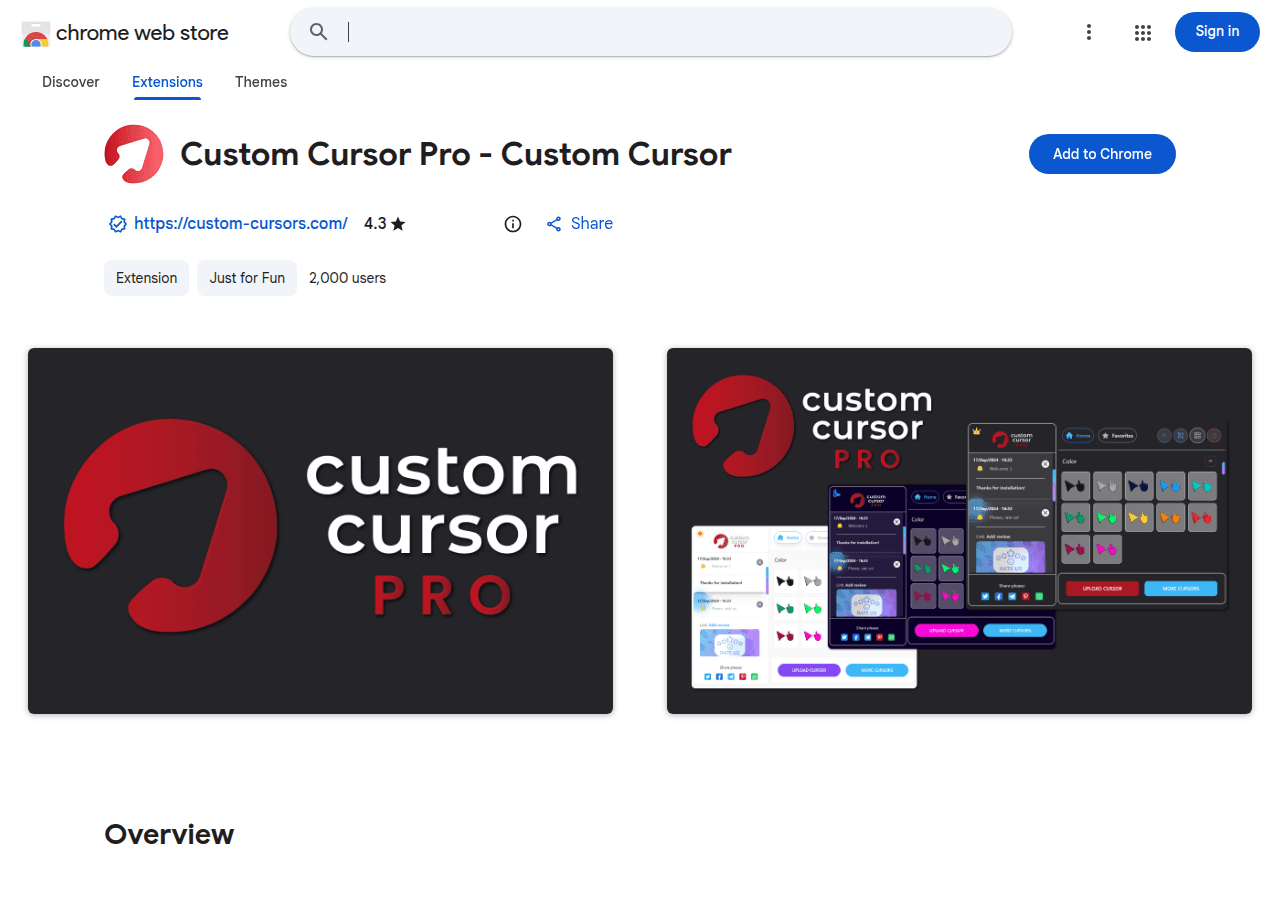
For anyone who wants to change the look of the cursor while working in the browser, the Chrome Web Store page offers the Custom Cursor Pro - Custom Cursor extension.
The store listing states that the extension was created by the owner of custom-cursors.com. It belongs to the "Just for Fun" category and is intended for personalizing the cursor in Chrome.
The core idea is simple: replace the standard mouse pointer with another design from the extension's library. The description mentions both static and animated options.
Among themes the developer highlights in the extension description:
- Game cursors - video game themed cursors;
- Anime cursors - anime designs;
- Cartoon cursors - cartoon characters;
- Meme cursors - memes;
- 3D cursors - dimensional stylized designs;
- Cute cursors - cute options, including for cat fans;
- Minimalist designs - minimalist cursors.
The developer also states that new designs are added daily.
Main features of Custom Cursor Pro
1. Library of ready-made cursors
A user can open the extension library and choose a design they like. This is the simplest way to change the standard pointer look without creating graphics yourself.
2. Animated designs
The extension description separately emphasizes animated cursors. They add motion and visual effects to the ordinary pointer.
3. Custom Cursor Pro - Creator
Creator is meant for making your own cursor by uploading an image from your computer. This option is for people who want to use more than ready-made designs from the library.
4. Custom Cursor Pro - Constructor
Constructor lets you combine elements to assemble your own cursor design. That approach lets you experiment with different parts instead of using a single ready-made image.
5. Free access
In the Chrome Web Store listing the developer states that the collection is available for free. At the same time, the same description includes an important clarification: the extension shows ads inside its interface, including in the popup.
How to install Custom Cursor Pro
The installation process is standard for Chrome extensions:
- Open the official Custom Cursor Pro page in the Chrome Web Store.
- Click the button to install the extension.
- Confirm adding it to the browser if Chrome asks you to do so.
- After installation, open the extension through its icon on the browser toolbar.
- Go to the library and choose a cursor design.
That general usage order is described by the developer in the extension listing: install the extension, open the library, and choose the design you need.
Important limitation: where the cursor will not work
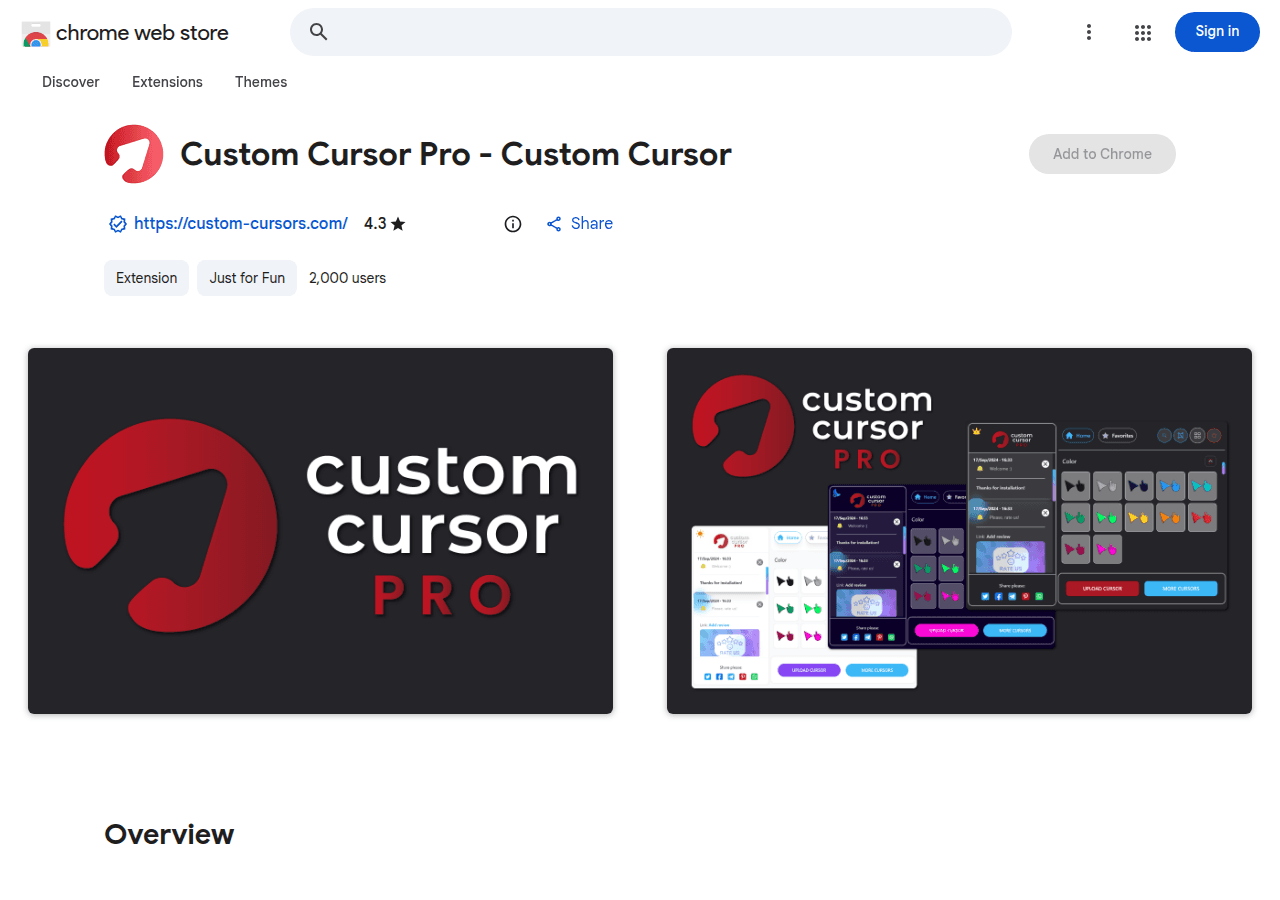
In the Chrome Web Store listing the developer separately warns about Google Chrome limitations.
The extension does not work on these pages:
- Chrome Web Store;
- internal browser settings pages.
According to the developer, on most other sites the user will be able to use the selected cursor. So if after installation the pointer does not change on the extension store page or Chrome settings pages, that does not necessarily mean an installation error.
Extension data
At the time of checking, the Chrome Web Store listing showed these details:
- Name: Custom Cursor Pro - Custom Cursor;
- Version: 5.3.1;
- Size: 298 KiB;
- User count: about 2,000;
- Rating: 4.3 out of 5;
- Number of ratings: 24;
- Last update date shown in the store: 3 September 2026;
- Number of languages: 55.
These figures can change over time, so treat them as information from the moment the page was viewed.
Link: https://chromewebstore.google.com/detail/custom-cursor-pro-custom/lnomgbjjbdkllphjiilieifkbiohlpah
Creating your own cursor: Customizer
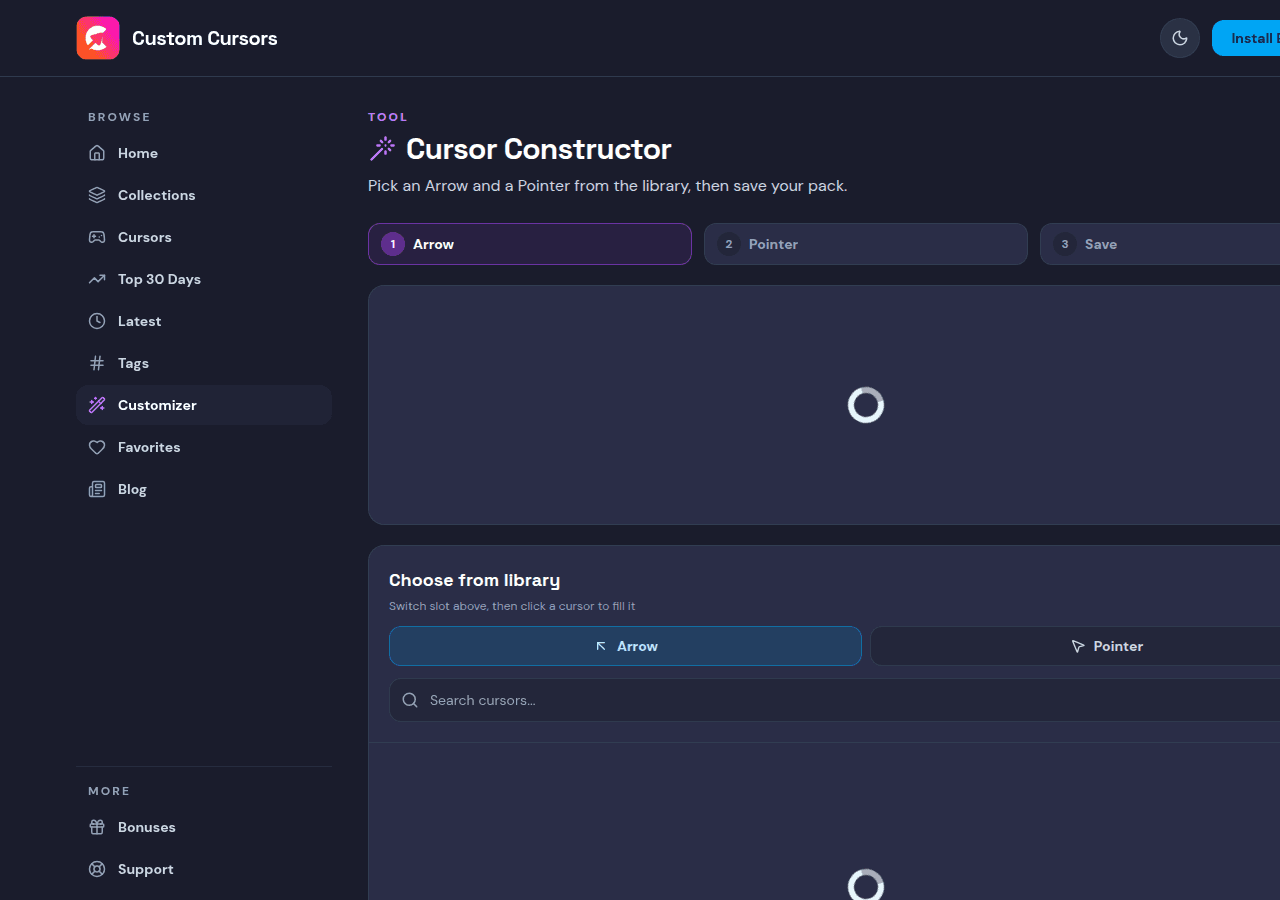
Custom Cursors Planet offers not only a ready-made library, but also a tool for combining cursor elements - Cursor Constructor.
How it works is described on the tool page: the user chooses a base, adds the needed elements, and saves the result.
The constructor provides two fields:
- Arrow Cursor - the main arrow cursor;
- Pointer Cursor - the pointer cursor used for the matching action.
First activate the field you need, then choose a design from the list. After setup you can use the Add to Extension button.
This is useful if you want to create your own combination from ready-made elements instead of simply installing one of the offered sets.
Windows: cursors beyond the browser
Custom Cursors Planet also states Windows support. On the site homepage there is a separate Cursor Windows Client block, described as a free program for setting up and managing cursors on a computer.
In the FAQ the site explains that the simplest way to install a cursor on Windows is to use the official Windows client. Manual installation through mouse settings in Control Panel is also mentioned.
This is an important difference between the browser extension and the Windows program:
- the extension is meant to change the cursor while browsing web pages in Chrome;
- the Windows client is meant to set the cursor at the operating system level.
The site places download links for the client in its sections. Before installing, go through the link from the official site, and also check that the program is compatible with your version of Windows.
Free cursors and VIP options
On pricing, the site emphasizes free access, but there is a nuance.
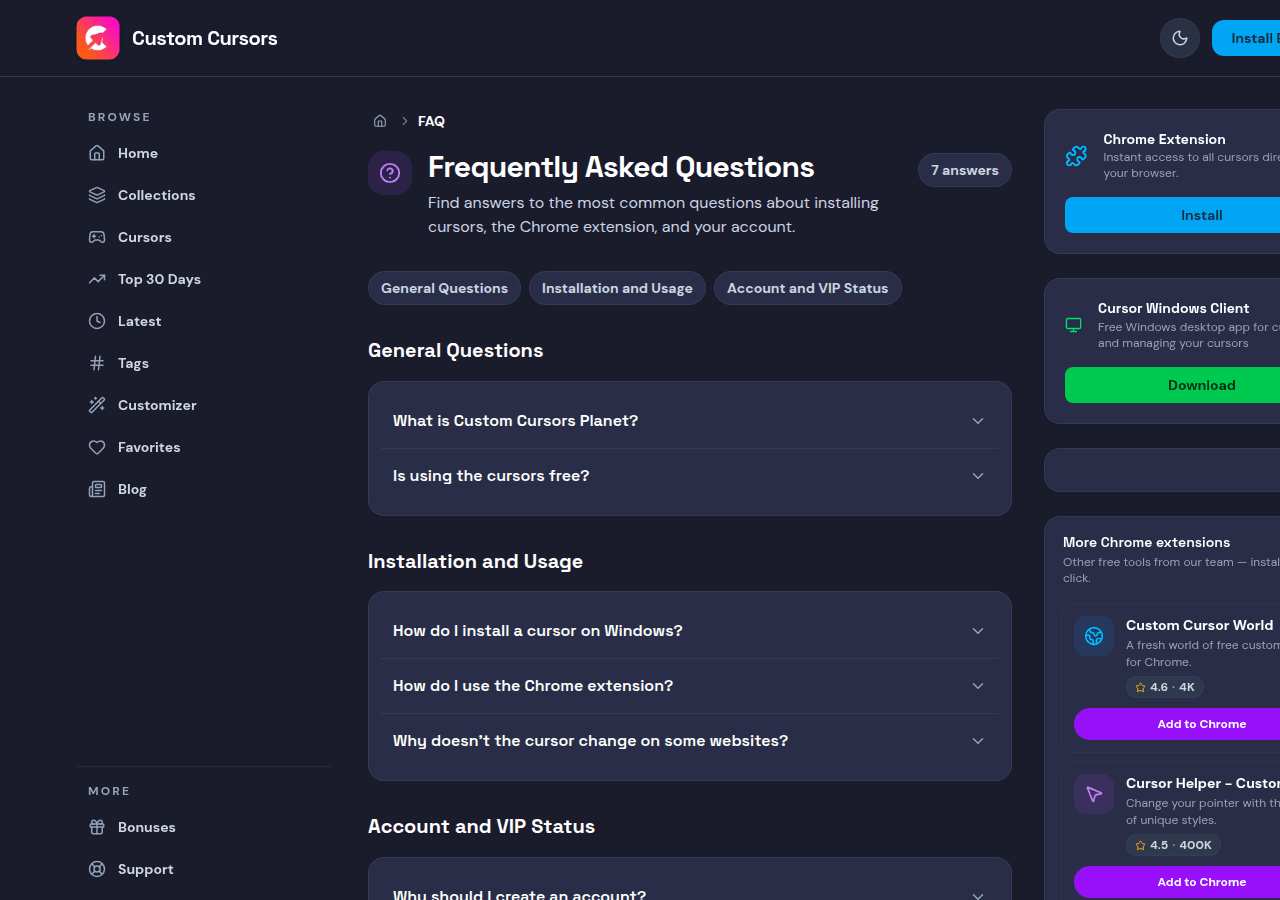
In the Custom Cursors Planet FAQ it is stated that most cursors and collections are free for personal use. At the same time, the platform offers exclusive sets for VIP members.
The page also describes VIP status benefits:
- access to exclusive premium collections;
- a special profile badge;
- early access to new content.
So it is more accurate to say not that absolutely all site content is free, but that the main part of the library is available without payment, while VIP options are provided for some materials.
More detail: https://custom-cursors.com/faq
Account, favorites, and your own collection
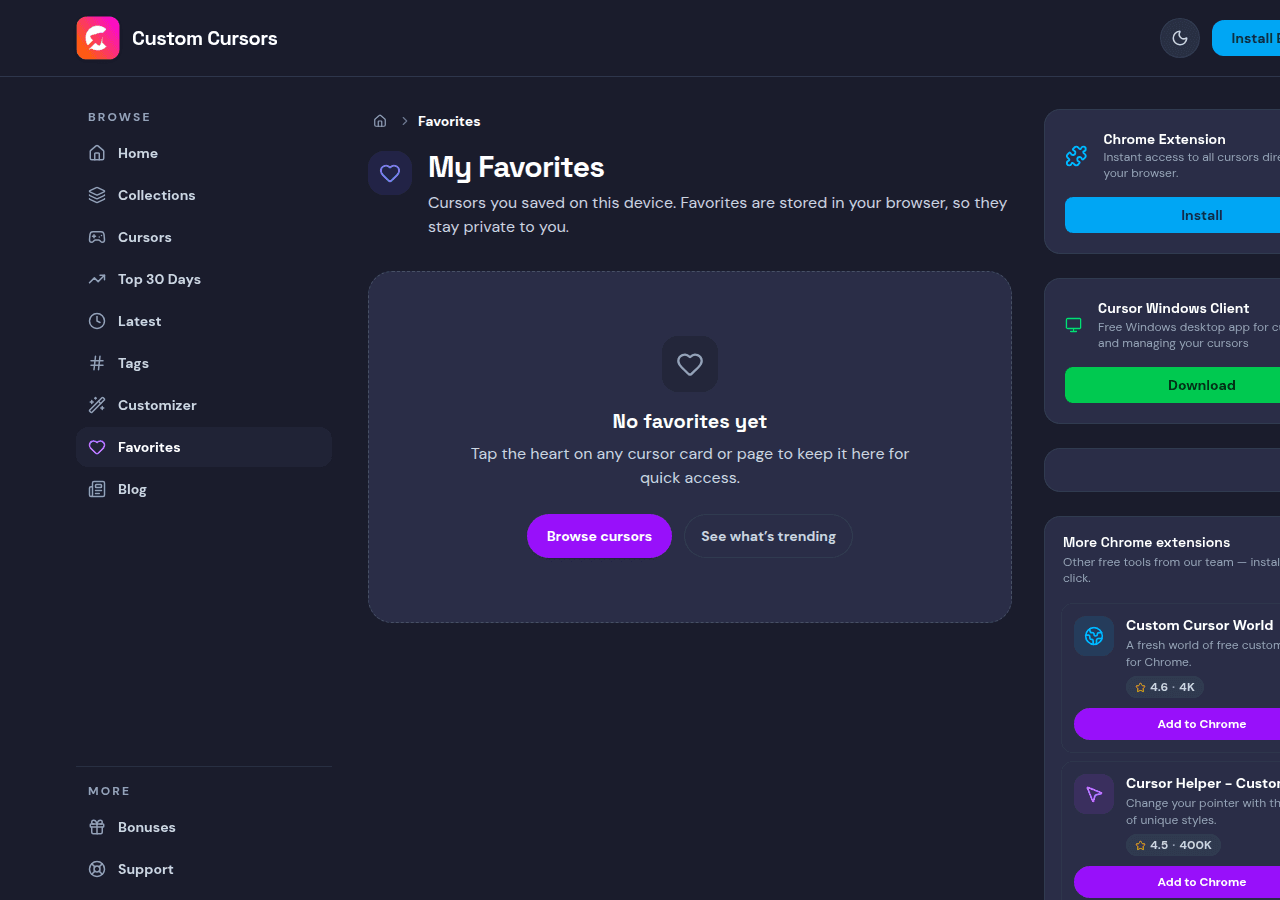
The site has a Favorites section, and the FAQ explains the benefit of creating an account.
According to the platform, an account lets you:
- create your own selection of favorite cursors;
- track download history;
- get access to creative tools.
That can be convenient for people who often change their look or want to save interesting finds to return to later.
A separate Favorites section is dedicated to saved options.
Transparency, copyright, and privacy
Before using the platform, it is worth paying attention to a few official explanations.
Site pages state that materials are user-generated content uploaded by third parties. Custom Cursors Planet says it does not create, endorse, or take responsibility for all content uploaded by users.
The site also stresses that product names, logos, characters, brands, and trademarks belong to their respective owners. Using them on the platform does not mean official cooperation or endorsement by those owners.
Regarding the Custom Cursor Pro extension, in the Chrome Web Store the developer states that they do not collect or use user data. That is the developer's own declaration as shown in the store, not an independent audit.
One more point: the extension listing directly notes advertising in the interface. So users who do not want to see ad elements in the extension window should take that into account before installing.
Strengths of Custom Cursors Planet
If we summarize the platform's capabilities, several strong points stand out:
Large catalog. The site has thousands of cursors, and the catalog includes search and filters.
Theme variety. You can find designs with games, anime, cartoons, memes, cars, animals, and abstract graphics.
Themed collections. Collections let you browse cursors by a shared theme.
New arrivals. A separate Latest page helps you follow new designs.
Tools for your own cursors. Customizer lets you combine ready-made elements, and the extension description also mentions Creator for uploading your own image.
Different ways to use them. The site offers a browser extension and a Windows client.
Free foundation. Most cursors, according to the FAQ, are available free for personal use.
What to consider before installing
There are also a few nuances:
- the extension does not change the cursor on Chrome Web Store pages and internal browser settings pages;
- the site has VIP options, so not all content is necessarily available for free;
- the extension shows ads in its interface;
- some designs are user-generated content, and the site does not claim official affiliation with owners of third-party characters and brands;
- cursor counts, ratings, and other figures can change.
These details do not cancel out the usefulness of the platform, but they help form a realistic picture of what it can do.
Conclusion: is Custom Cursors Planet worth trying?
Custom Cursors Planet is a platform for people who want to make the mouse cursor a more noticeable part of their computer look. It combines a catalog of ready-made designs, themed collections, a new-arrivals page, and a tool for creating your own combinations.
The Custom Cursor Pro - Custom Cursor extension complements the site by letting you change the pointer directly in Google Chrome. Its library includes different styles, including game, anime, cartoon, meme, 3D, and minimalist options. The extension listing also mentions Creator and Constructor.
The platform can be interesting for people who like personalizing the browser, often change their workspace look, or want to try creating their own cursor. At the same time, before installing it is worth remembering Chrome limitations, ads in the extension interface, and the presence of VIP content on the site.
If you want to explore the catalog, start with the official Custom Cursors Planet site. And to change the cursor in Chrome, go to the Custom Cursor Pro page in the Chrome Web Store.
Official links
- Site: https://custom-cursors.com/
- All cursors: https://custom-cursors.com/cursors
- Collections: https://custom-cursors.com/collections
- New cursors: https://custom-cursors.com/latest
- Constructor: https://custom-cursors.com/customizer
- FAQ: https://custom-cursors.com/faq
- About the project: https://custom-cursors.com/about
- Custom Cursor Pro extension: https://chromewebstore.google.com/detail/custom-cursor-pro-custom/lnomgbjjbdkllphjiilieifkbiohlpah
When you are done exploring, continue browsing our blog for more browser customization tips.